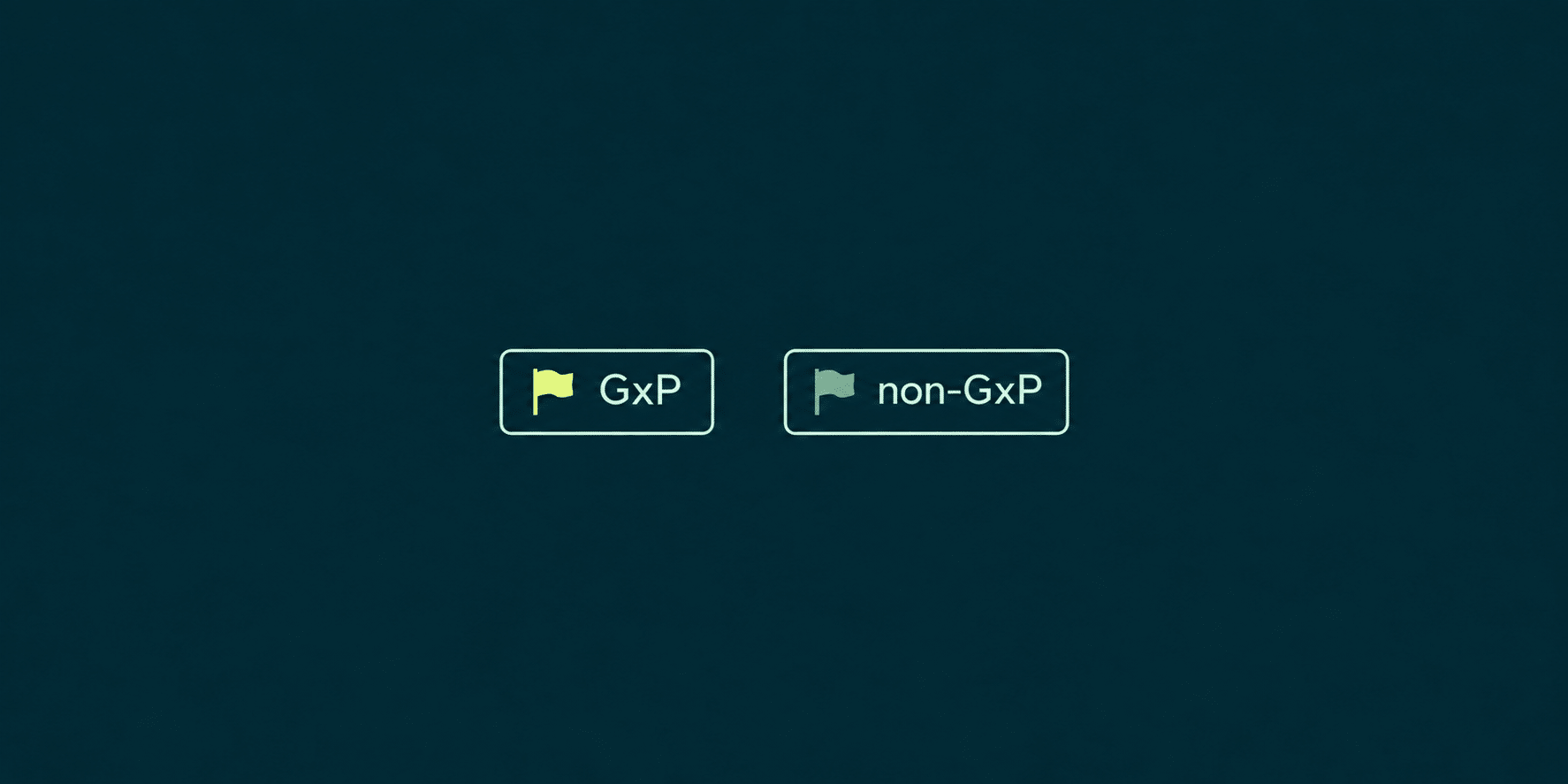
What it does
Make display designations visible
Watermark adds a configured visual marking to PI Vision displays, helping users recognize an organizational designation such as the intended purpose or approved-use status of a view. It makes that designation visible where the display is used and discussed.
The value is clear visual identification within an established governance process. A marking communicates the designation selected by the organization, helping people recognize the intended view; the organization's review and approval process determines what that designation means.
Why it helps
Similar-looking dashboards can have different roles within an organization. A visible identifier helps users distinguish views designated for particular operational or review purposes, supporting consistent use as part of the organization's established display-management and approval processes.
At a glance
Where it can help
Put it to work.
Illustrative use cases to help you explore the possibilities.
Pharma operations
An organization marks displays designated for use within its validated environment. The visible identifier helps operators recognize those views during production and review, alongside the approval and maintenance processes that establish the designation.
Engineering teams
Draft or review dashboards carry a designation that distinguishes them from views intended for routine operational use. Teams can recognize the context when discussing a display or sharing it with colleagues.
Multi-team reporting
A group of dashboards carries a consistent designation for a defined monitoring or reporting purpose. The marking gives users a visible cue when several similar displays exist, helping reduce ambiguity about which view they are using.
Ask Amitec about compatibility, configuration and any integration requirements for your environment.
Keep exploring
Related capabilities.
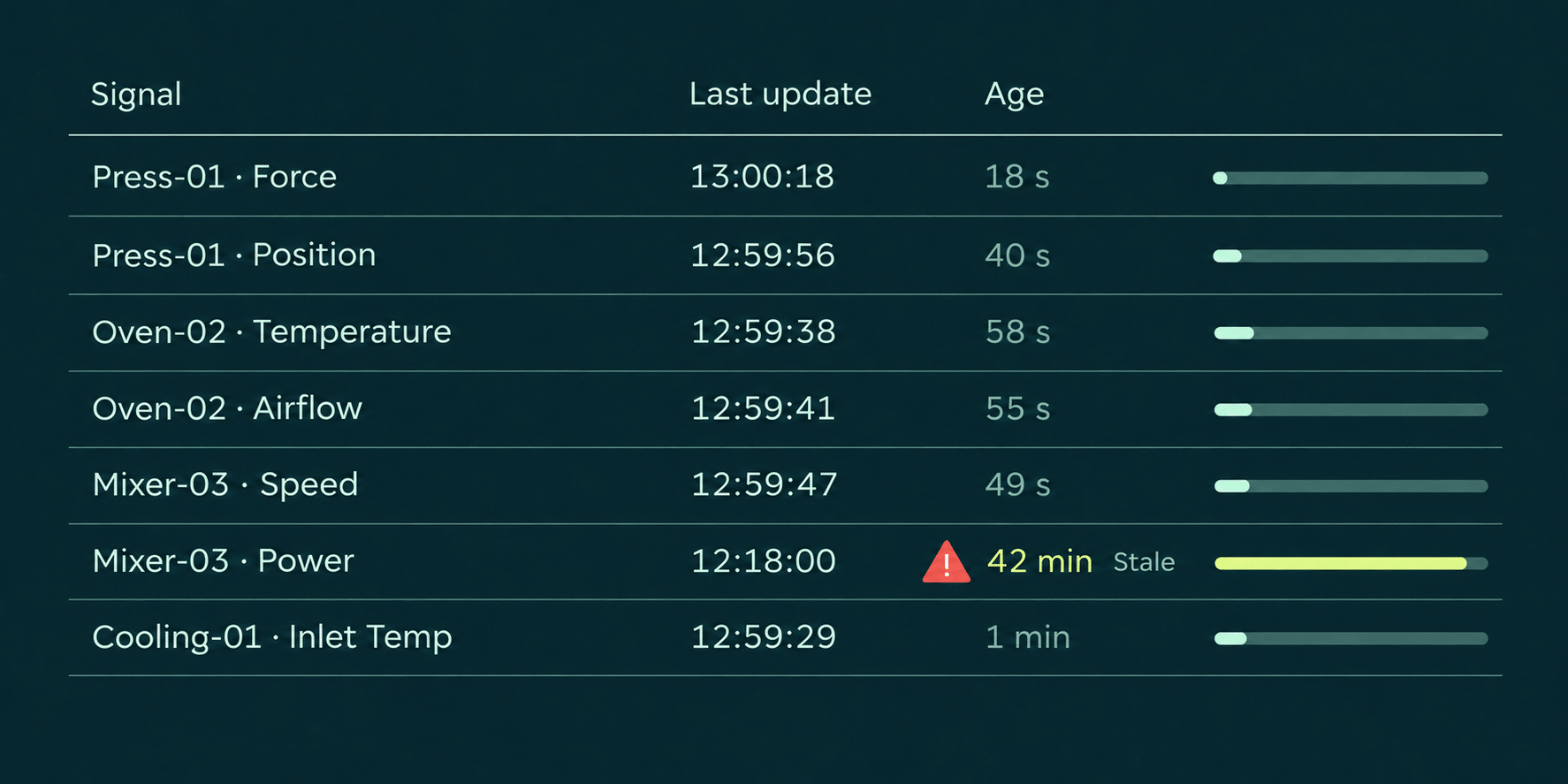
StaleChecker flags supported display values that exceed configured freshness thresholds, helping users notice potential data-update issues.
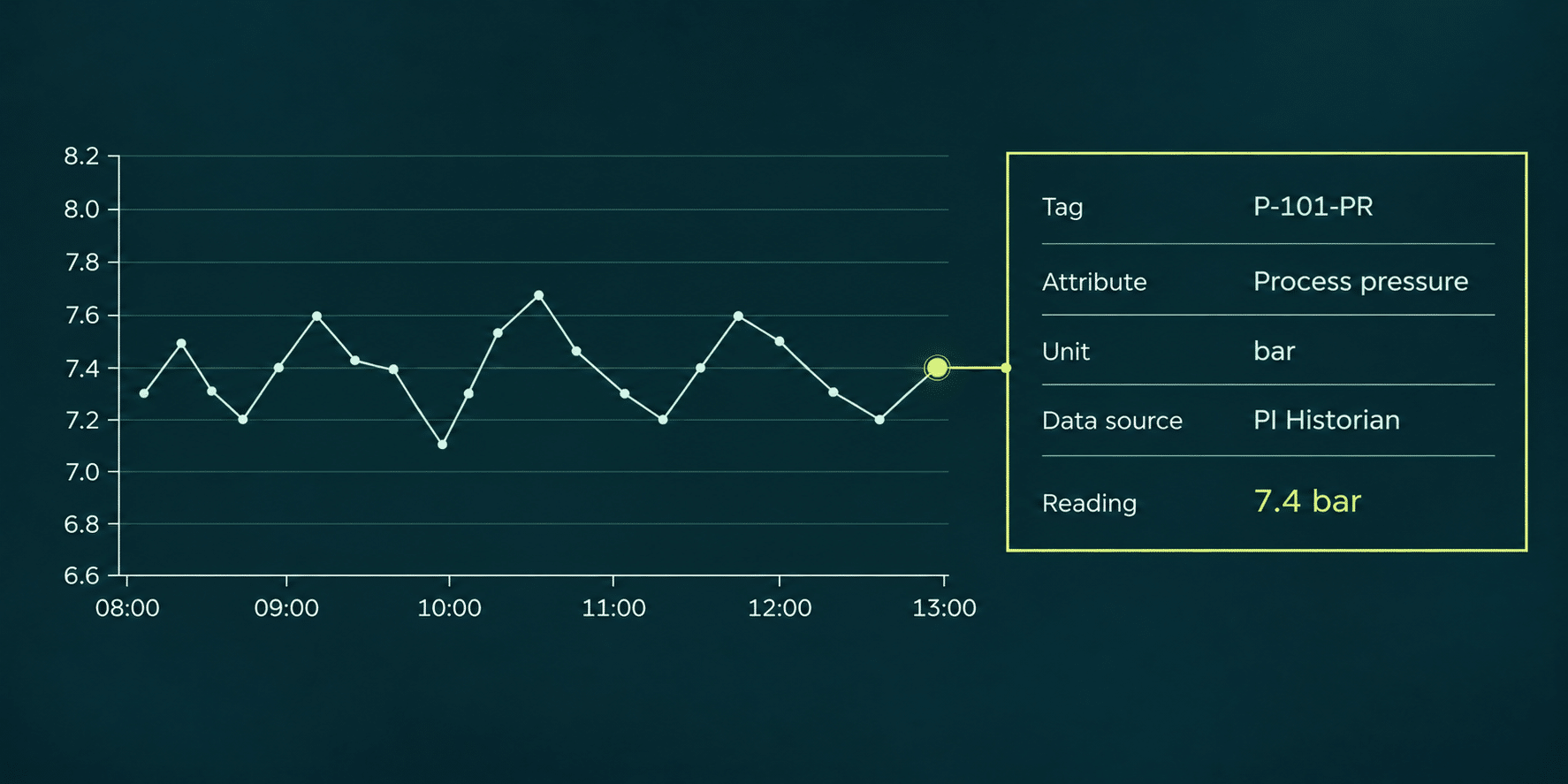
Properties exposes available tag and attribute details within PI Vision, helping users check the source and context of a measurement.
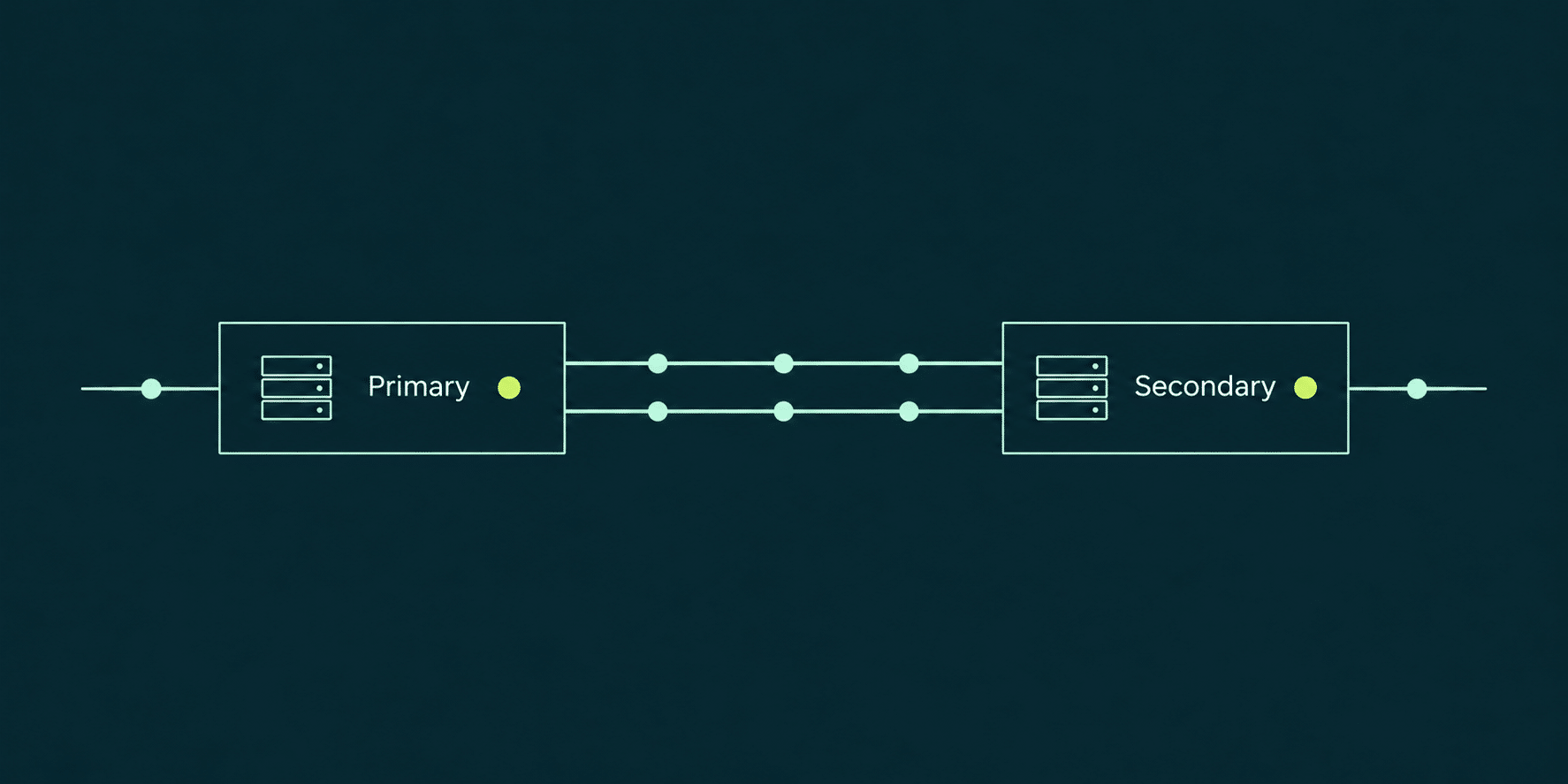
High Availability supports automatic recovery of PI Vision displays after supported interruptions, reducing the need for manual reloads.