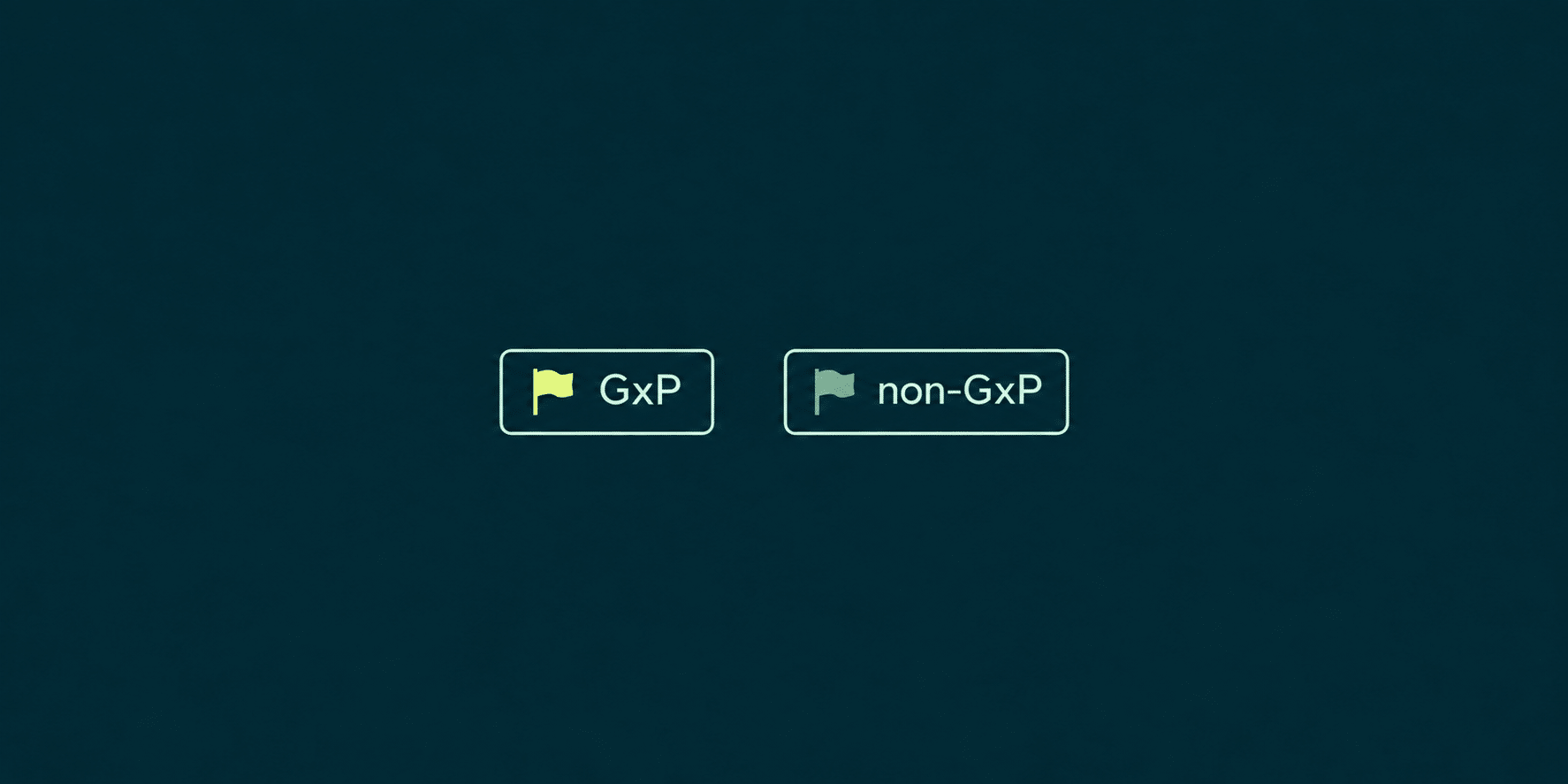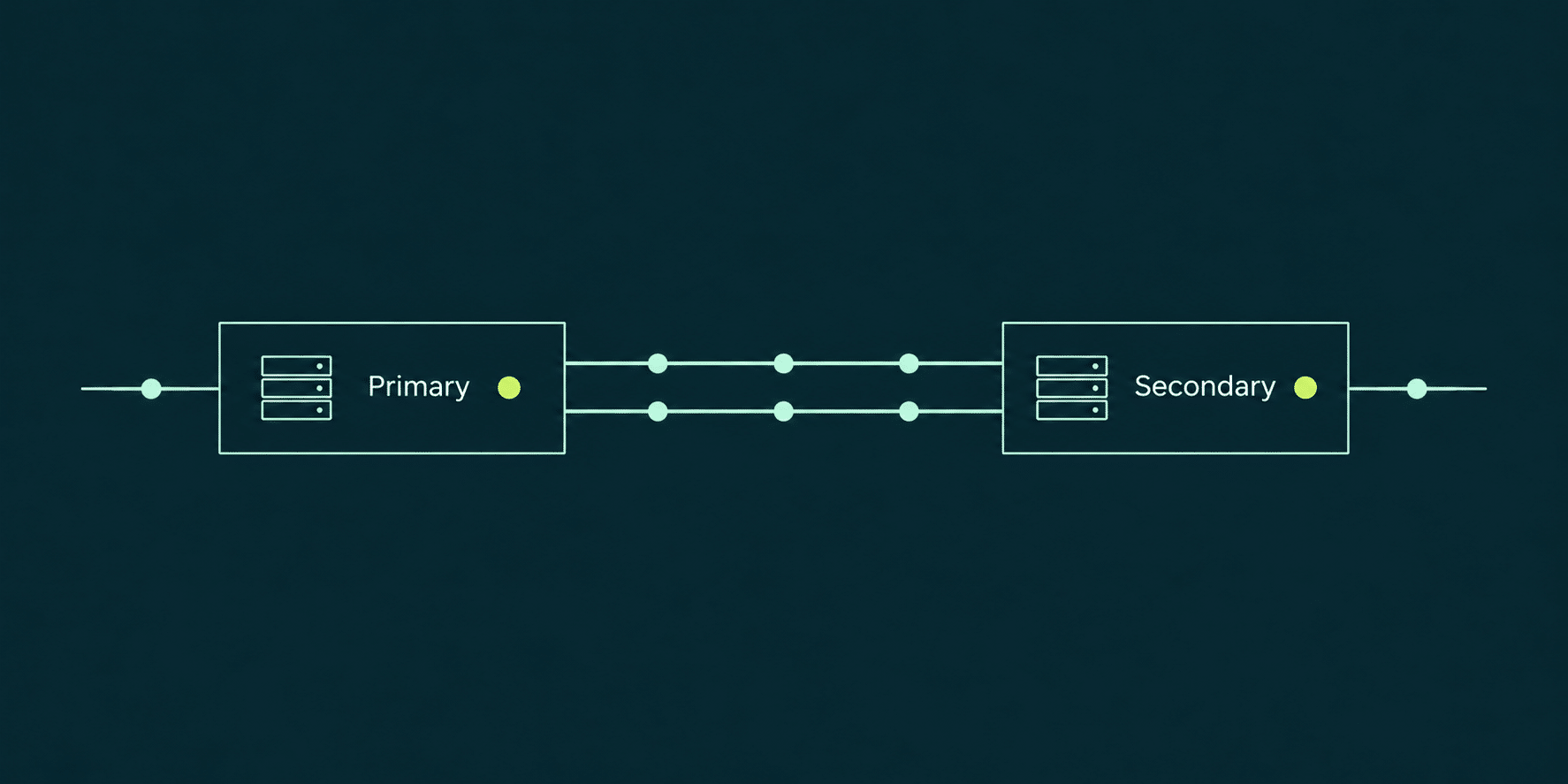
Capability illustration. See the actual product and workflow in a demo.
What it does
Help monitoring screens recover with less intervention
High Availability monitors PI Vision display interruptions and supports automatic recovery for the conditions it handles. When a recoverable interruption affects a display, the recovery process helps restore the monitoring view with less need for operators or IT staff to reload the screen manually.
This makes the feature useful for displays that run for long periods without someone actively managing the browser. The value lies in reducing avoidable recovery work and helping restore a shared monitoring view when an interruption can be recovered automatically.
Why it helps
Shared dashboards are less useful when an interruption leaves them waiting for manual attention. Recovery support helps reduce that disruption and the work of bringing screens back into use once the underlying services are available, particularly in control rooms and on unattended production wallboards.
At a glance
Where it can help
Put it to work.
Illustrative use cases to help you explore the possibilities.
Power generation control rooms
Shared overview screens run throughout the shift. Following a recoverable connection interruption, automatic display recovery can reduce the need for an operator to manually reload each affected view and re-establish the monitoring layout.
Manufacturing wallboards
Supervisors rely on unattended production displays across the shop floor. Automatic recovery helps restore those views after supported interruptions, reducing routine screen-management work when the underlying data services become available again.
Remote facilities
Monitoring workstations operate where local staff have limited time to manage browser sessions. Recovery support helps reduce manual reload tasks and makes it easier to return the operational overview to use after recoverable interruptions.
Ask Amitec about compatibility, configuration and any integration requirements for your environment.
Keep exploring
Related capabilities.
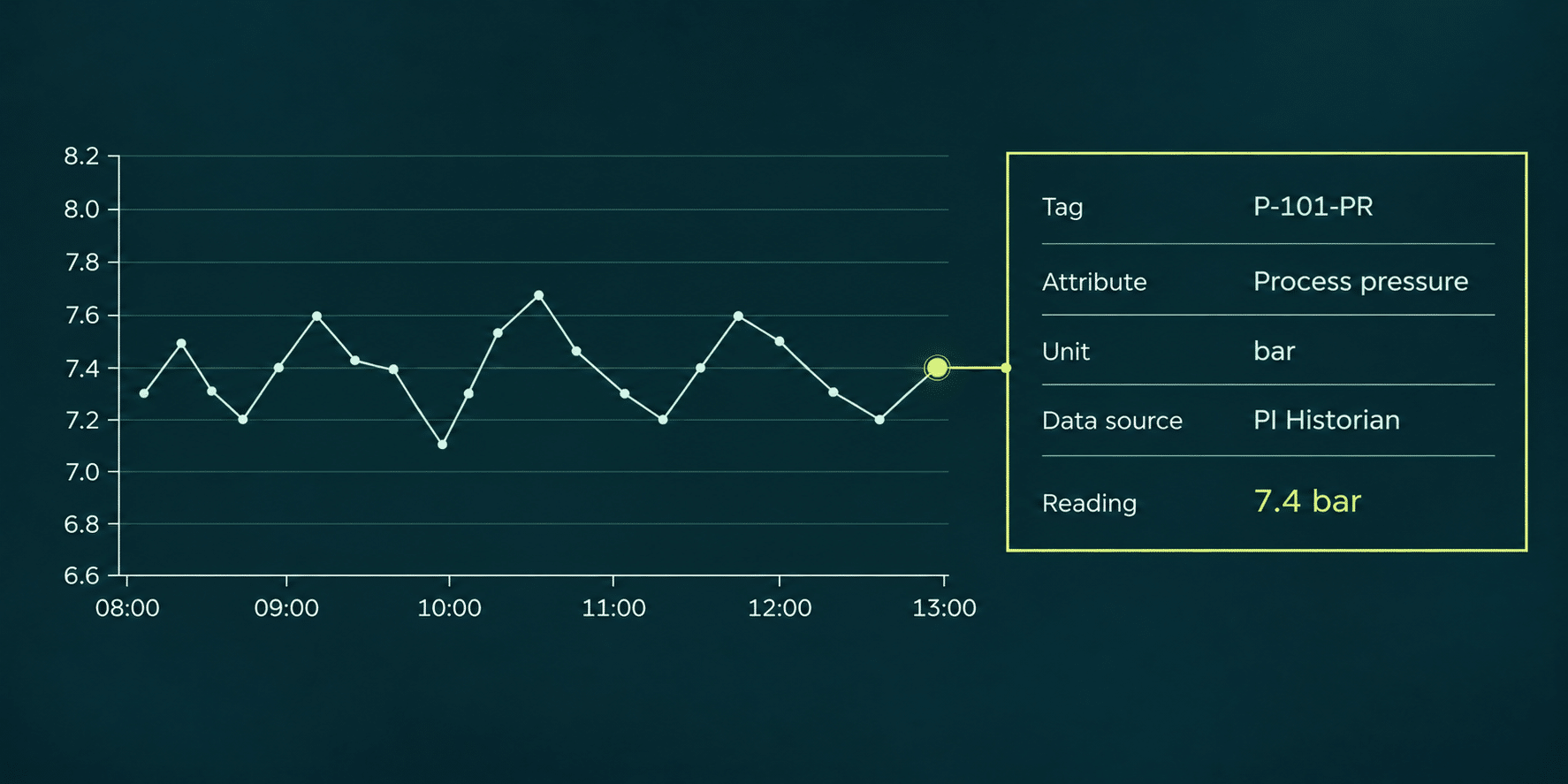
Properties exposes available tag and attribute details within PI Vision, helping users check the source and context of a measurement.
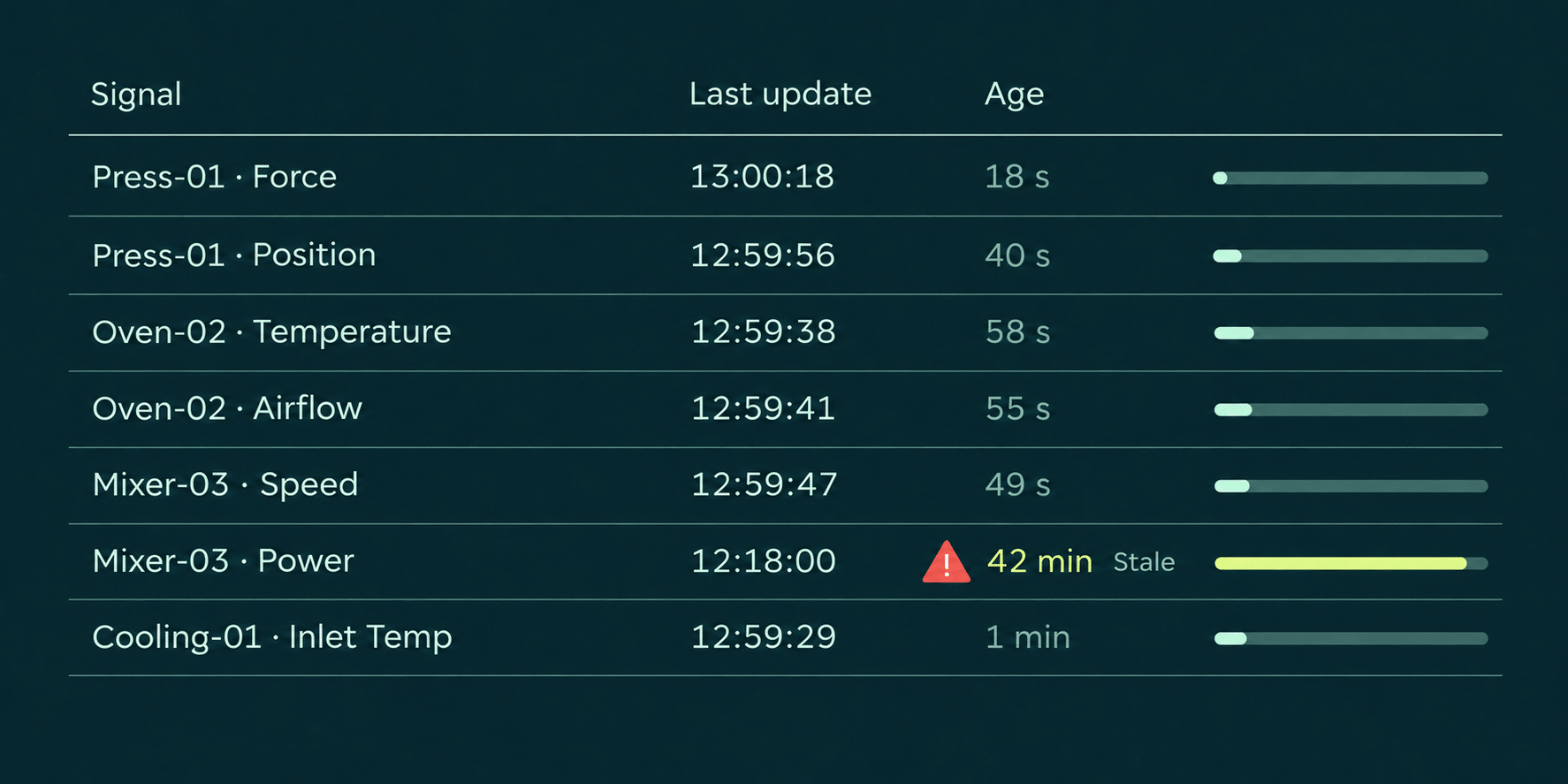
StaleChecker flags supported display values that exceed configured freshness thresholds, helping users notice potential data-update issues.