Capability illustration. See the actual product and workflow in a demo.
What it does
Make potentially outdated values easier to spot
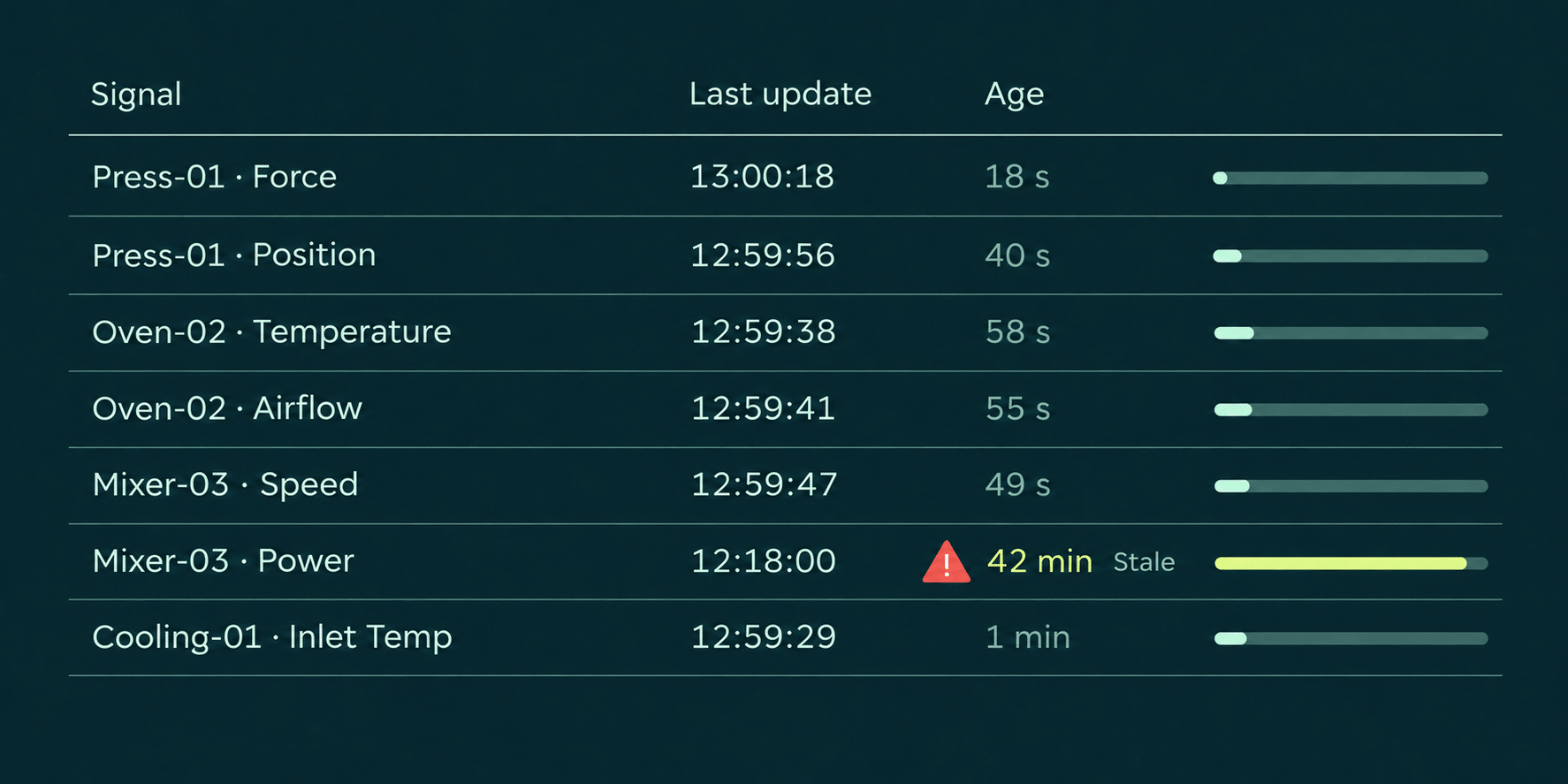
StaleChecker checks monitored display values against a configured expectation for data freshness and identifies readings that exceed that threshold. It makes potentially outdated values easier to recognize in the operational view, giving users a cue that further checking may be needed.
Freshness is one part of understanding a measurement. By making potential update delays visible, StaleChecker helps teams recognize when a plausible reading needs further checking and direct their investigation toward the affected signal, equipment, or data connection.
Why it helps
A plausible number can remain on screen after updates stop, making a potential data issue easy to overlook. Freshness checks help teams question those readings and investigate the relevant signal or connection before relying on the displayed value to explain current operating conditions.
At a glance
Where it can help
Put it to work.
Illustrative use cases to help you explore the possibilities.
Renewable operations
A team monitors production signals from distributed sites. Values exceeding their configured freshness thresholds are flagged, helping operators identify readings to check before using them to explain current portfolio performance.
Cold storage
Operators see a temperature reading that may no longer be updating. The freshness cue gives them a reason to check the measurement and data path, rather than assuming that an unchanged displayed value reflects current room conditions.
Remote utilities
A control-room team watches telemetry from several stations. Freshness checks help locate potentially delayed readings so the team can focus its follow-up on the relevant station, connection, or signal and compare other available information.
Ask Amitec about compatibility, configuration and any integration requirements for your environment.
Keep exploring
Related capabilities.
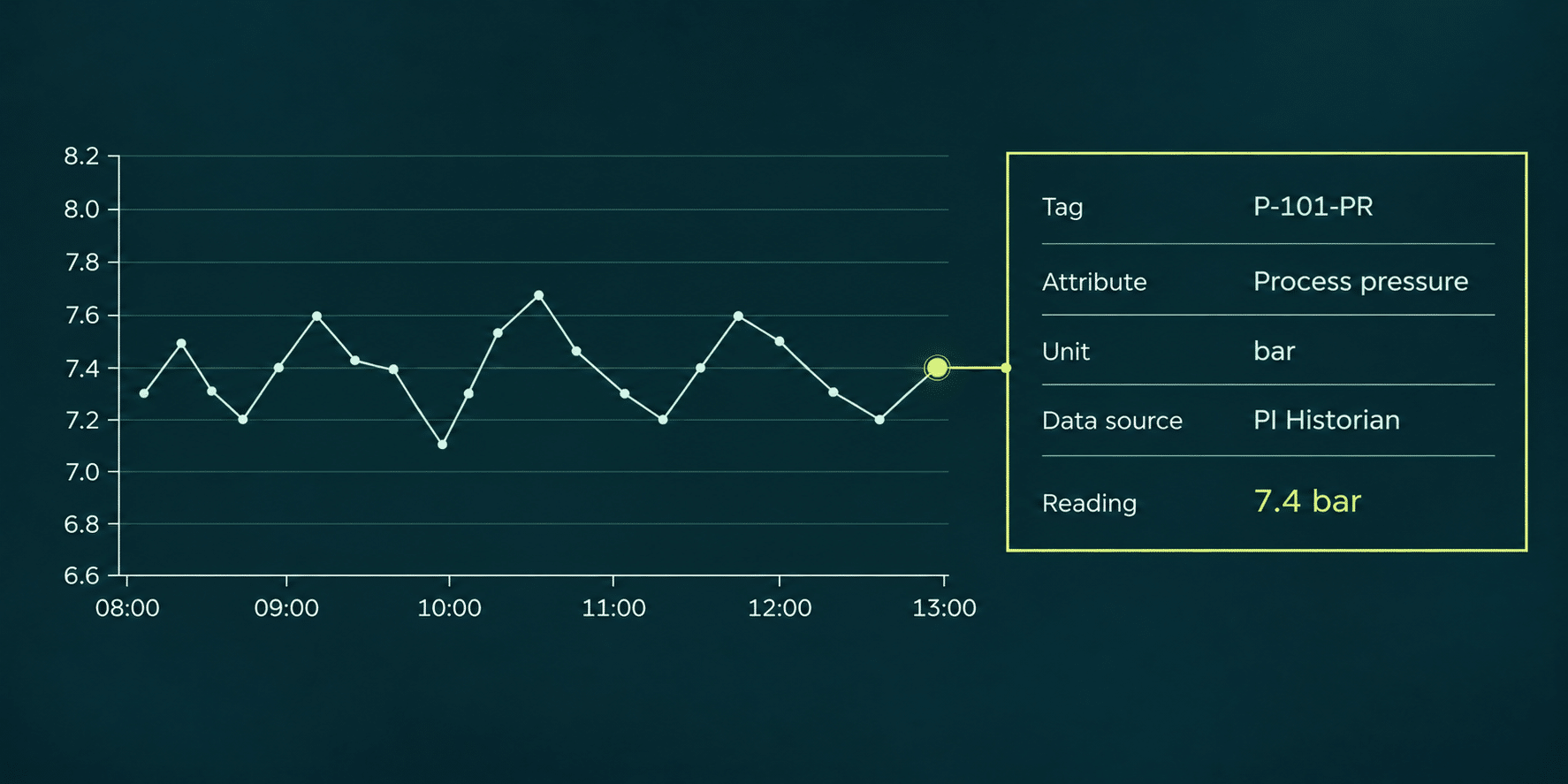
Properties exposes available tag and attribute details within PI Vision, helping users check the source and context of a measurement.
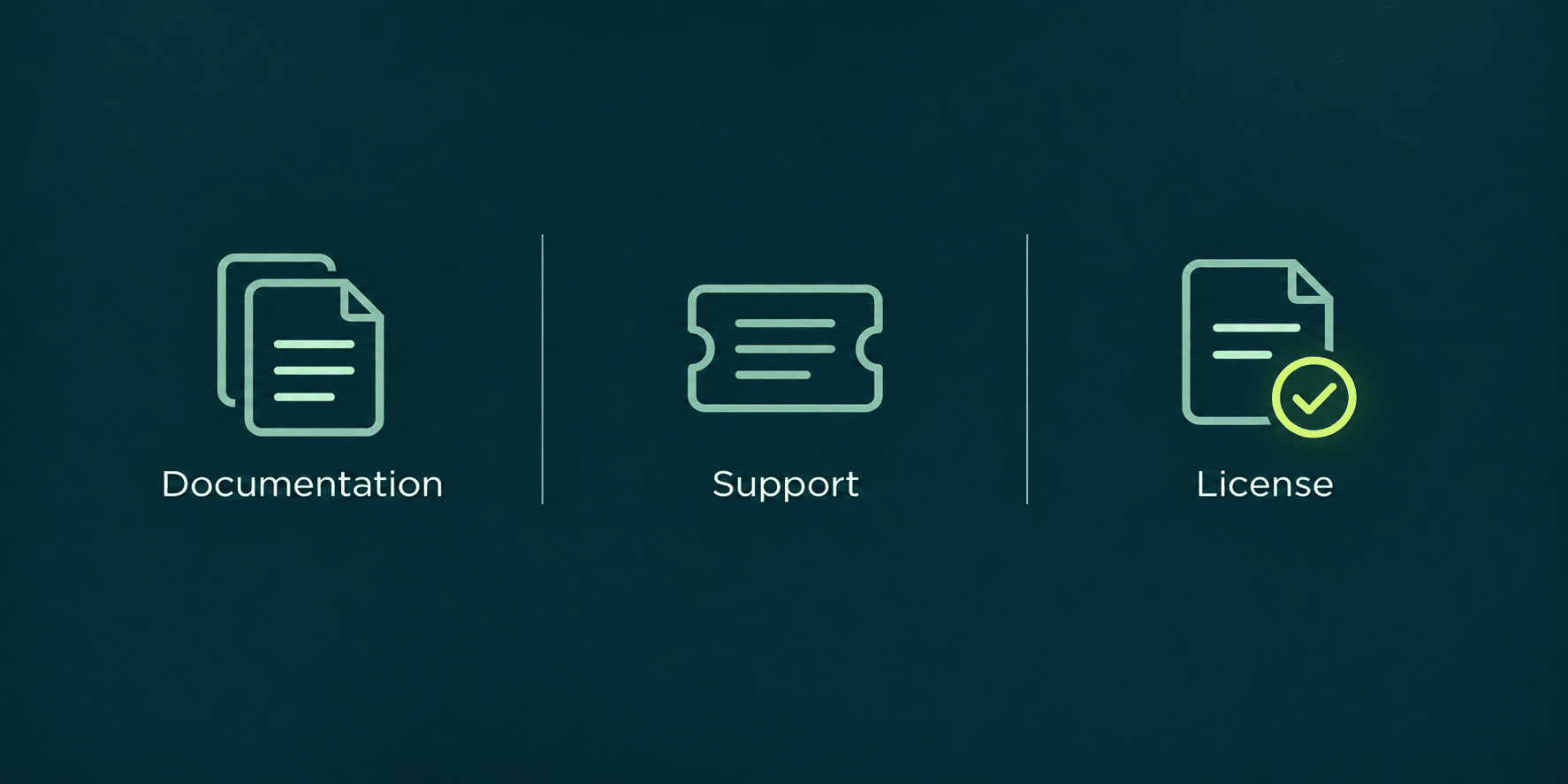
The Amitec PI Vision Suite overview brings version, licensing, documentation, and support resources together in one place.