What it does
Start the next investigation with your context
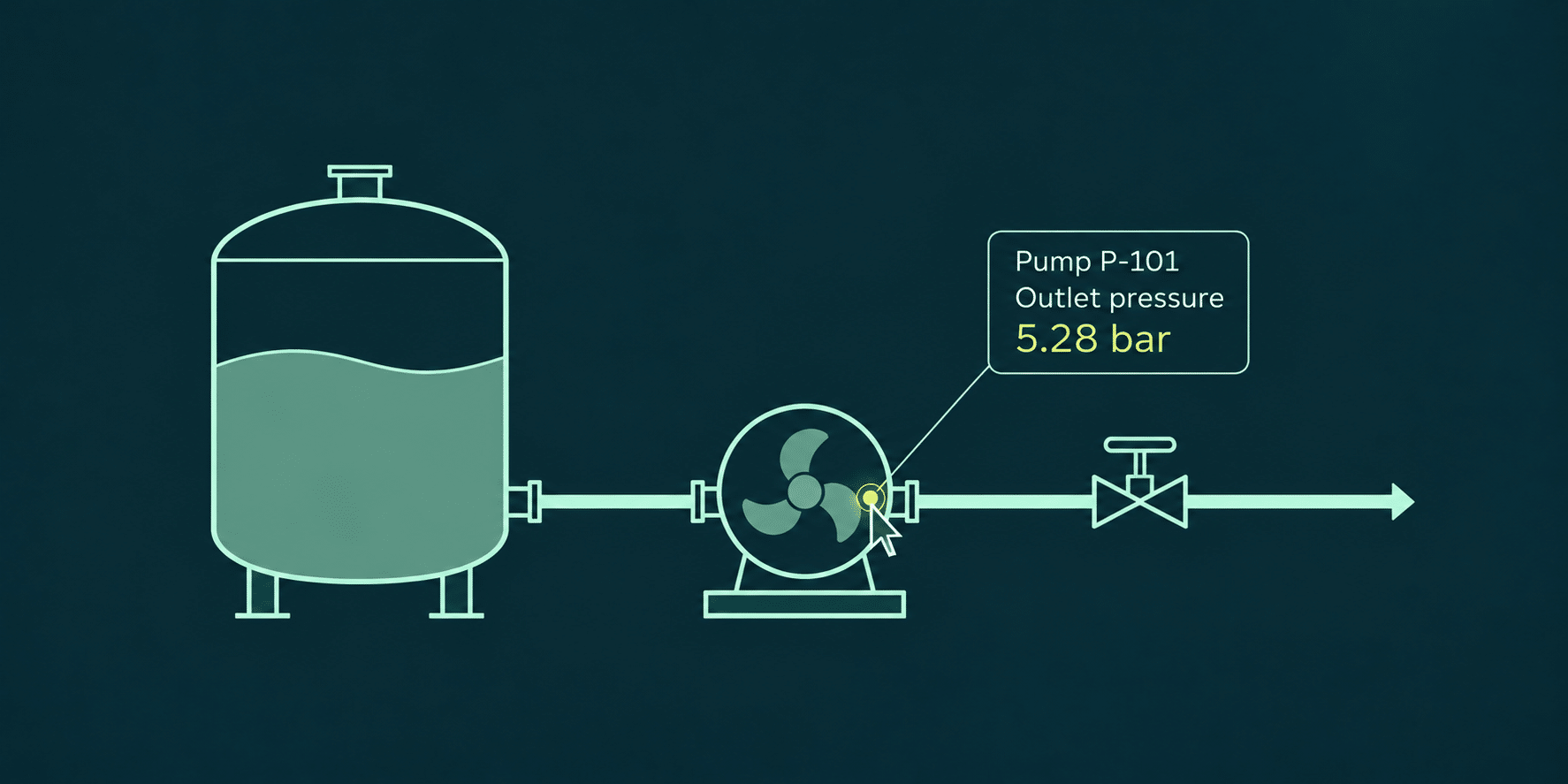
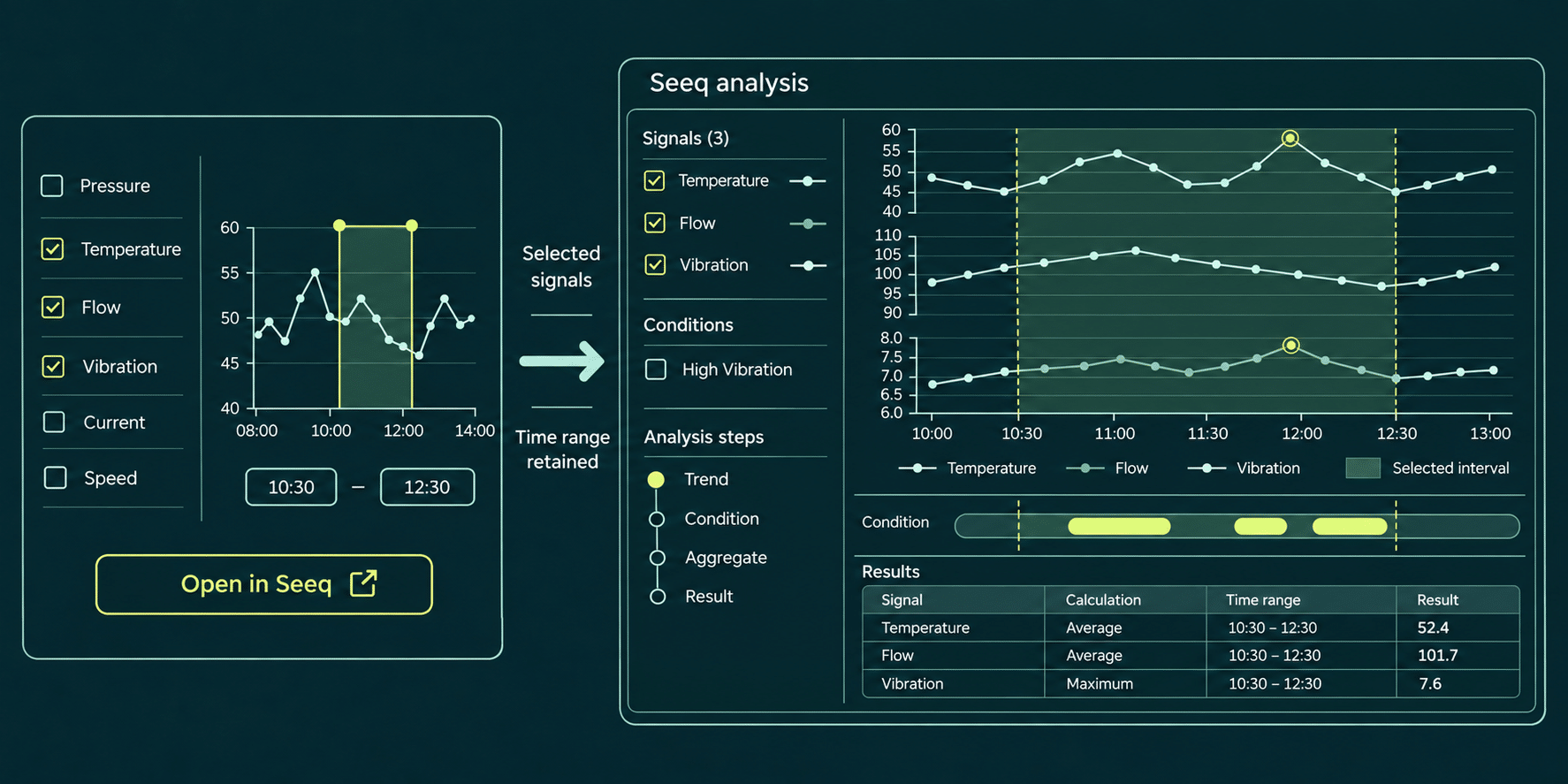
Seeq Ad-Hoc Analyzer starts a new Seeq analysis from a PI Vision display, transferring supported signal references and the selected time range. Users can move from the operational view into a new analytical investigation with relevant context already carried forward.
This tool serves a different role from embedding an existing Seeq view: it helps start a new investigation from the operational question. Carrying the relevant signals and time context forward reduces setup work before the analyst begins exploring the issue in Seeq.
It works with your existing Seeq installation, which needs its own Seeq license.
Why it helps
Finding the same measurements again in another application takes time and interrupts the transition from observation to analysis. Passing signal and time context reduces repeated setup, helping analysts spend more of the investigation on the process question that prompted it.
At a glance
Where it can help
Put it to work.
Illustrative use cases to help you explore the possibilities.
Process troubleshooting
An engineer launches Seeq while reviewing an unexplained pressure or flow change. Supported signal references and the display's time range give the new analysis a useful starting point, reducing repeated searching before the investigation begins.
Renewable performance
An analyst starts a Seeq investigation from the dashboard showing a production drop. Transferred context helps keep the analysis focused on the signals and period that prompted the question in the operational review.
Manufacturing quality
Teams move from a quality observation to a new Seeq analysis using relevant process signals from the display. Less setup is needed before exploring possible relationships and deciding which additional data should be brought into the investigation.
Ask Amitec about compatibility, configuration and any integration requirements for your environment.
Keep exploring
Related capabilities.
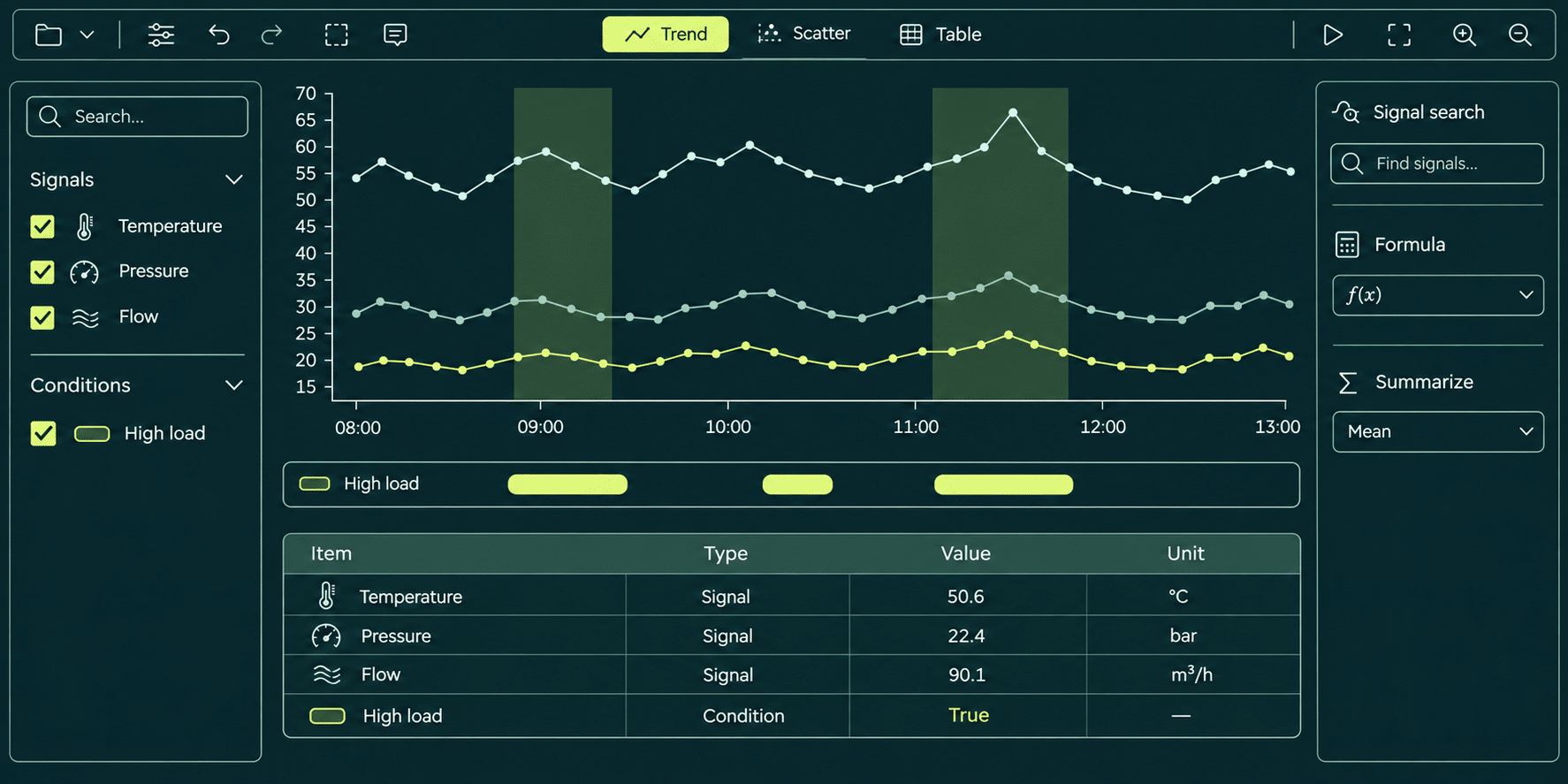
Seeq Visual Workbench embeds supported Seeq content in PI Vision, helping users review analytical findings alongside operational data.
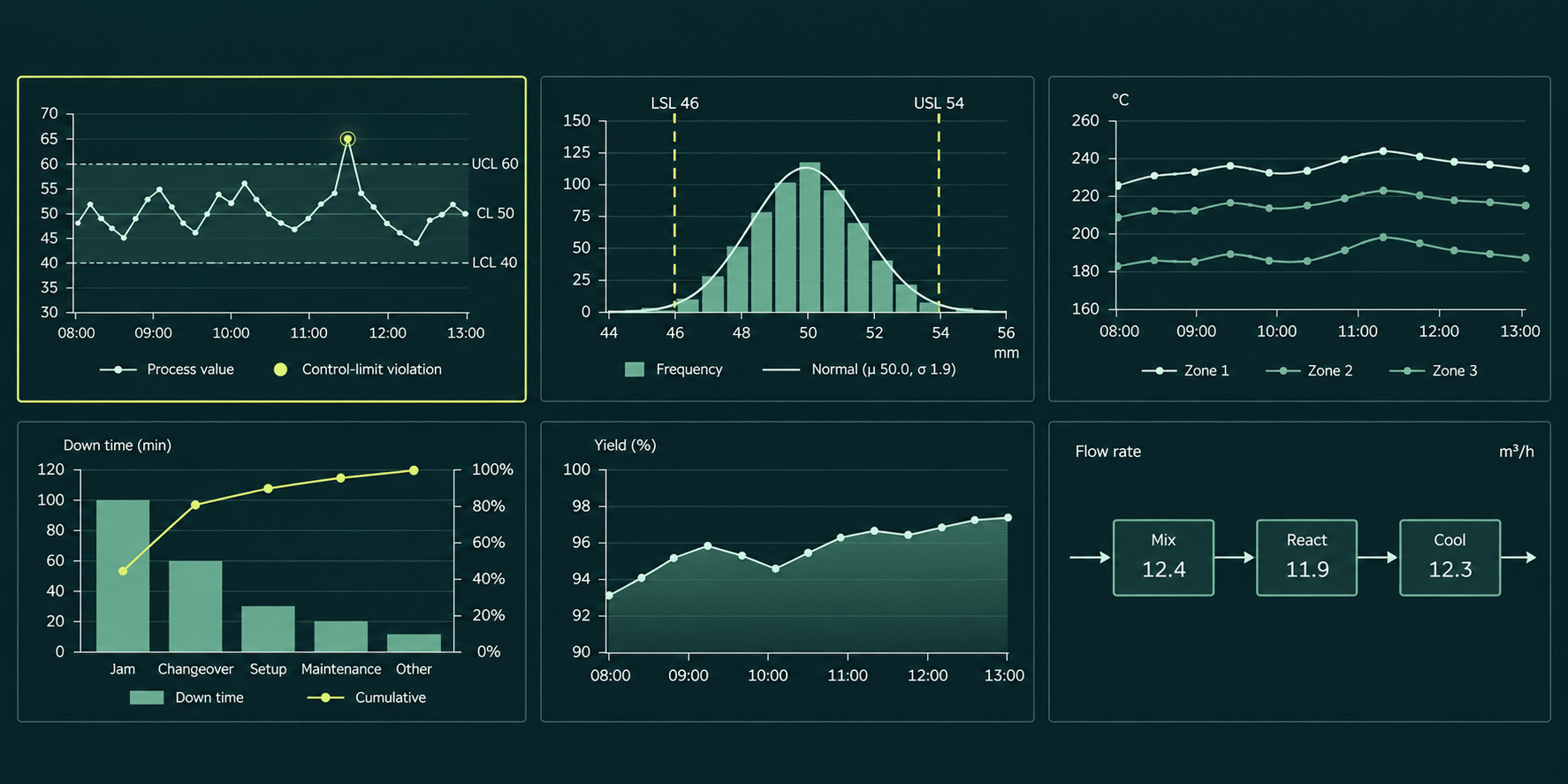
PI Vision Portal embeds existing PI Vision displays within a parent display, helping teams reuse and combine operational views.