What it does
Add the time behind an important value
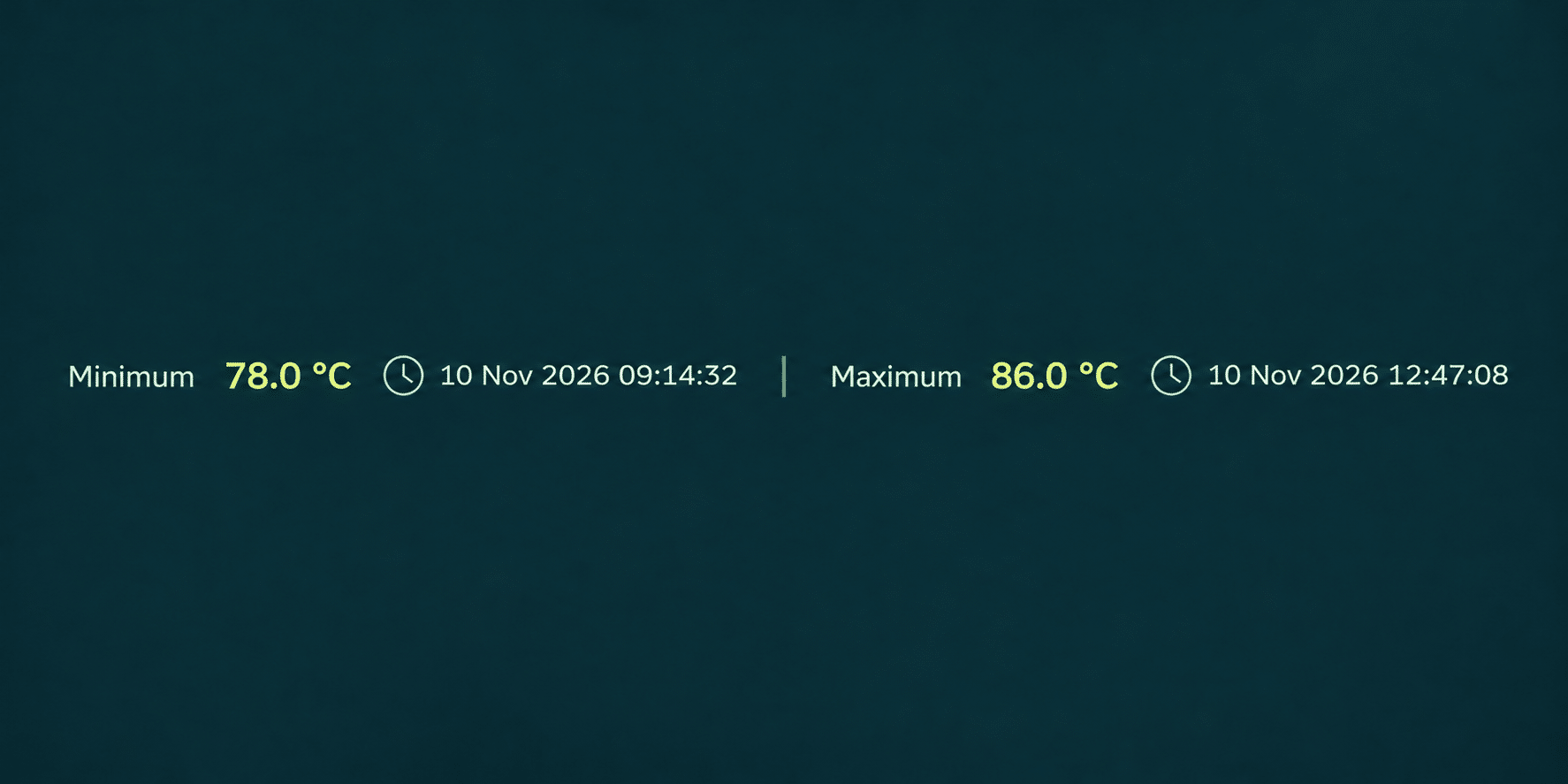
Timestamp highlights when a selected historical value occurred, pairing the result with its occurrence time. It is particularly useful when an overview presents an extreme value and users need to know which moment in the selected period they should investigate.
Timestamp is useful when an overview reports an extreme or another selected result but the next question is when it happened. The occurrence time helps users connect that summary with the history they need to inspect, rather than leaving them to search through the entire period.
Why it helps
A result without its timing leaves an important part of the story unanswered. Showing the occurrence time helps users align the reading with related signals and event records, making historical summaries more actionable as a starting point for review.
At a glance
Where it can help
Put it to work.
Illustrative use cases to help you explore the possibilities.
Power generation
A performance overview shows the time of peak output during the selected interval. The team can use that time as a starting point for comparison with weather, asset states, and available operating records.
Process investigations
Engineers identify when a selected minimum pressure or maximum temperature occurred. The timestamp helps align the review window with related signals and events, making the next step in the investigation more focused.
Cold storage
An operational review shows when a temperature extreme was recorded. Teams can locate the relevant period for checking room conditions, door activity, and other available records rather than reviewing a long interval without a starting point.
Ask Amitec about compatibility, configuration and any integration requirements for your environment.
Keep exploring
Related capabilities.
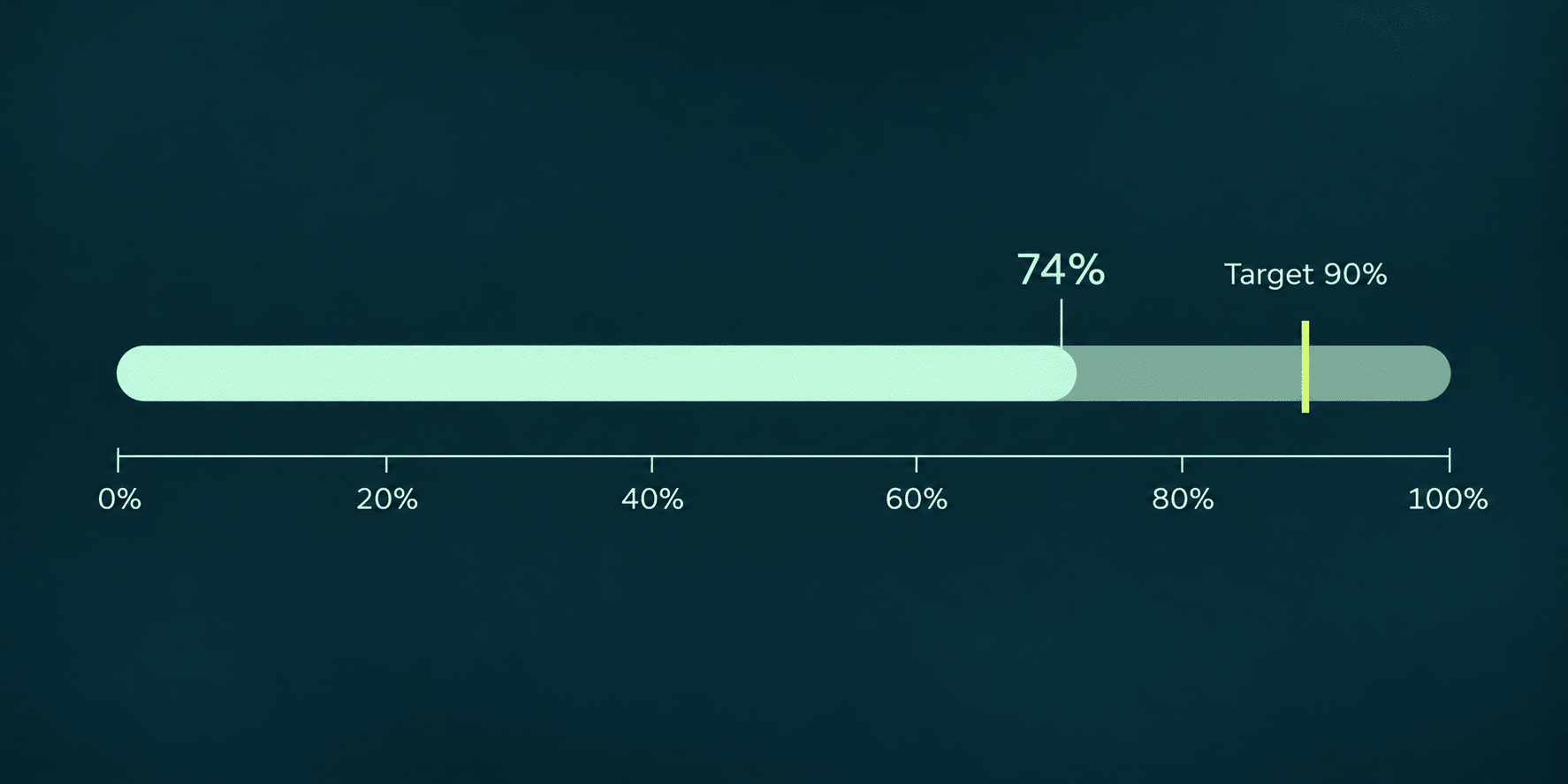
Progress Bar displays a value along a horizontal scale, helping users assess progress or remaining margin at a glance.