What it does
Make a key measurement easy to read
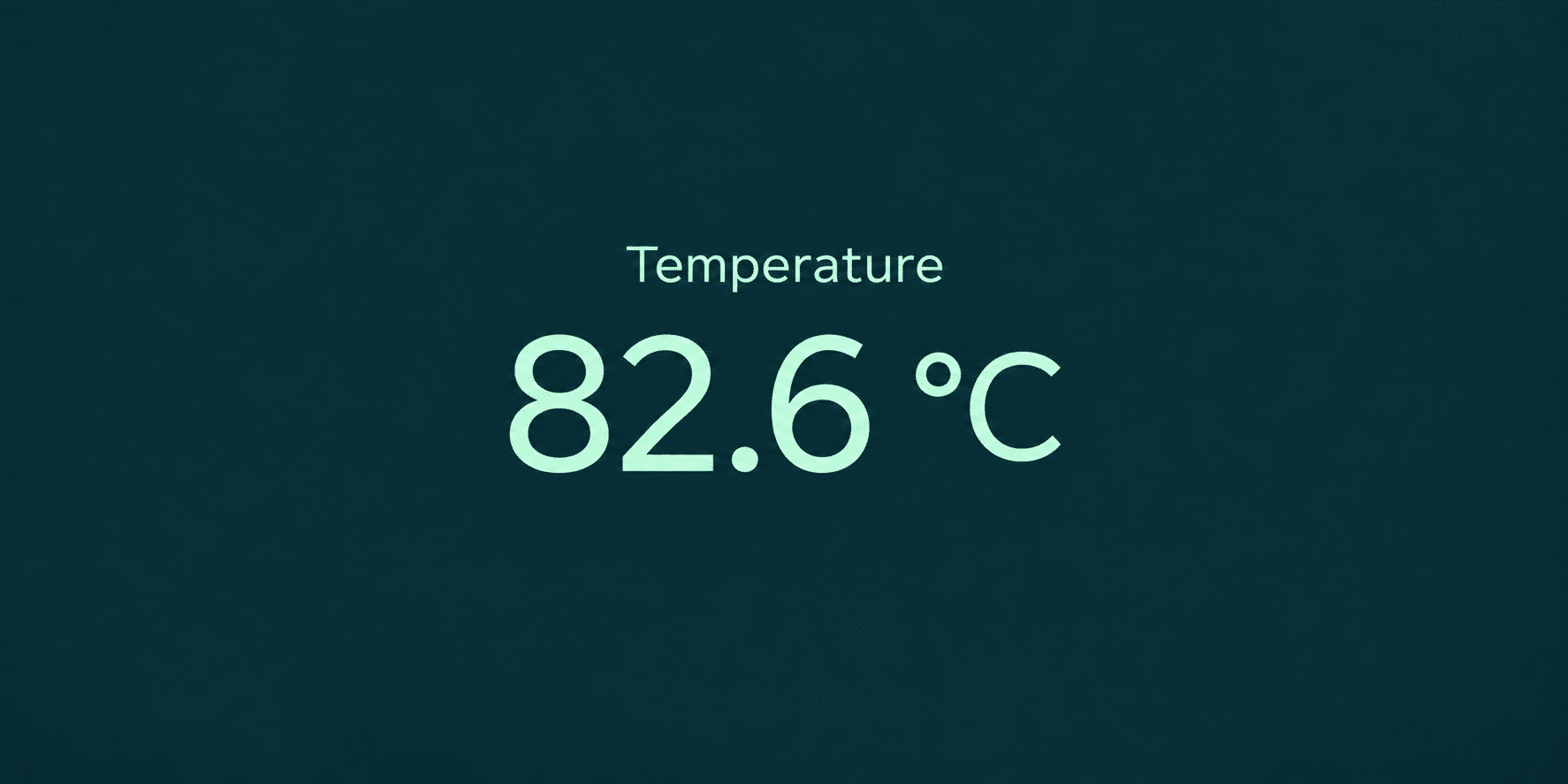
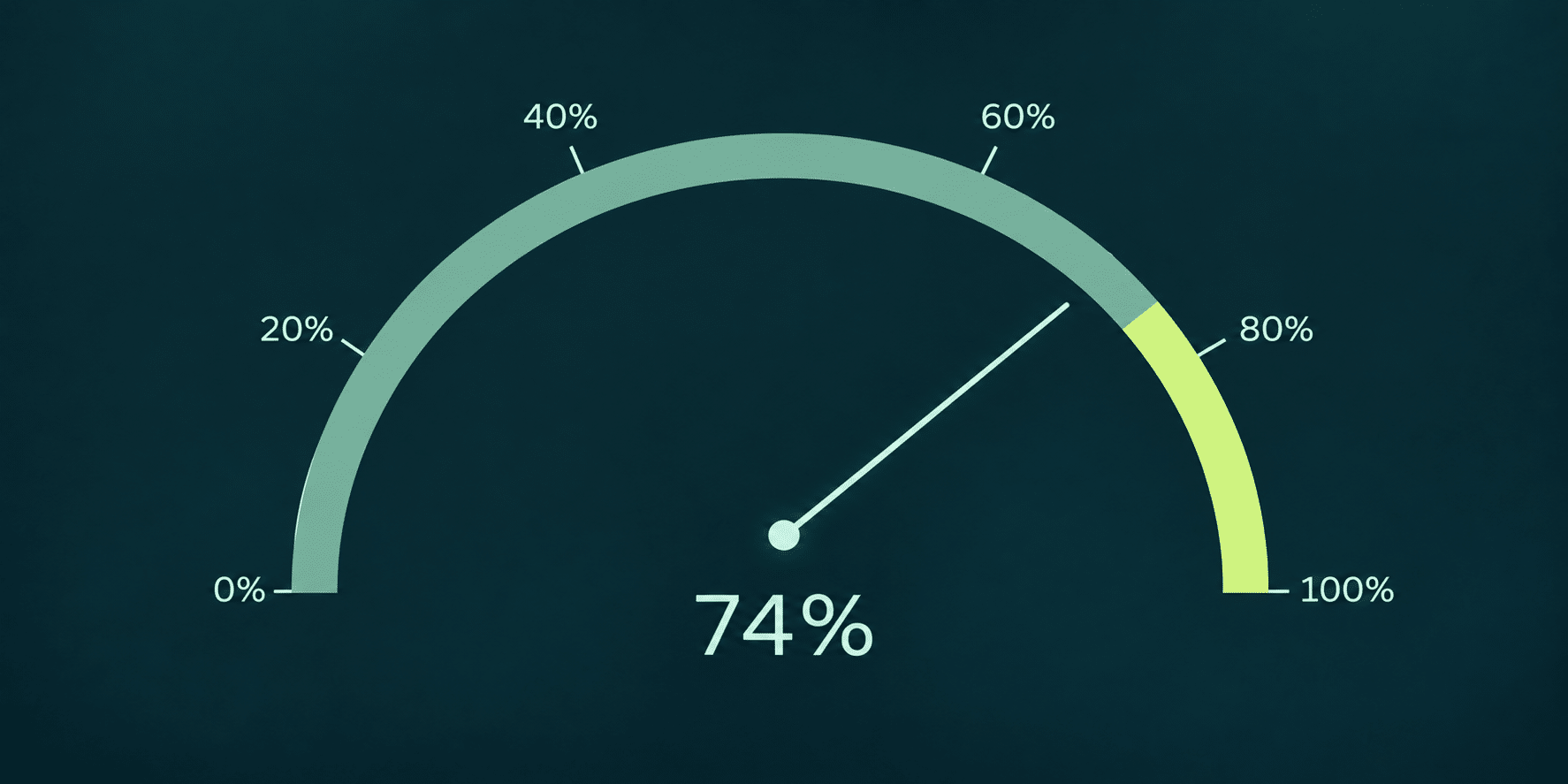
Gauge displays the current value of a measurement on a dial, placing the number within a configured scale. The visual position makes the reading easier to assess in context, whether the display is used for a focused equipment view, a supervisory overview, or a shared monitoring screen.
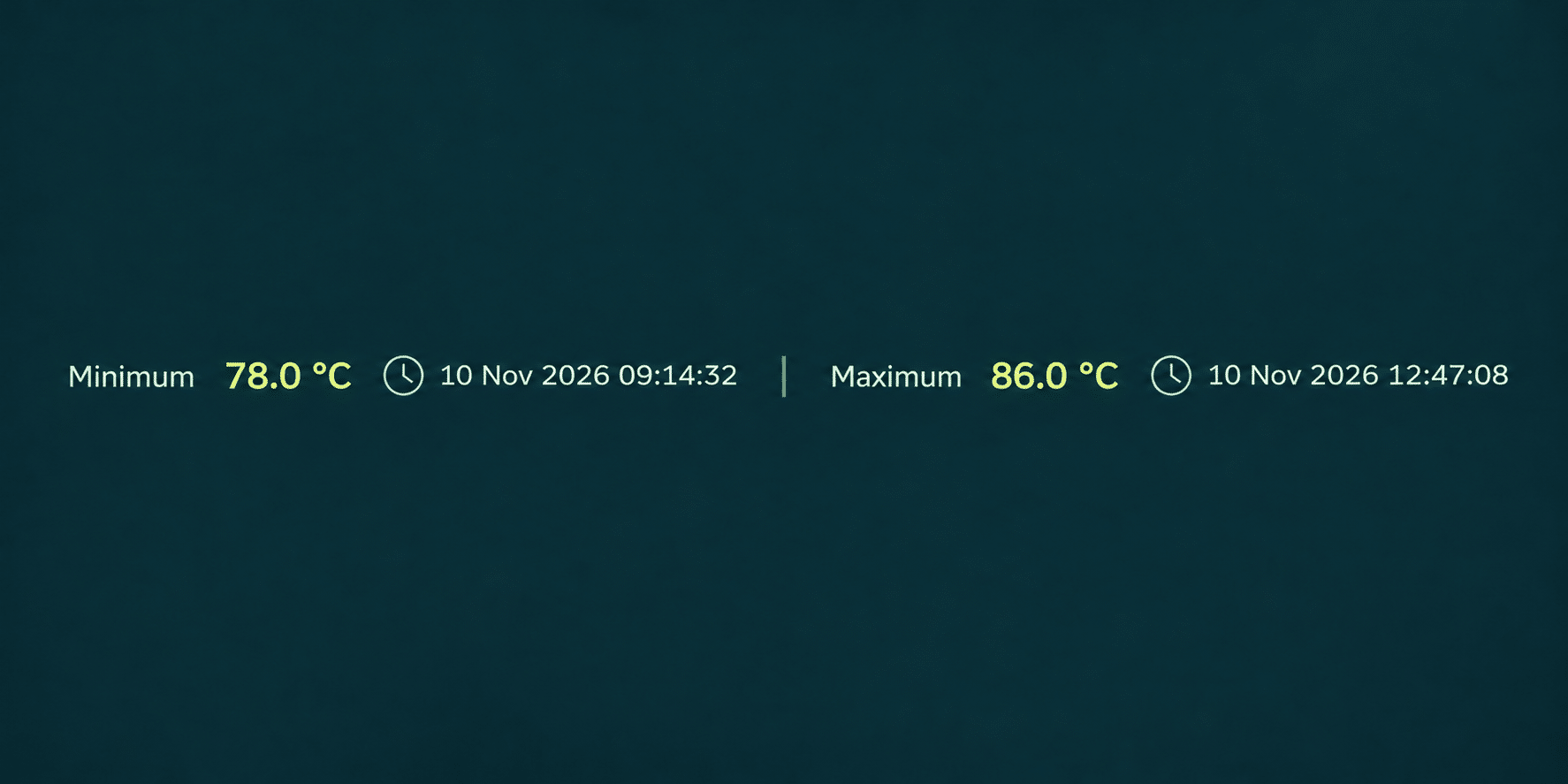
Give the measurements that matter a prominent place in the operational overview. A dial brings the value and its configured range together, helping users assess the current reading quickly and recognize when a more detailed look at recent conditions would be useful.
Why it helps
A configured scale helps users recognize where the value sits relative to reference ranges and limits. That context makes prominent readings easier to scan and discuss, supporting routine monitoring and helping teams decide when they need a closer look at the underlying measurement or its history.
At a glance
Where it can help
Put it to work.
Illustrative use cases to help you explore the possibilities.
Industrial utilities
A steam-system overview shows pressure on a dial against a configured operating range. Operators can scan the reading during a routine review and decide whether to inspect its recent history or compare it with related supply measurements.
Water operations
Reservoir or tank levels are displayed as gauges in a station overview. The visual scale helps operators discuss current levels and available margin during rounds or handovers without working through a dense list of numerical readings.
Food and beverage processing
A cleaning-cycle display presents temperature or flow against configured reference ranges. The gauge helps operators review the current reading alongside other process information as part of the established operating procedure.
Ask Amitec about compatibility, configuration and any integration requirements for your environment.
Keep exploring
Related capabilities.
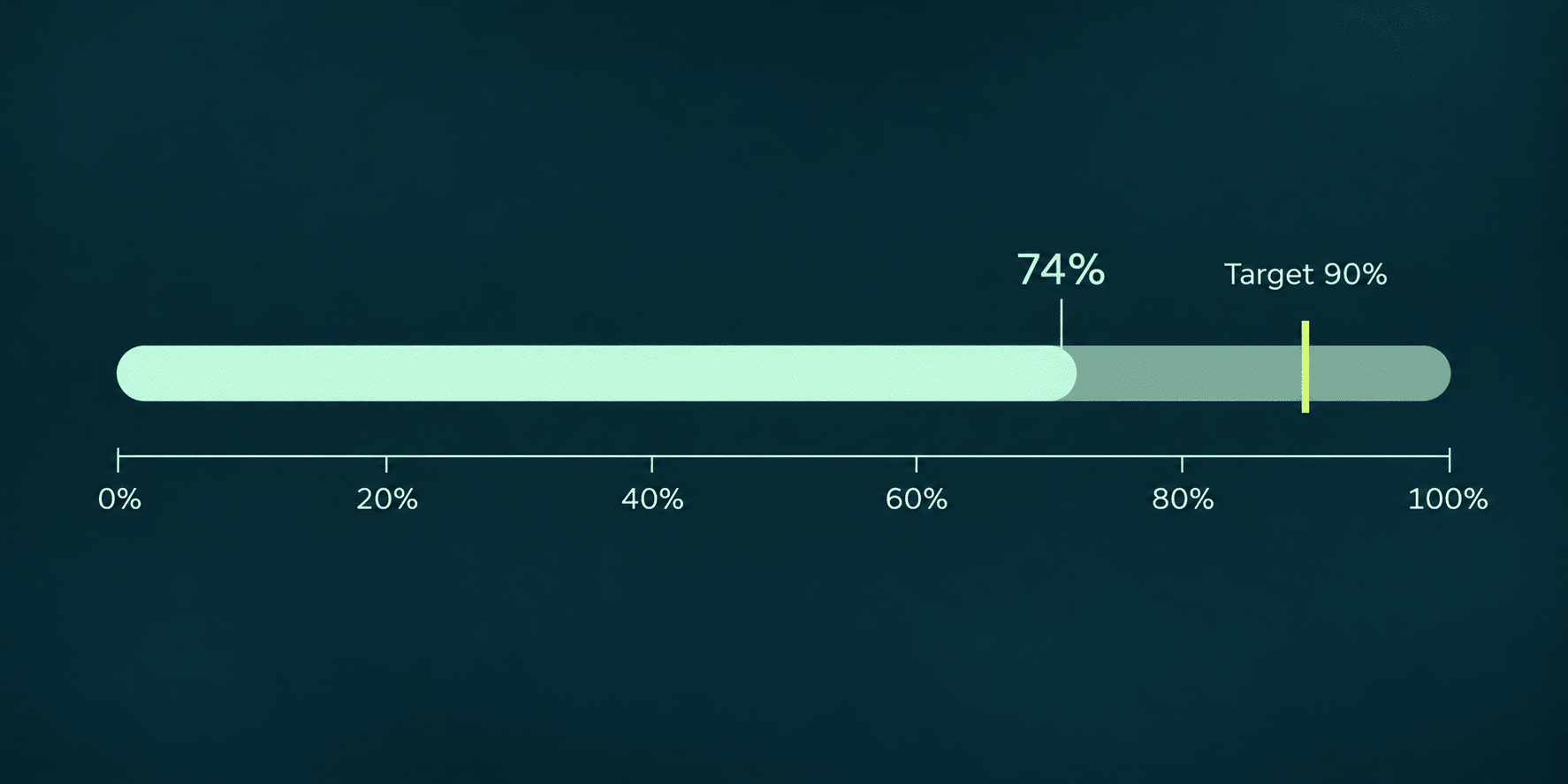
Progress Bar displays a value along a horizontal scale, helping users assess progress or remaining margin at a glance.