What it does
Keep shared documents within reach
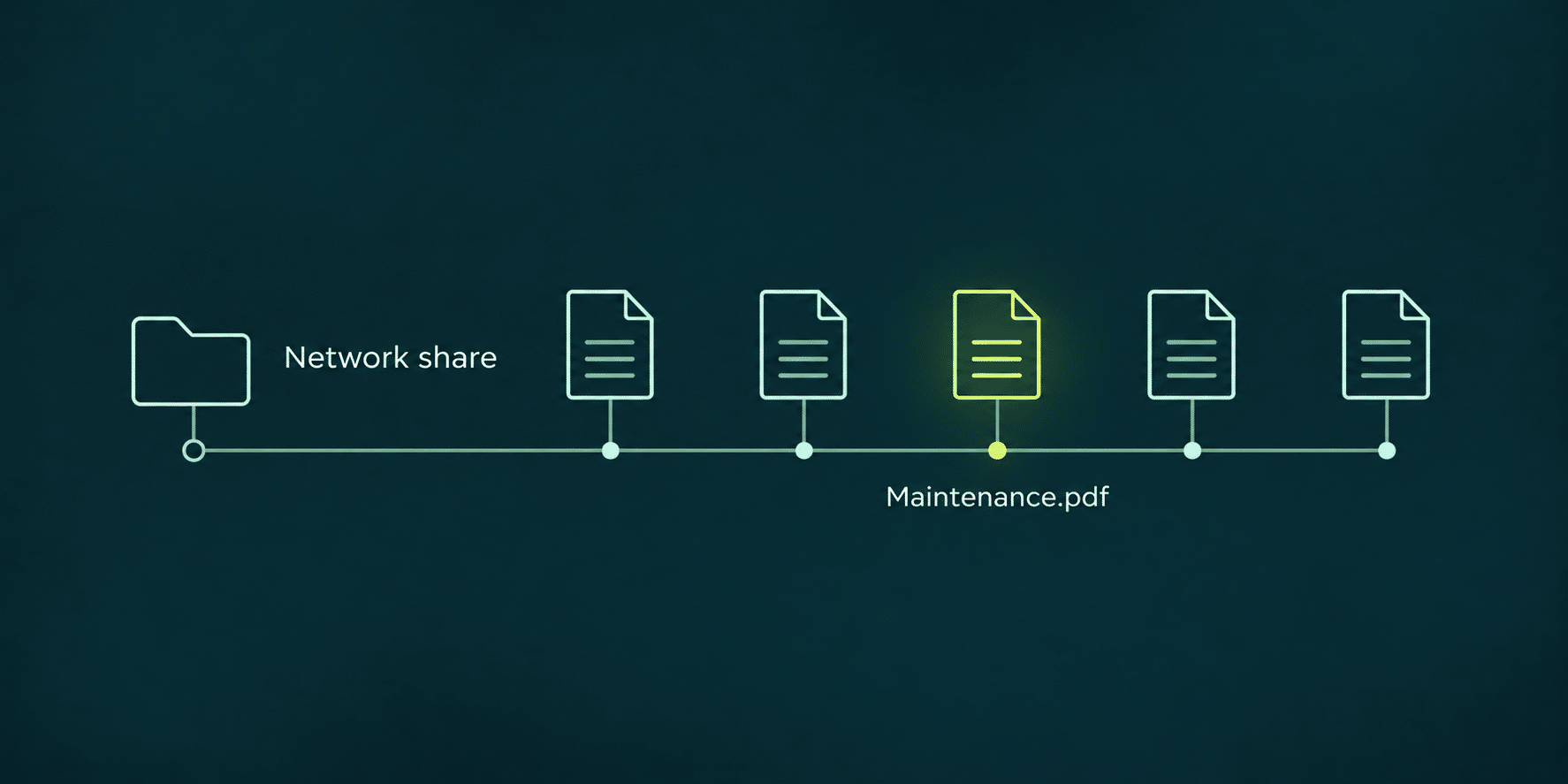
UNC provides access to configured shared files and documents from a PI Vision display. Links can connect an operational view with supporting material such as Word documents, Excel files, drawings, and manuals, using the access arrangements available on the user's workstation.
Context matters as much as the link itself: place a reference where users are likely to need it. UNC helps connect an operational view with files already managed on shared locations, while access continues to follow the organization's workstation and file-permission arrangements.
Why it helps
Relevant documents are often stored separately from the dashboards used in daily work. Linking them from the related operational view reduces searching through network folders and makes reference material easier to reach during routine tasks, handovers, and investigations.
At a glance
Where it can help
Put it to work.
Illustrative use cases to help you explore the possibilities.
Maintenance execution
An equipment overview links to shared drawings and vendor manuals. A technician reviewing an unusual measurement can reach the relevant reference from the same operational context instead of starting a separate search through network folders.
Production procedures
A line dashboard provides access to the relevant shared procedure. Operators can consult the document during routine work, using the access permissions and document-management practices already in place for that location.
Engineering reviews
A process display links to a shared calculation or review template. Engineers can open the supporting file while discussing measurements, helping keep the operational information and the related review material connected.
Ask Amitec about compatibility, configuration and any integration requirements for your environment.
Keep exploring
Related capabilities.
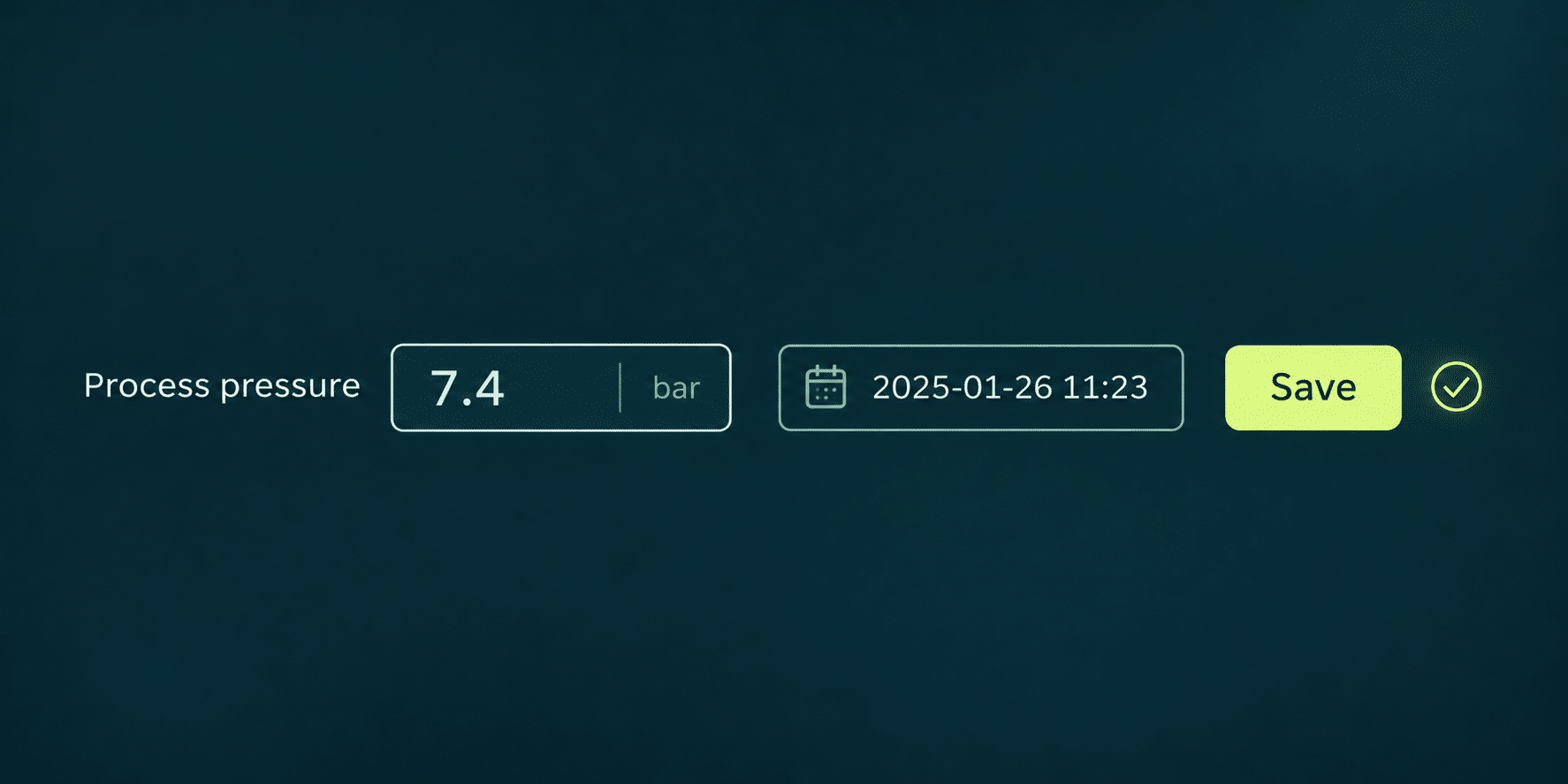
Data Entry Single lets users enter a value into a PI tag directly from a PI Vision display.
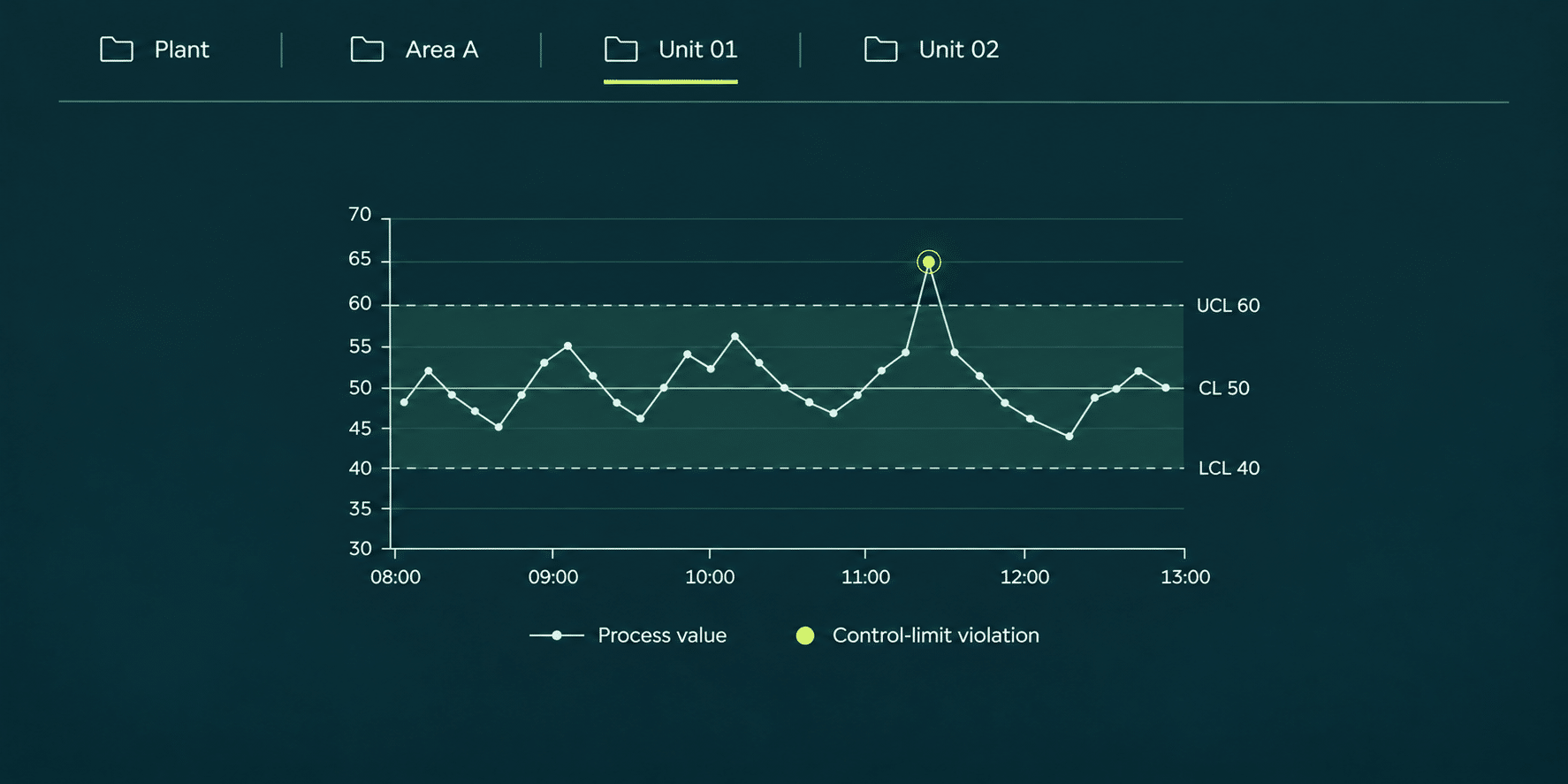
Navigation Menu adds a consistent menu to PI Vision displays, helping users move between related operational views.
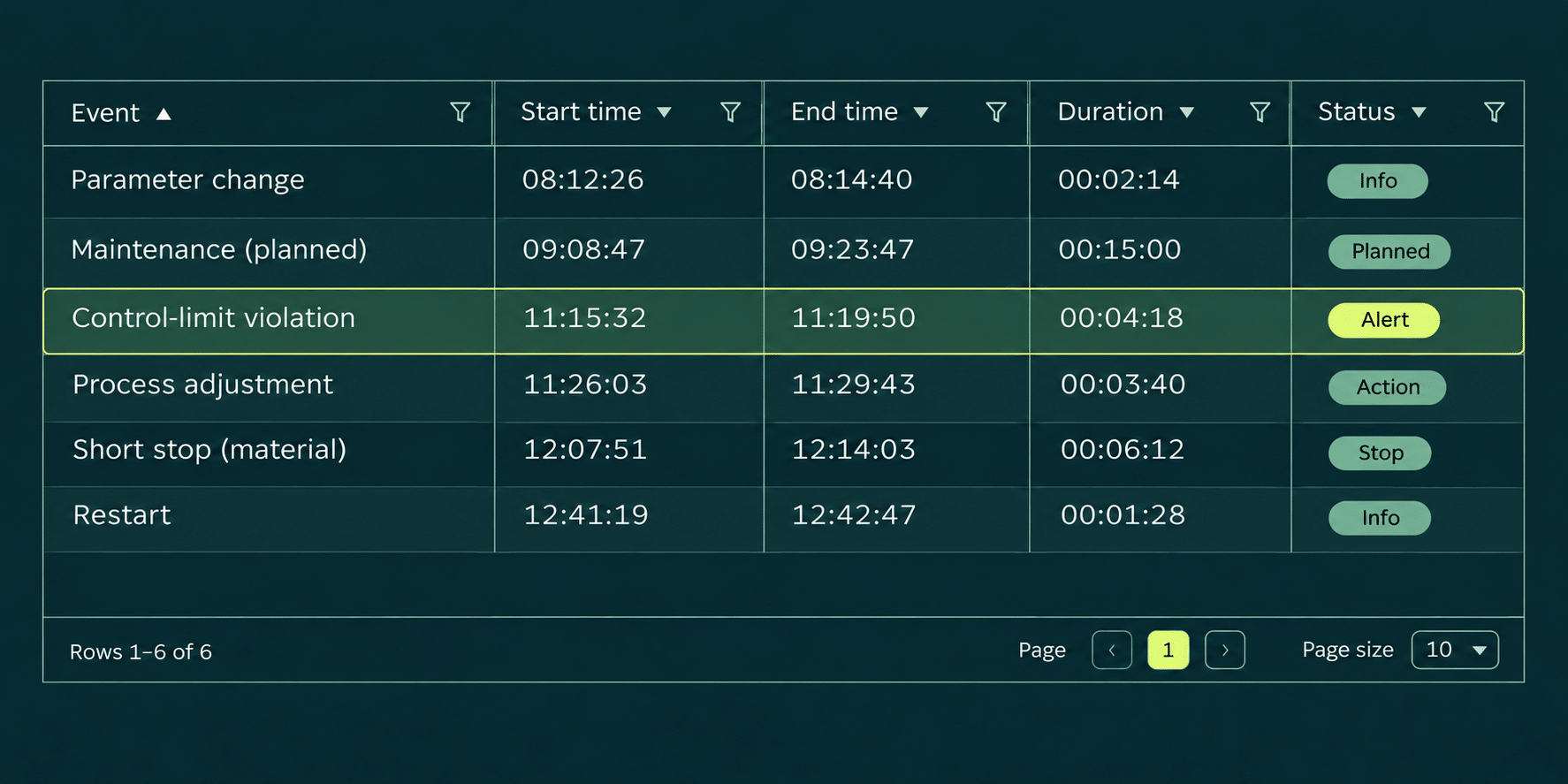
Event Viewer brings AF Event Frame review and supported event updates into PI Vision, helping teams capture and share operational context.