What it does
Record a manual value where it matters
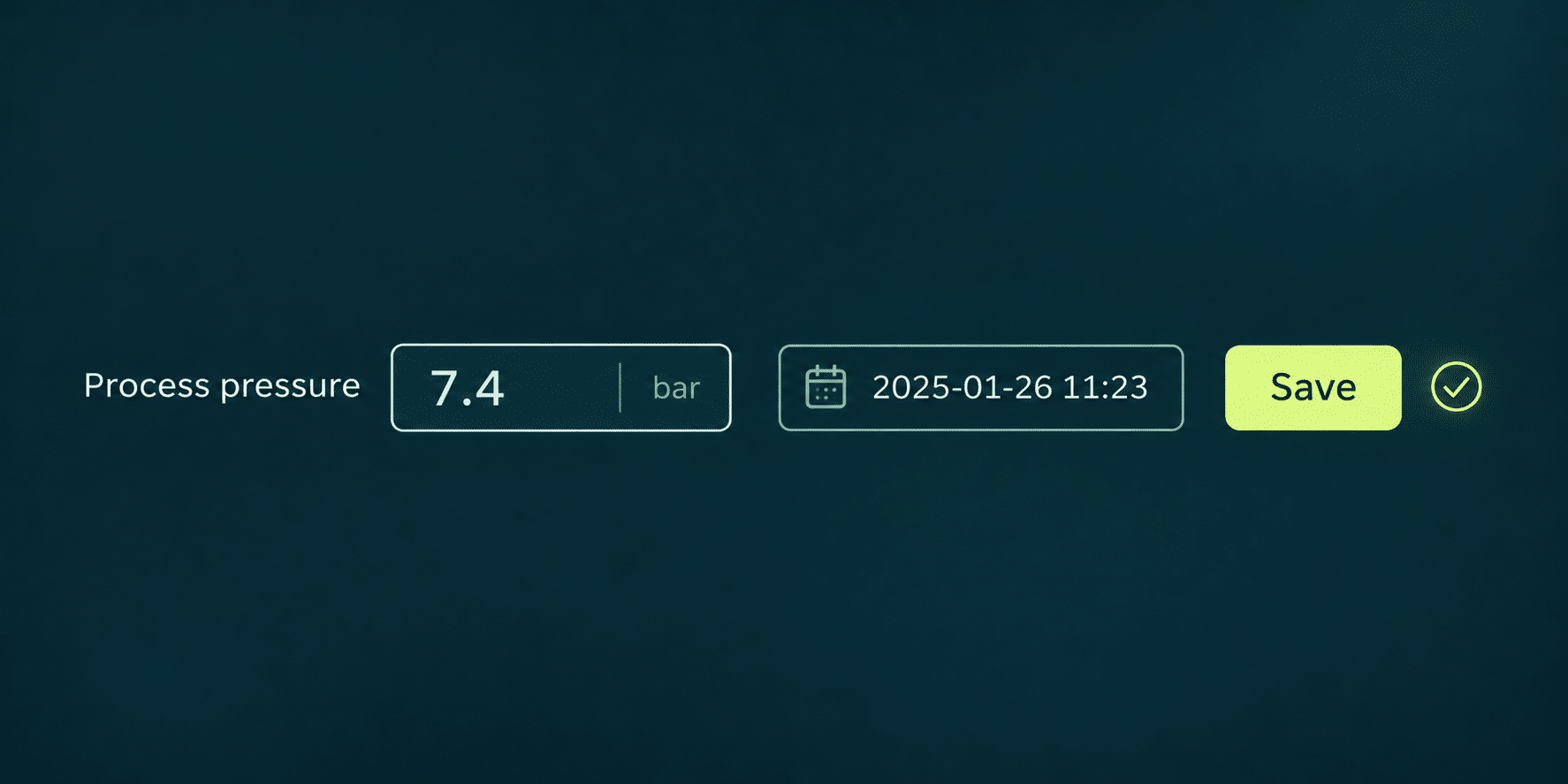
Data Entry Single provides a focused way to enter one manual value into a PI tag from a PI Vision dashboard. It suits intentional updates that need to be recorded in context, such as an observed reading, a confirmed result, or a configured operational status.
A focused entry control is useful when a single observation completes the operational picture. The user can remain on the relevant display, see the surrounding process context, and record the update without turning a simple task into a separate data-collection workflow.
Why it helps
When a single update requires a separate file or application, recording it can become an extra handoff. Direct entry helps reduce that friction and makes the submitted value available for monitoring and review in the same environment as the process data it relates to.
At a glance
Where it can help
Put it to work.
Illustrative use cases to help you explore the possibilities.
Hydropower inspections
After checking an intake or reservoir, an operator enters a manually observed level from the relevant plant display. The reading becomes available alongside automated measurements, giving later discussions a clearer record of what was observed during the inspection.
Maintenance handover
A technician updates a configured equipment-status tag after completing an activity. Operations can see the recorded status in the associated dashboard, helping the teams coordinate their handover without depending entirely on a separate message or handwritten note.
Laboratory confirmation
An operator records a confirmed test result in the associated PI tag. The value can then be reviewed alongside process measurements, helping engineers connect a manual observation with the production conditions surrounding the sample.
Ask Amitec about compatibility, configuration and any integration requirements for your environment.
Keep exploring
Related capabilities.
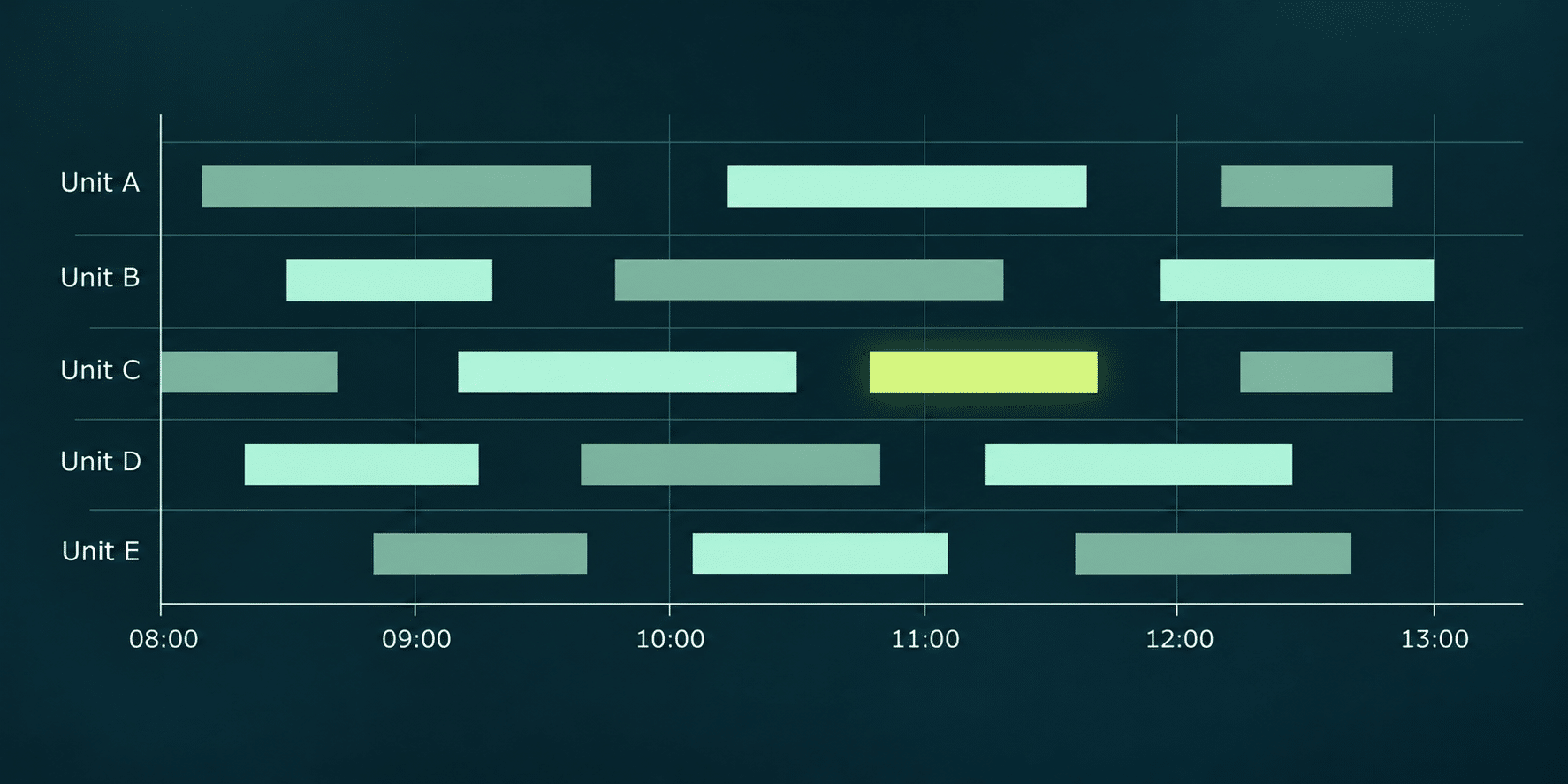
Gantt Chart displays AF Event Frames on a timeline so users can compare event duration, sequencing, and overlap.