What it does
Bring structured records into the operational view
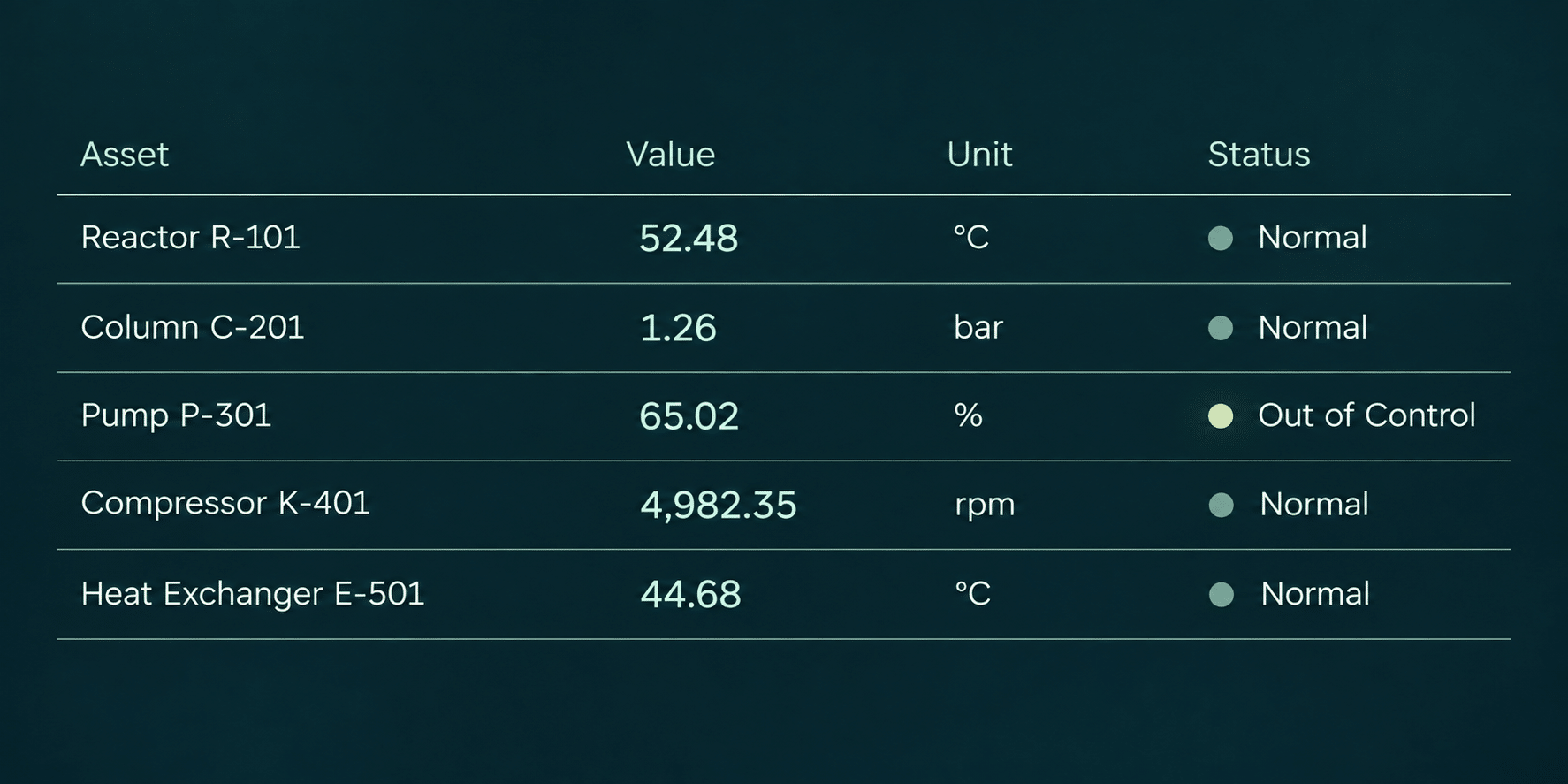
AF Table presents structured, contextual data from PI AF Tables inside PI Vision. Reference information, batch records, and other suitable datasets can be shown alongside operational measurements, including records made available through linked sources such as SQL-backed tables.
AF Table is the route for presenting structured reference and operational records; Sample Table serves a different need by displaying time-based measurements. Choosing the appropriate view helps users find either the supporting record or the historical reading needed to answer their question.
Why it helps
Operational measurements often need supporting records to explain what is being produced, which asset is involved, or what information belongs to a particular activity. Bringing those records into the dashboard reduces repeated cross-checking and helps teams discuss measurements and business context together.
At a glance
Where it can help
Put it to work.
Illustrative use cases to help you explore the possibilities.
Manufacturing coordination
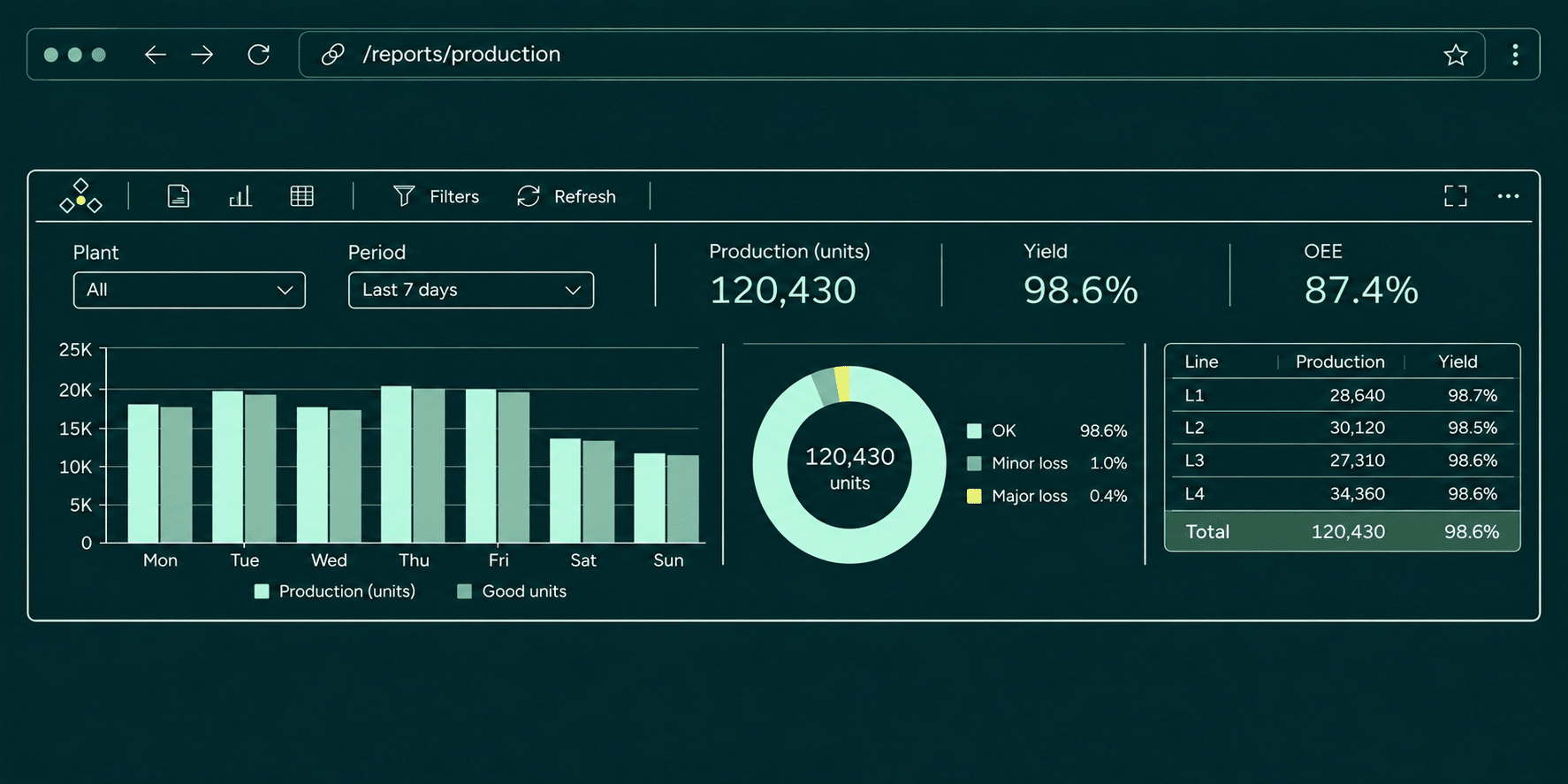
Production-order or batch records made available through AF Tables are shown beside line KPIs. Supervisors can relate the structured information to current operating measurements when discussing quantities, identifiers, and progress during a shift review.
Oil and gas operations
Well-test identifiers and supporting records are presented alongside relevant measurements. The table helps engineers connect the record under discussion with the operational view without repeatedly searching through separate files or systems.
Equipment management
Asset reference information available through AF Tables is placed in an equipment dashboard. Maintenance and operations teams can consult the structured records while reviewing the associated measurements and preparing questions for further investigation.
Ask Amitec about compatibility, configuration and any integration requirements for your environment.
Keep exploring
Related capabilities.
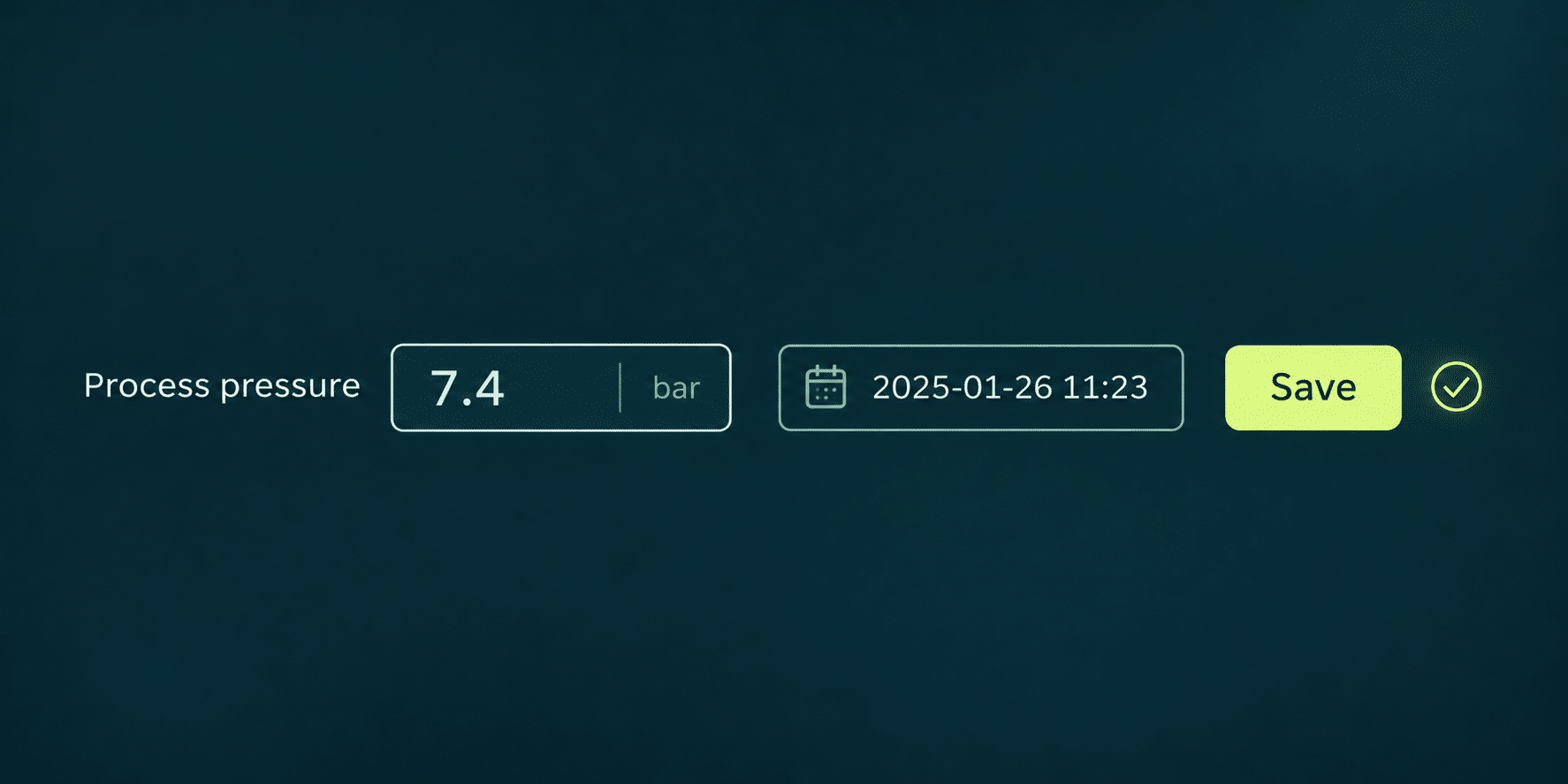
Data Entry Single lets users enter a value into a PI tag directly from a PI Vision display.