What it does
Build a broader view from displays you already have
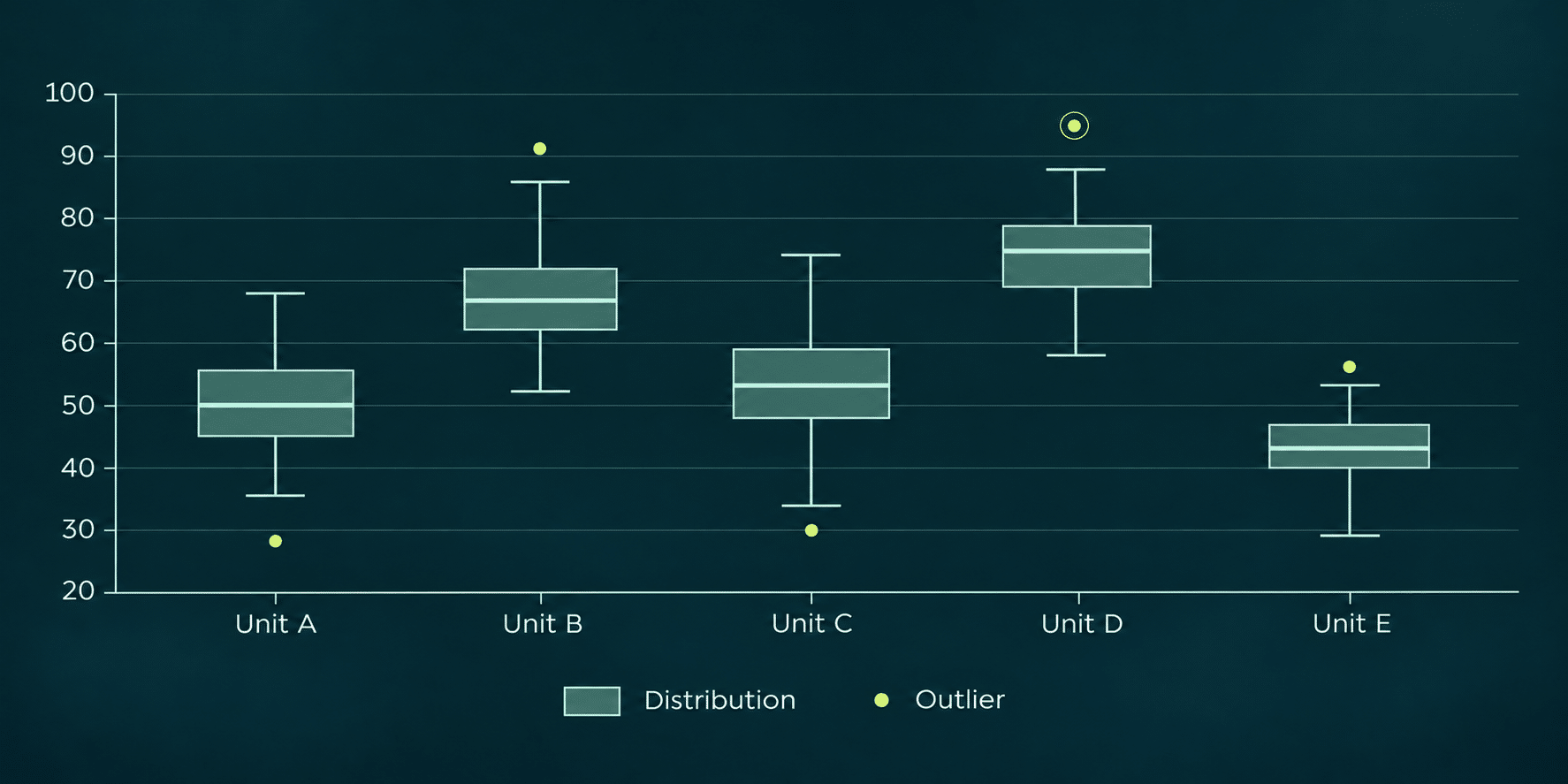
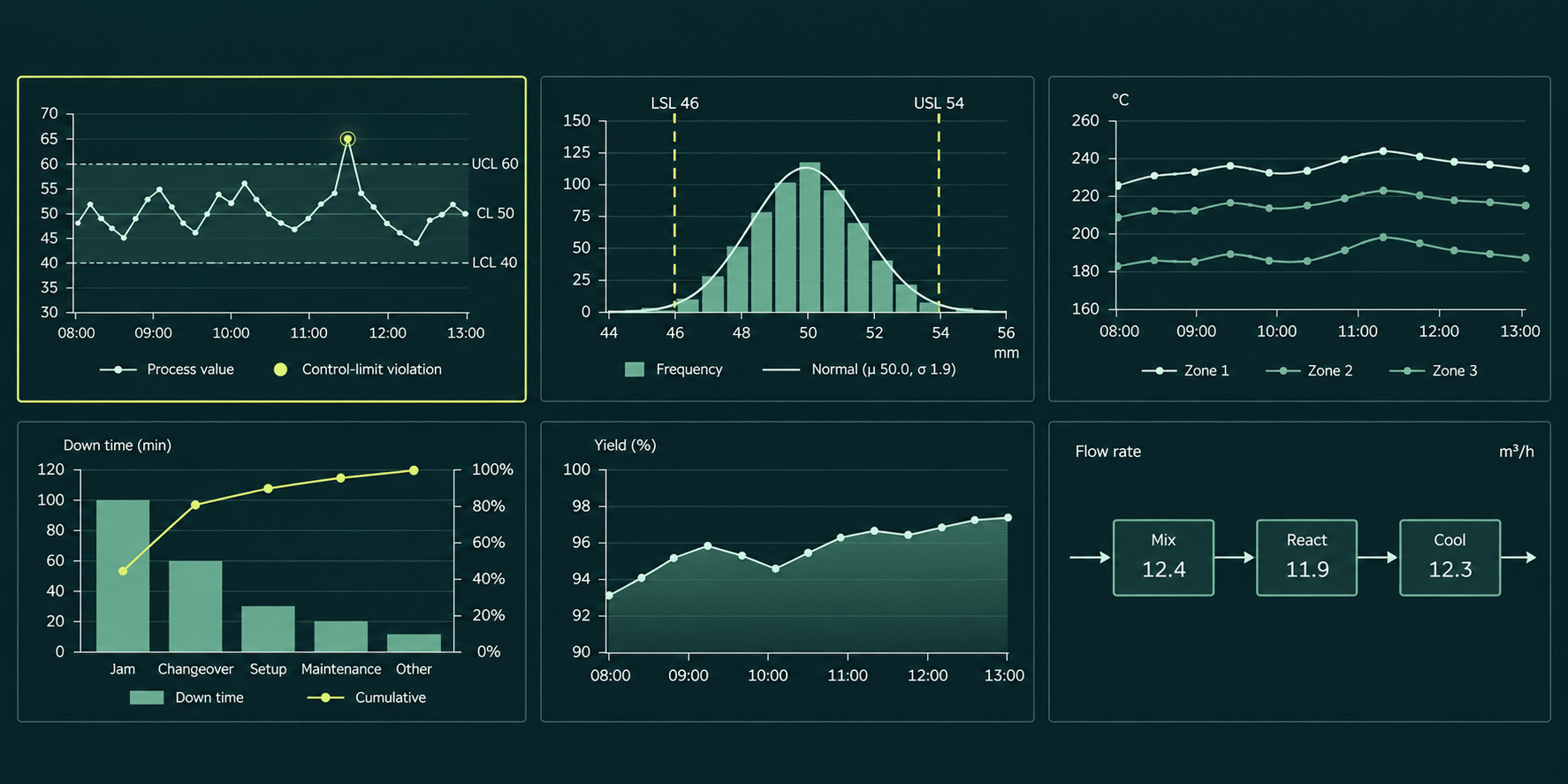
PI Vision Portal brings an existing PI Vision display into a parent dashboard. Multiple portal symbols can combine related views in one overview, with options to follow the parent time range and pass asset context to the embedded display.
Portal is particularly useful when a team already has valuable displays that serve different audiences. Bringing those views together lets a broader overview build on existing work, while the embedded content retains its role as a focused operational view.
Why it helps
This reduces the effort of rebuilding useful dashboards and switching between separate screens. Teams can reuse established views, bring relevant information together, and maintain a clearer operational overview.
At a glance
Where it can help
Put it to work.
Illustrative use cases to help you explore the possibilities.
Renewable portfolio reviews
Existing wind, solar, and hydro dashboards are brought together in a parent display. Portfolio teams can compare related operating views without recreating each dashboard specifically for the meeting or overview.
Process plant coordination
Production, compression, and utilities displays are combined for a supervisory review. Teams can discuss conditions across the plant from a common overview, with the relevant embedded views aligned to the selected time context where configured.
Manufacturing oversight
A site view reuses established line and quality displays. Supervisors can bring useful information together while continuing to build on the dashboards that individual teams already use for their own operational work.
Ask Amitec about compatibility, configuration and any integration requirements for your environment.
Keep exploring
Related capabilities.
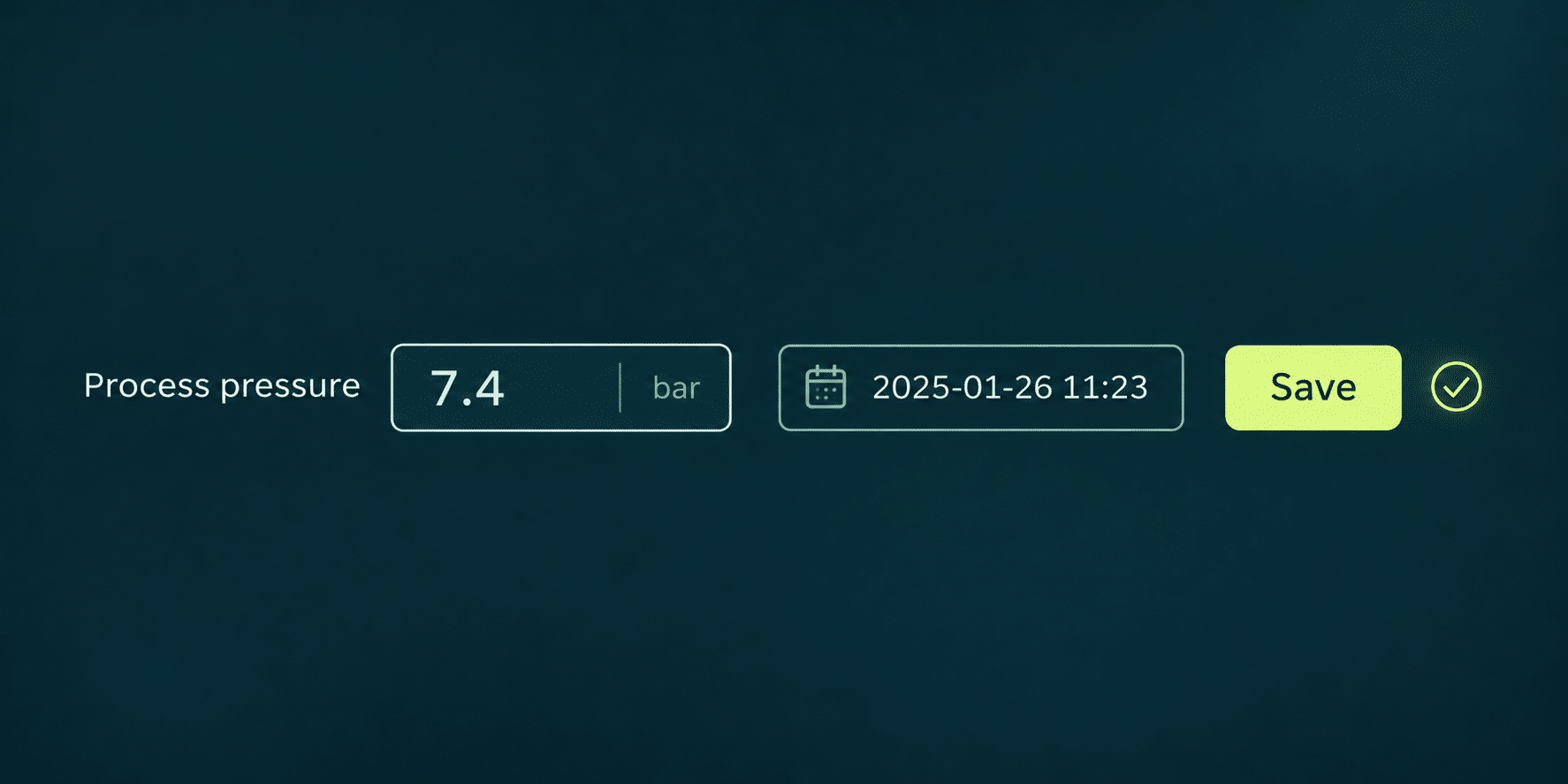
Data Entry Single lets users enter a value into a PI tag directly from a PI Vision display.
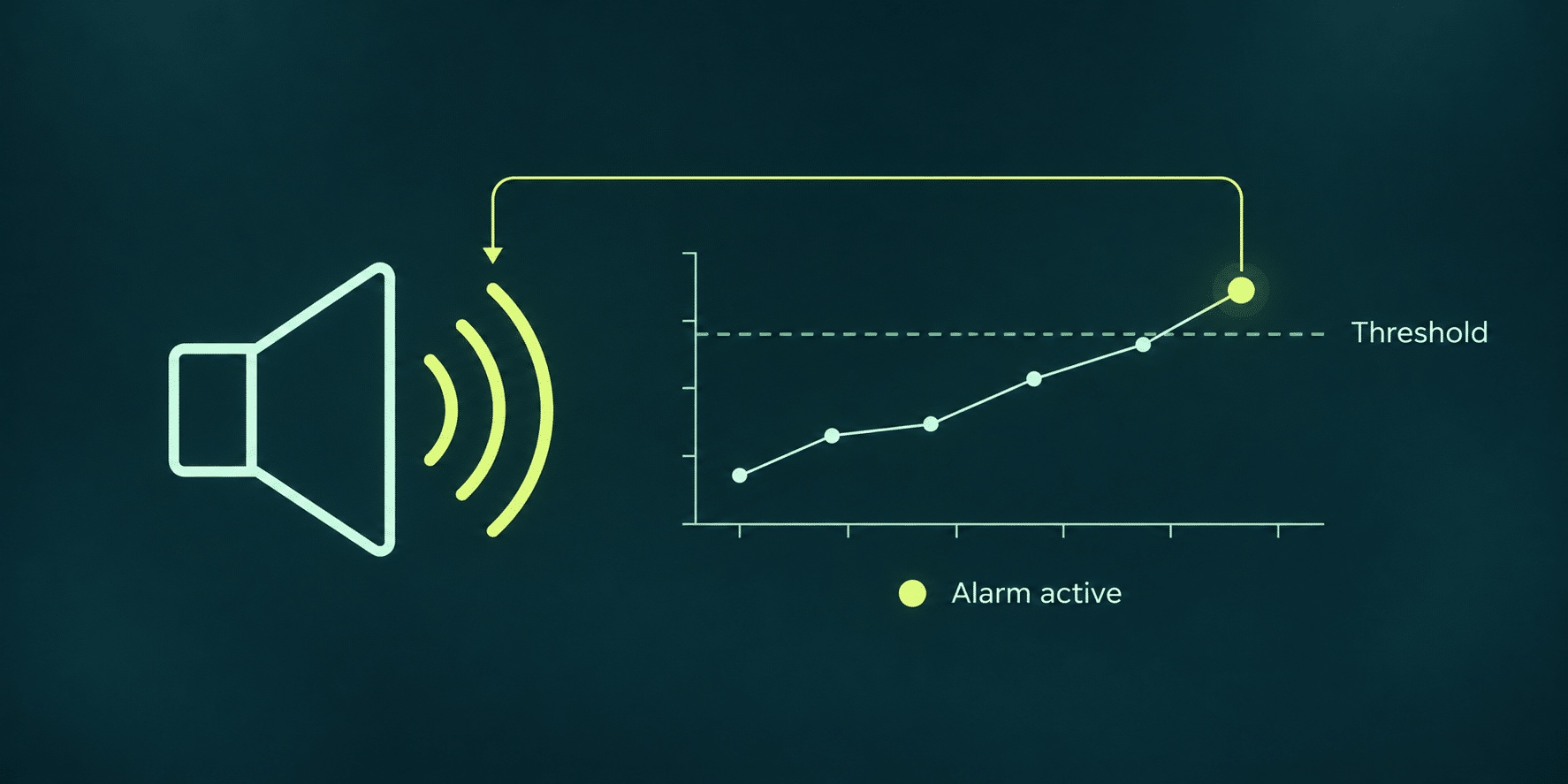
Audio Warn adds audible and visual alerts to PI Vision when configured conditions are met, helping operators notice changes while monitoring busy displays.