What it does
Keep suite information and support close
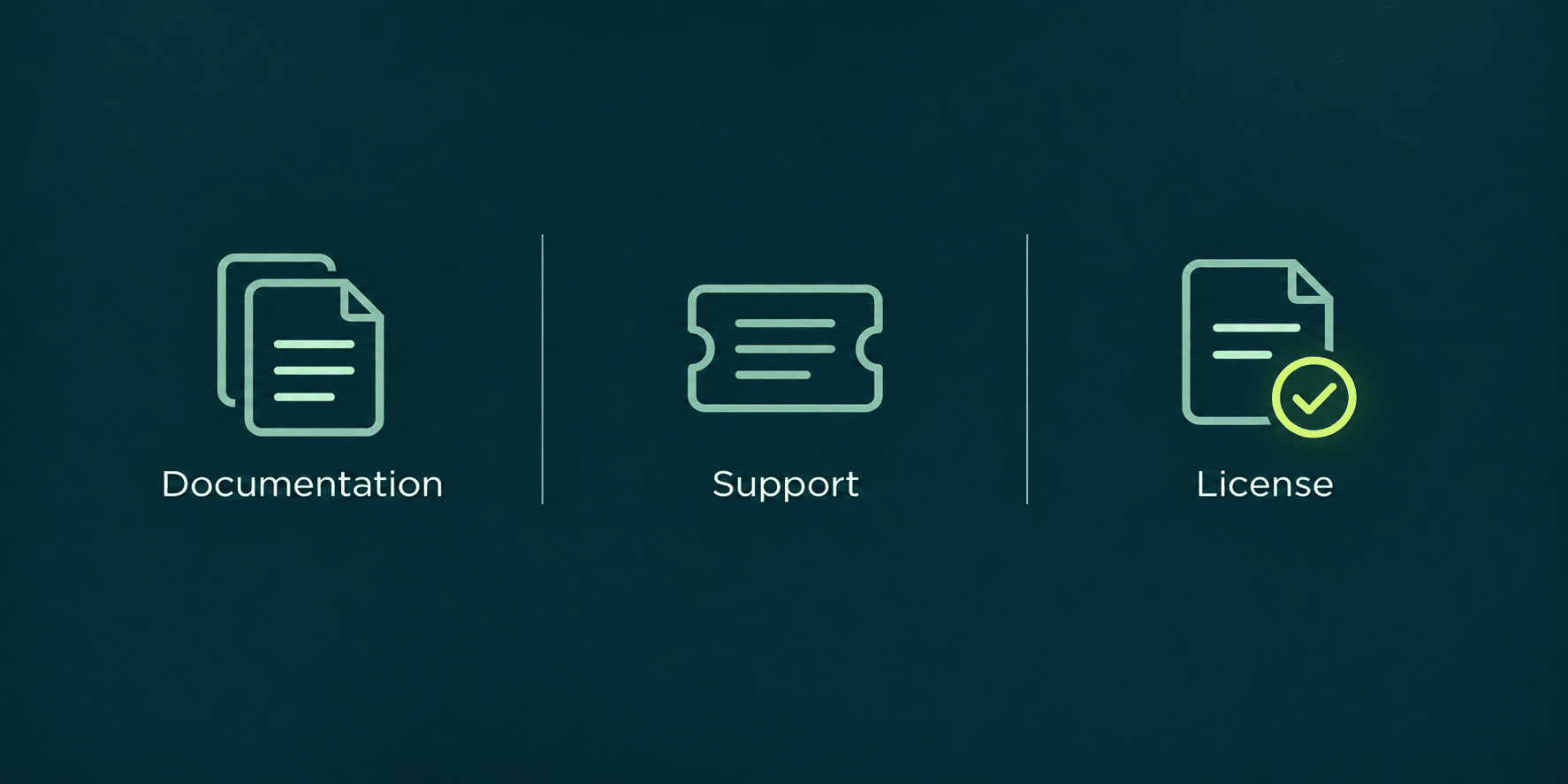
The Amitec PI Vision Suite overview provides a central view of installed suite information and available resource links. Users can review version and licensing details and reach documentation, support, and feature-request resources from a common starting point.
The overview gives suite ownership a practical starting point. Whether the task is answering a version question, finding guidance, or preparing a support request, the relevant environment information and resource links are easier to reach from one place.
Why it helps
Routine ownership questions become easier to handle when environment information and help resources are close together. The overview reduces searching across separate locations and helps users gather useful context before maintenance discussions, upgrades, or support requests.
At a glance
Where it can help
Put it to work.
Illustrative use cases to help you explore the possibilities.
IT and OT ownership
An environment owner checks installed version and licensing information during a routine review. A central starting point reduces searching and helps the owner gather the details needed for maintenance or support discussions.
Support preparation
A user reaches documentation and support resources when investigating a suite question. Having the links and environment information together helps the conversation begin with more useful context and fewer separate searches.
Upgrade planning
Teams review installed suite information before coordinating an update. The overview helps establish the current environment and provides a convenient route to the guidance and support resources needed for the planning work.
Ask Amitec about compatibility, configuration and any integration requirements for your environment.
Keep exploring
Related capabilities.
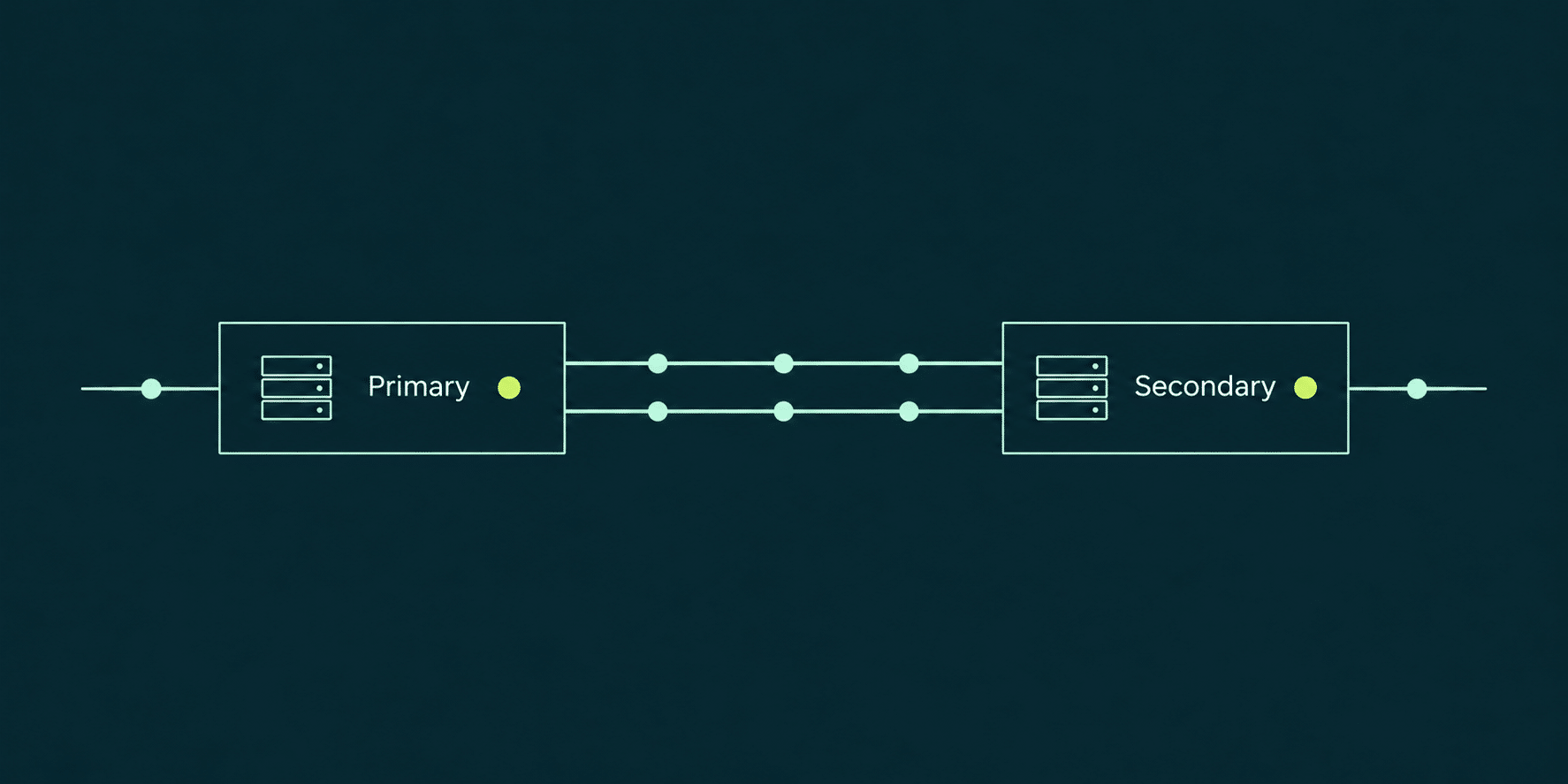
High Availability supports automatic recovery of PI Vision displays after supported interruptions, reducing the need for manual reloads.
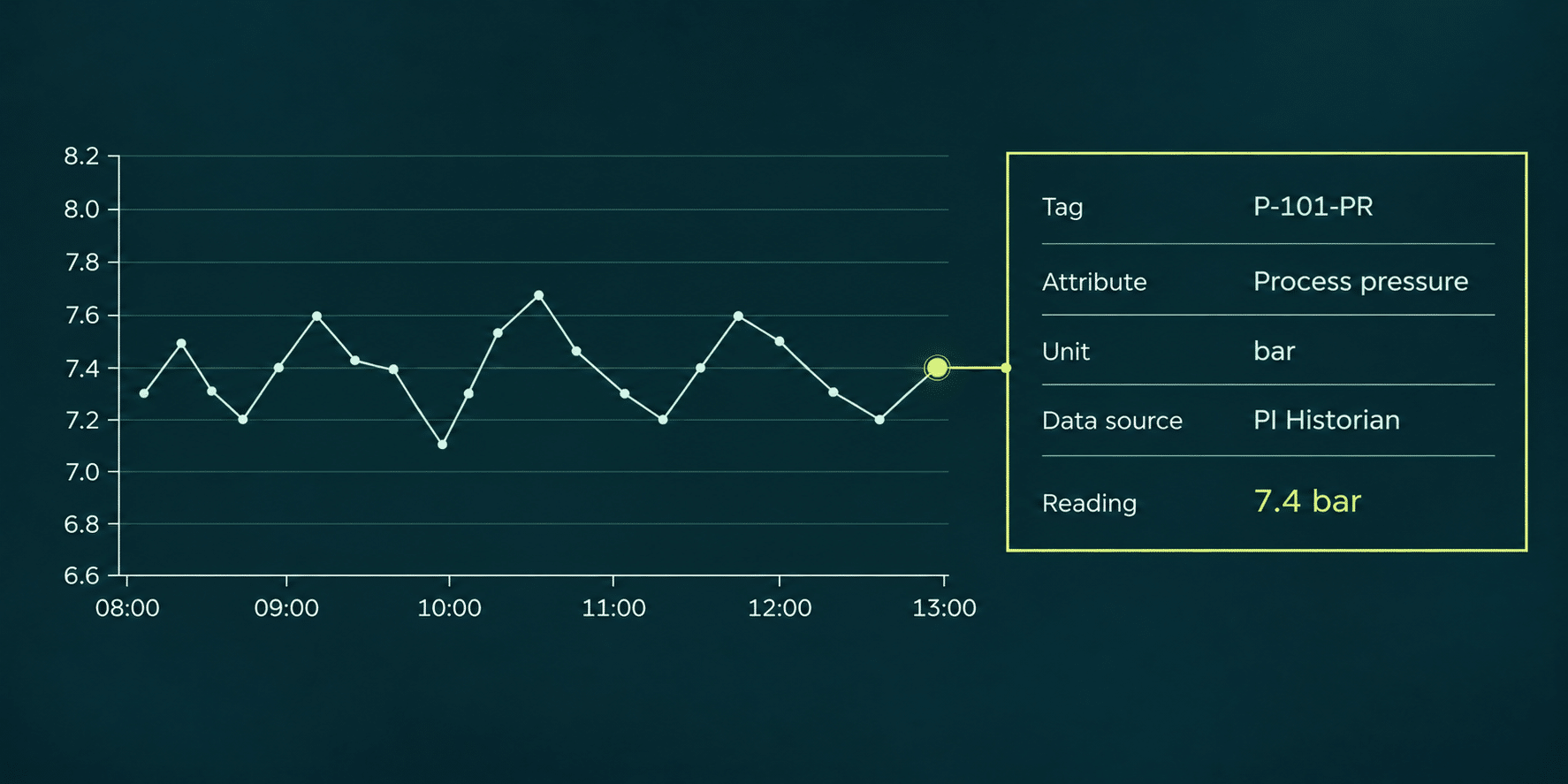
Properties exposes available tag and attribute details within PI Vision, helping users check the source and context of a measurement.
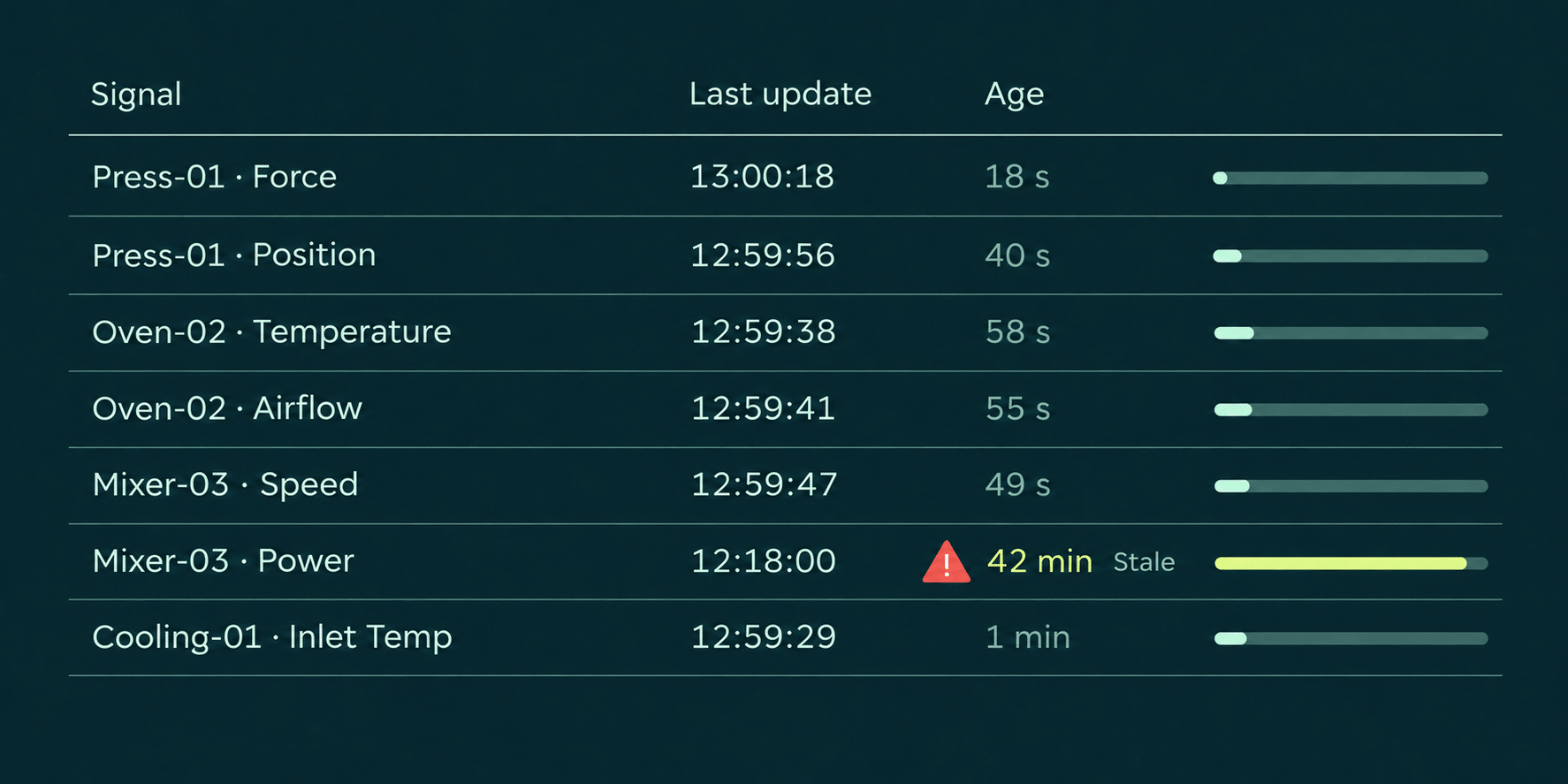
StaleChecker flags supported display values that exceed configured freshness thresholds, helping users notice potential data-update issues.