What it does
Understand the data behind the display
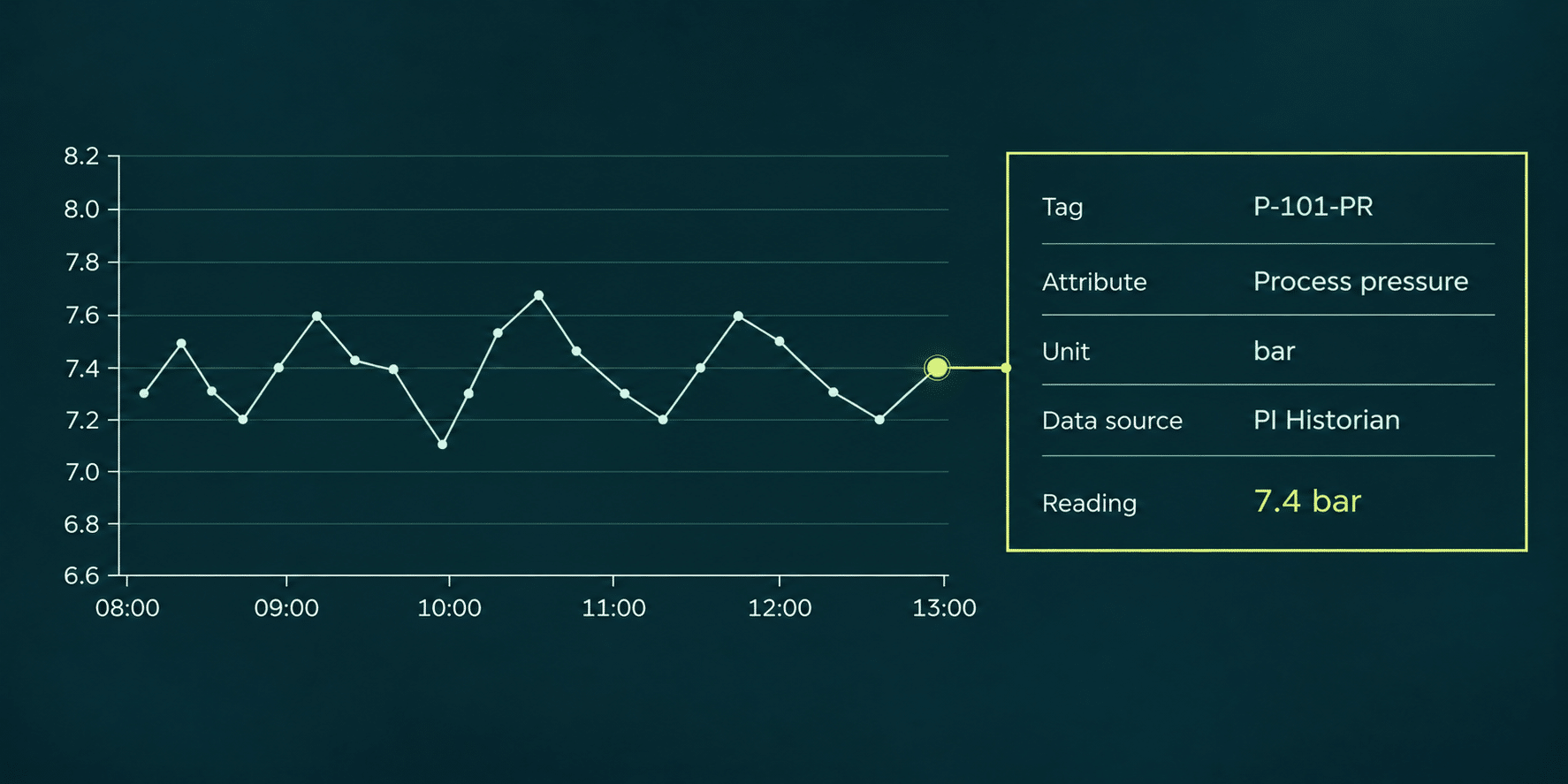
Properties provides access to available metadata such as source paths, units, values, and configuration context directly from PI Vision. Users can inspect important background information about the tag or attribute behind a displayed measurement without beginning with a separate search.
Properties helps answer an important first question in troubleshooting: what does this displayed reading actually represent? Bringing source and configuration context into reach makes the next check more informed, especially when several similar tags or attributes exist in the environment.
Why it helps
Unexpected readings often raise questions about the source, units, or configuration before the process itself can be investigated. Metadata access helps users check that context and prepare a more focused next step during troubleshooting, commissioning, and display-maintenance reviews.
At a glance
Where it can help
Put it to work.
Illustrative use cases to help you explore the possibilities.
Commissioning projects
Engineers inspect source paths and units while reviewing a new display. The metadata helps them check that the configured measurement matches the intended equipment before the dashboard is handed over for routine use.
Process troubleshooting
An unexpected reading prompts a check of its available tag and attribute details. Engineers can establish the measurement context before examining the sensor, data flow, or other systems that may need investigation.
Dashboard maintenance
A display owner reviews available metadata when replacing or updating a measurement. Keeping those details close to the operational view helps the owner understand the existing configuration and prepare a more focused change review.
Ask Amitec about compatibility, configuration and any integration requirements for your environment.
Keep exploring
Related capabilities.
The Amitec PI Vision Suite overview brings version, licensing, documentation, and support resources together in one place.
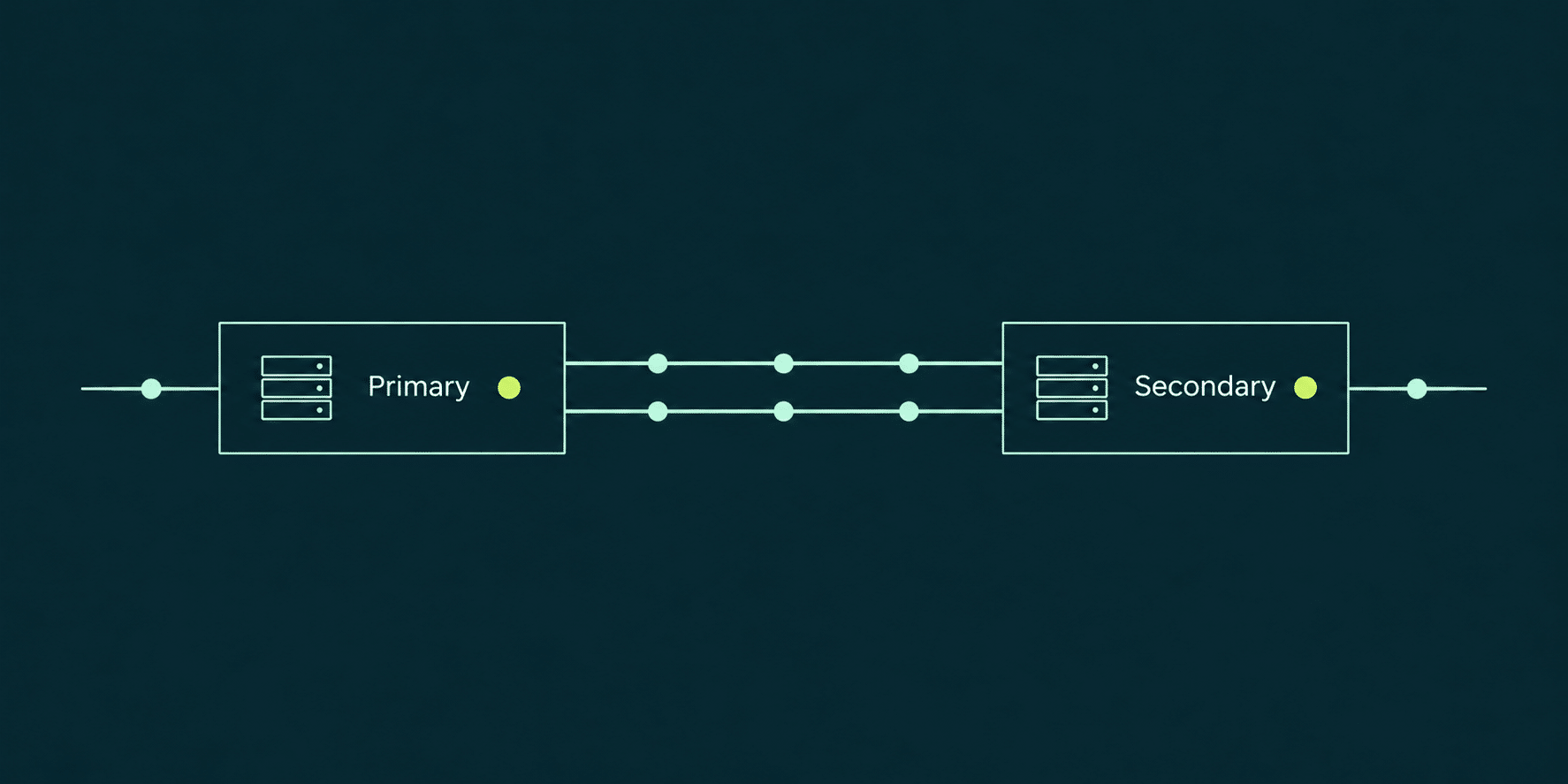
High Availability supports automatic recovery of PI Vision displays after supported interruptions, reducing the need for manual reloads.
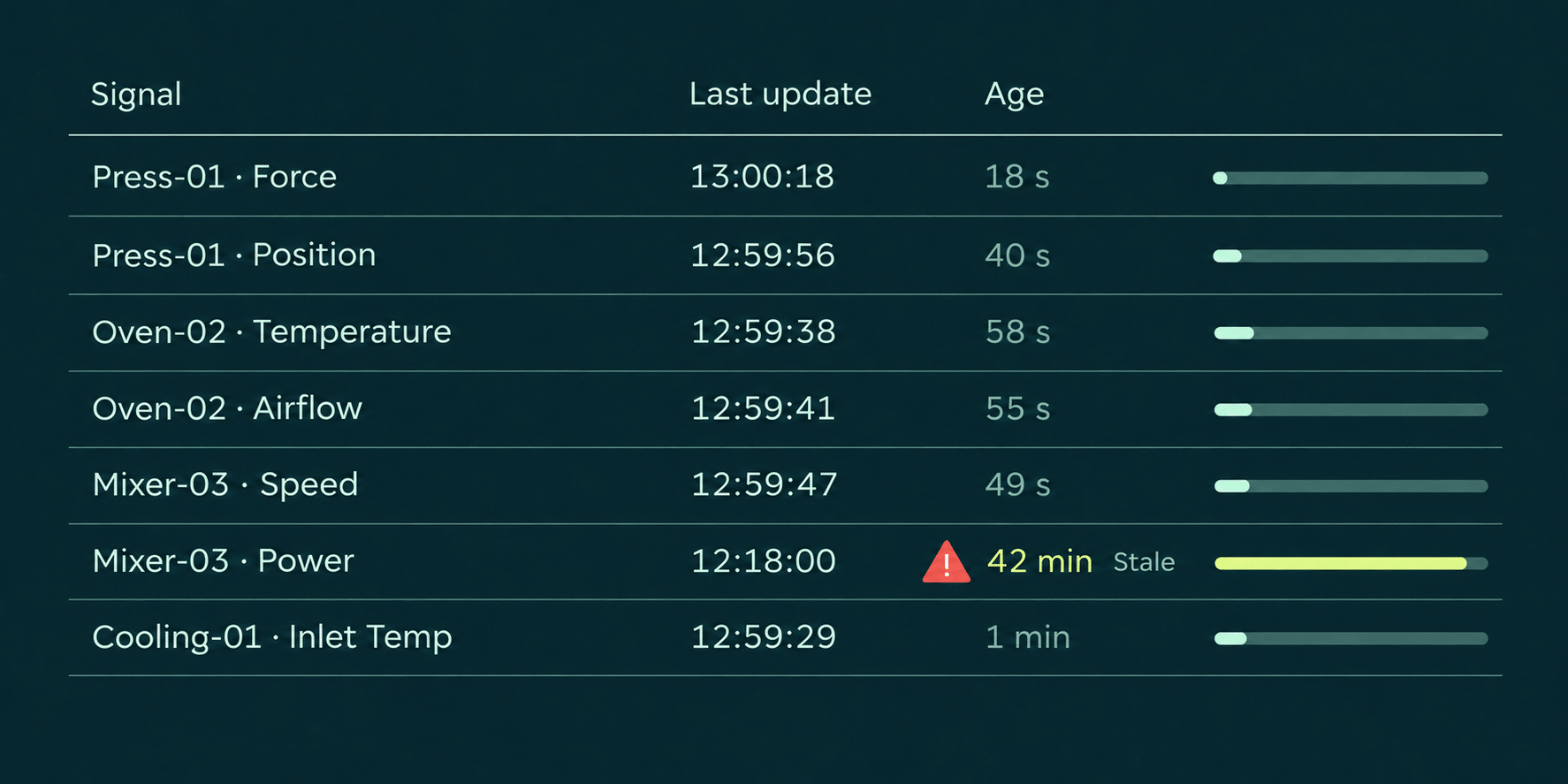
StaleChecker flags supported display values that exceed configured freshness thresholds, helping users notice potential data-update issues.