What it does
Give operational events a clearer record
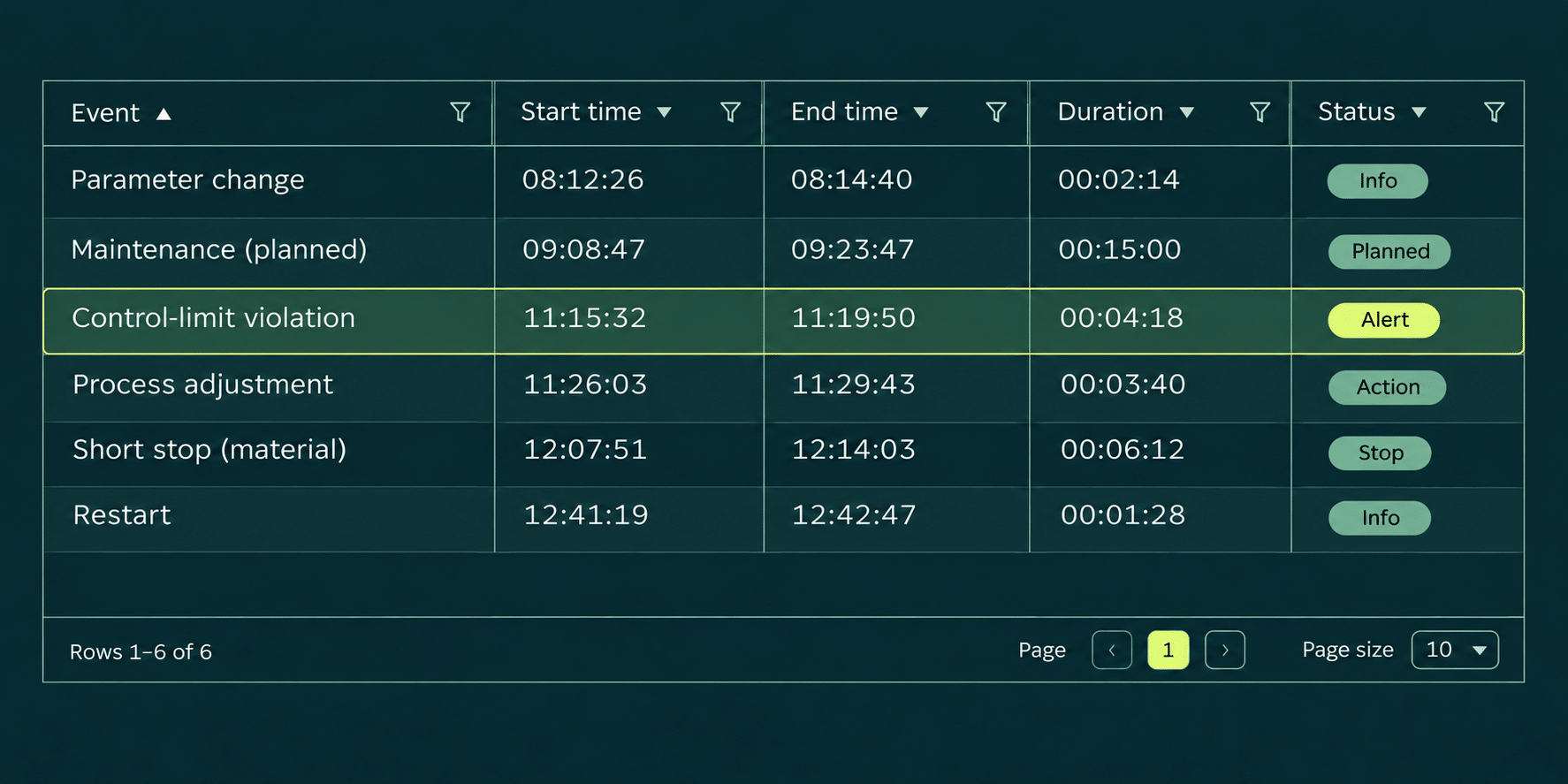
Event Viewer provides a structured and interactive way to work with AF Event Frames directly within PI Vision. Users can review events over time and, where enabled, acknowledge them, add comments, update details, or create manual events in one interface. Event information becomes part of the daily operational view.
The result is a dashboard that supports both measurement review and the operational narrative around it. Teams can use event records as a common reference during handovers, then return to the same context when investigating recurring issues or preparing an improvement discussion.
Why it helps
By bringing event review and documentation closer to the dashboard, teams can capture context while it is fresh and maintain a more useful record of what happened. Event timing and observations support handovers, investigations, and improvement discussions with less reliance on disconnected notes or separate logs.
At a glance
Where it can help
Put it to work.
Illustrative use cases to help you explore the possibilities.
Solar incident tracking
Operators add comments to events around inverter trips or curtailed production. The record captures operating observations alongside the event period, giving the next shift and the performance team useful context when reviewing the loss.
Process plant downtime
Engineers review equipment-trip events and the comments recorded by operations. Event timing and observations help them select the relevant measurements for investigation and discuss whether similar conditions appear across repeated incidents.
Food production handovers
Teams document line stops and changeovers with event comments while the details are fresh. The next shift can review the recorded context, and improvement teams can revisit the same events when discussing recurring production interruptions.
Ask Amitec about compatibility, configuration and any integration requirements for your environment.
Keep exploring
Related capabilities.
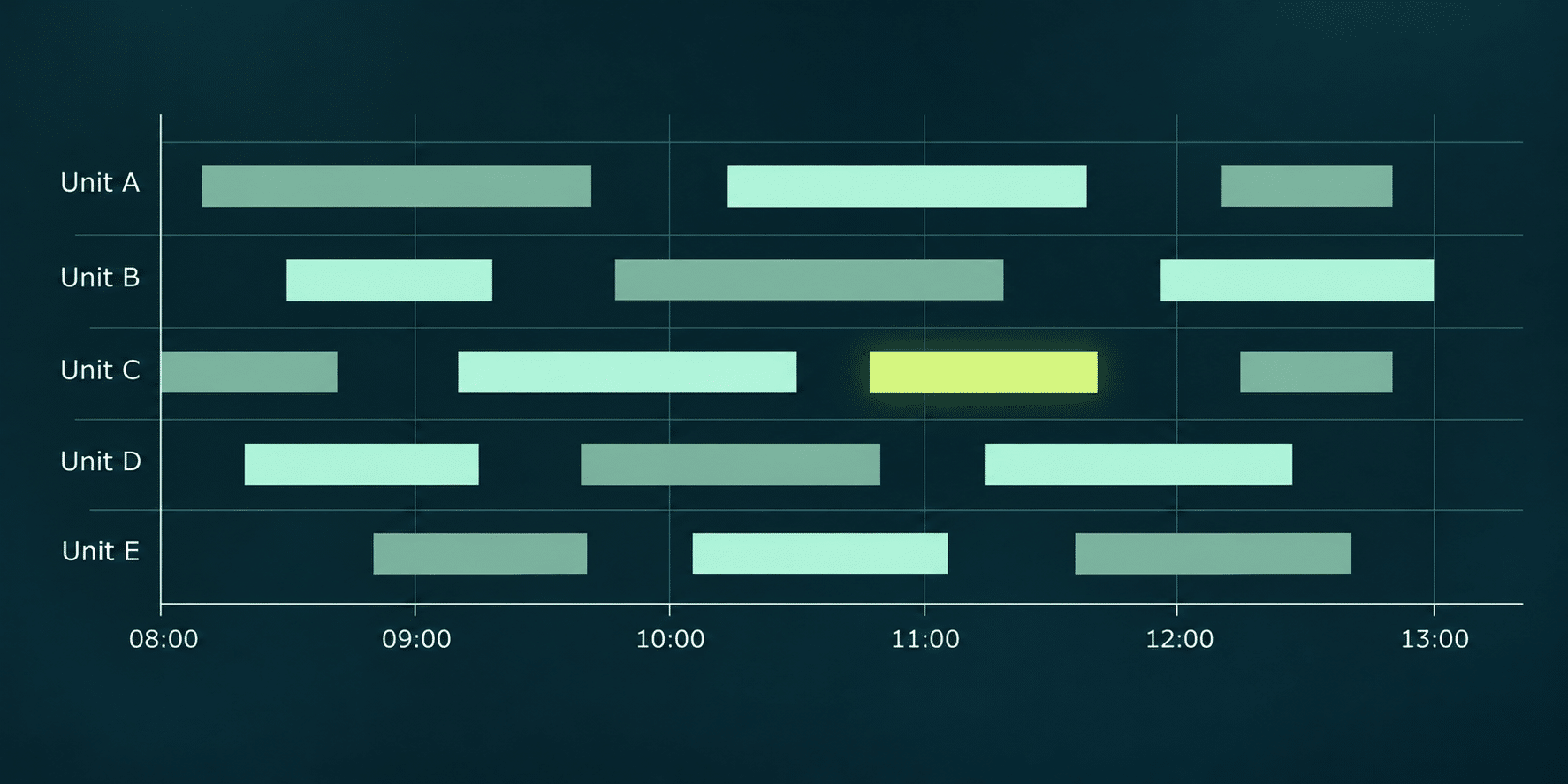
Gantt Chart displays AF Event Frames on a timeline so users can compare event duration, sequencing, and overlap.
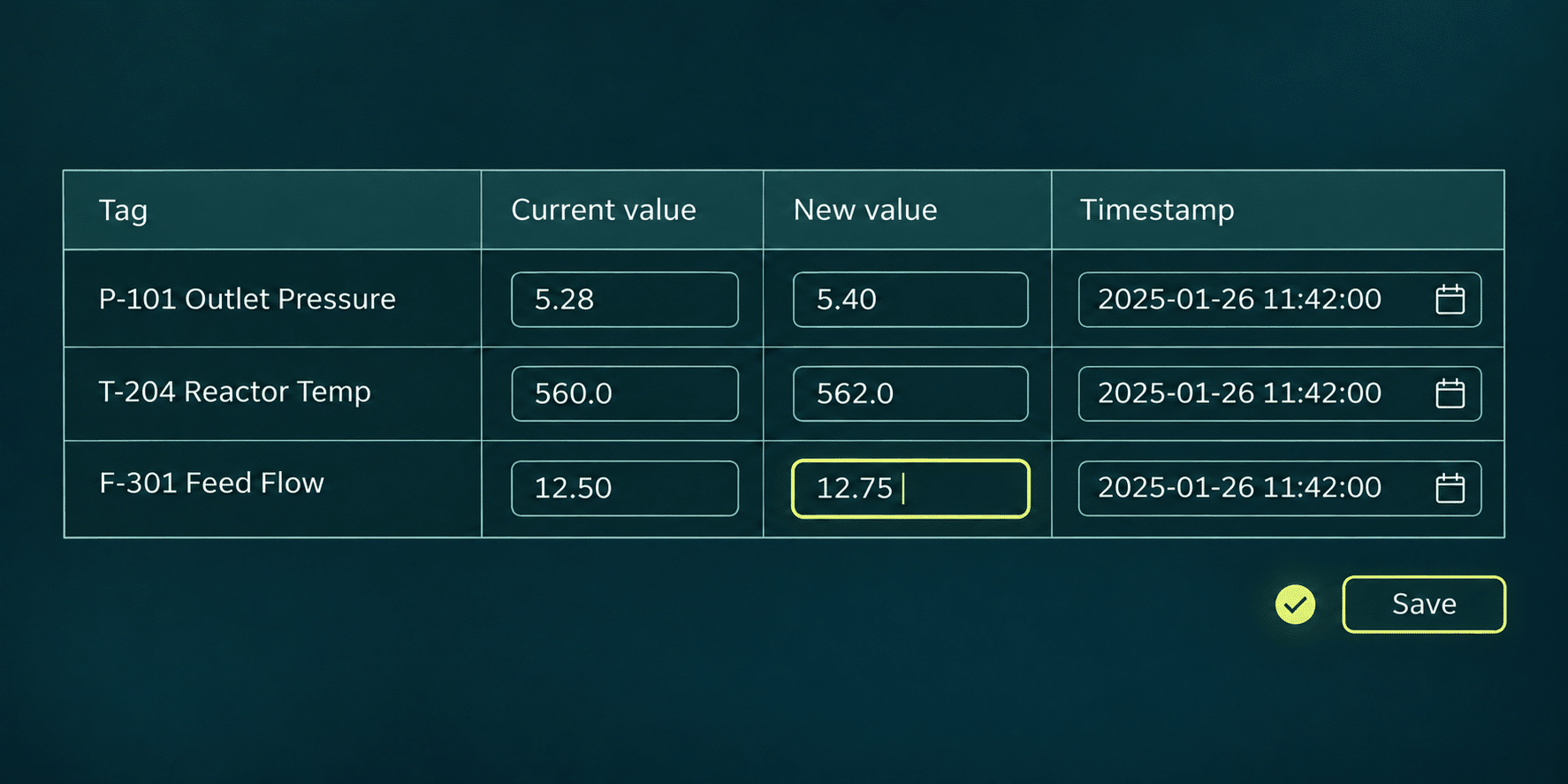
Data Entry lets users record multiple related values in PI tags and supported AF attributes from a PI Vision display.
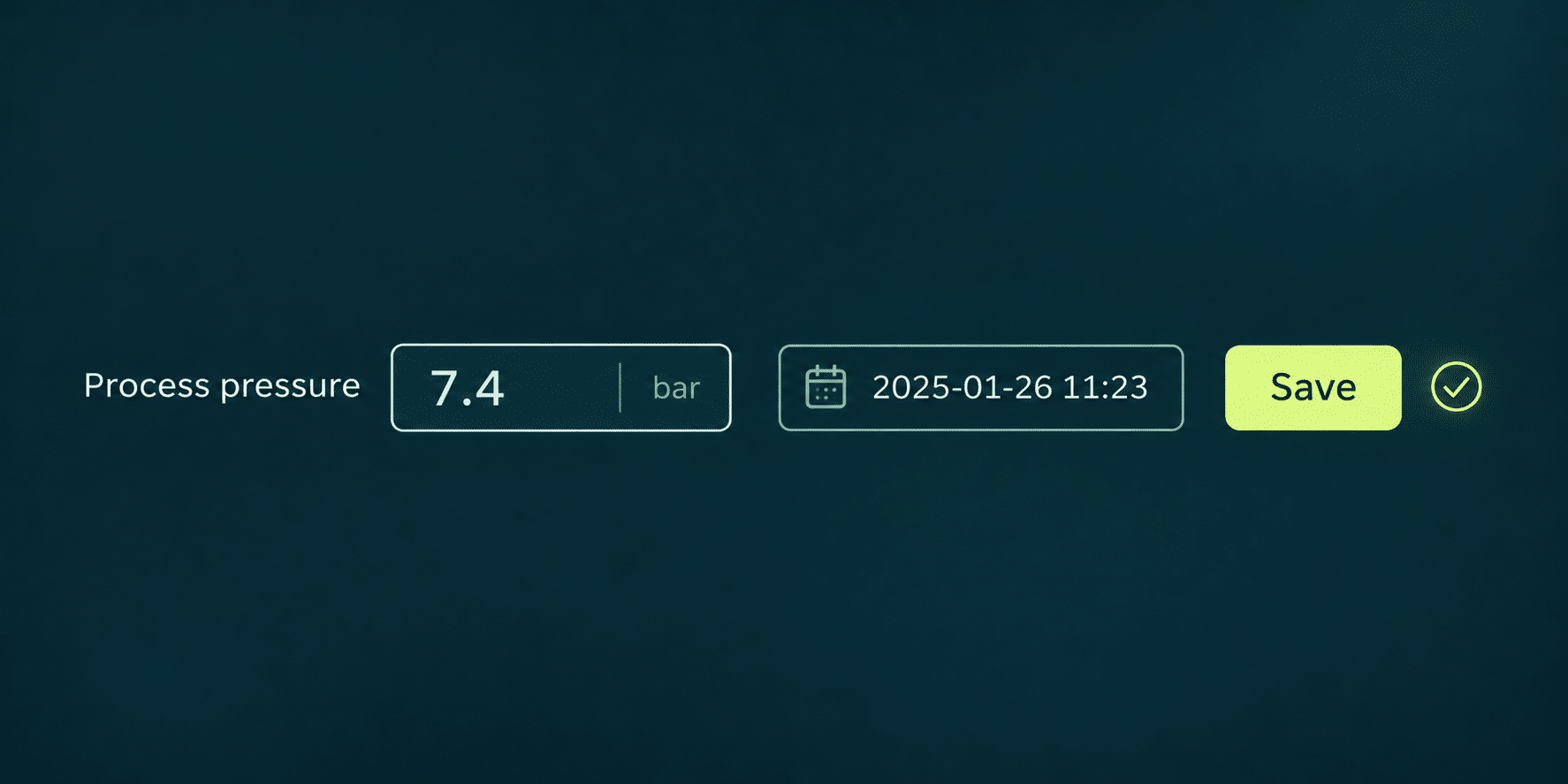
Data Entry Single lets users enter a value into a PI tag directly from a PI Vision display.