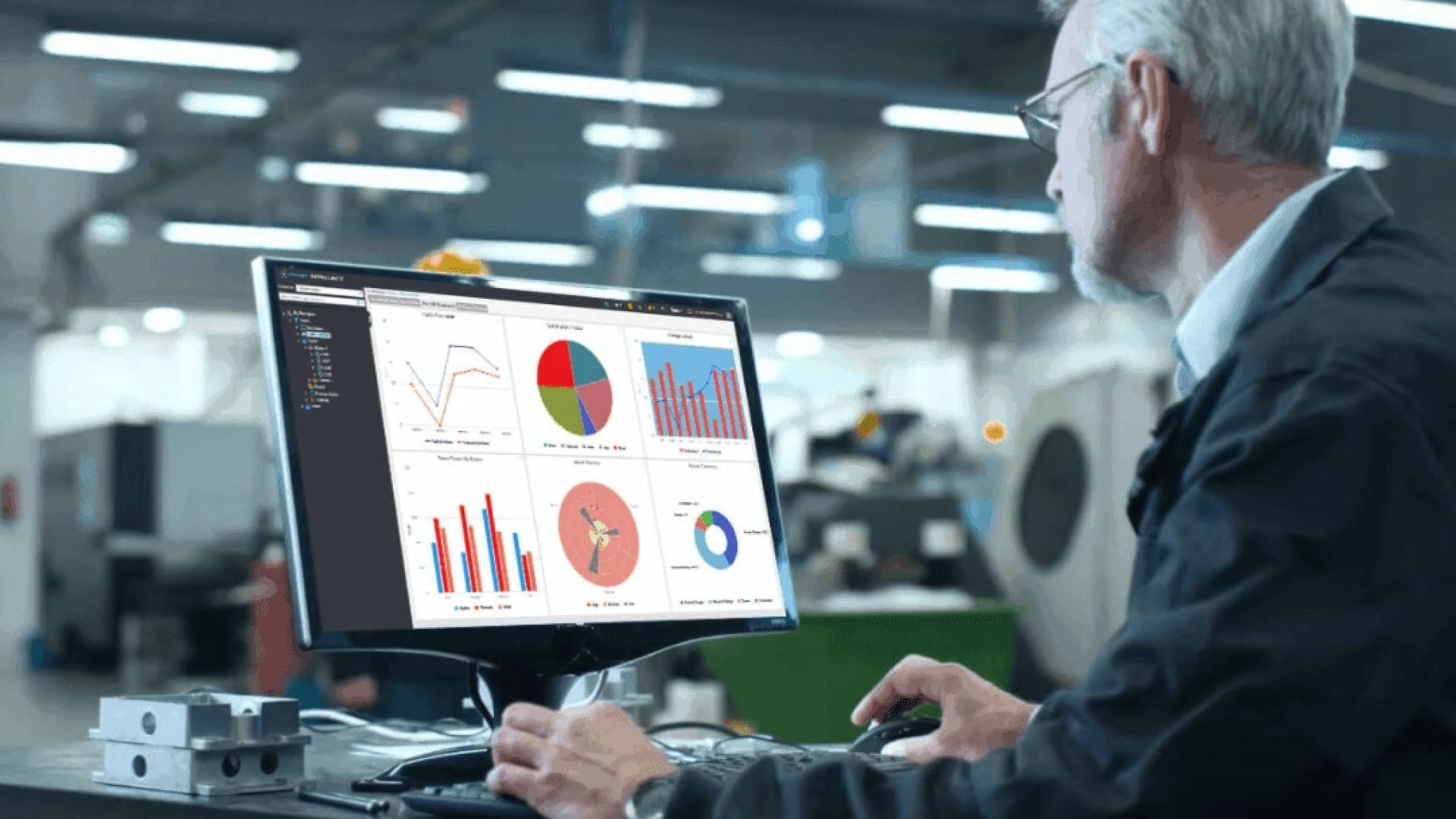
AVEVA has released AVEVA PI Vision 2026, version 3.12.0. When AVEVA previewed the release at AVEVA World 2026 in Milan, it said the release would address enhancement requests with more than 1,700 votes on the AVEVA Feedback Portal (PI Vision roadmap session). The final release delivers several of the most requested features: manual data entry, data status flags, cursor statistics, a revision history for displays and an audit log.
Below is what is new according to the official PI Vision 2026 release notes, what to check before you upgrade, and how the Amitec PI Vision Suite, reVision and Vision Pulse fit with the new version.
The five major new features in PI Vision 2026
- Data entry symbols: two new symbols write values manually to PI Points and PI AF attributes. The data entry symbol handles several points or attributes at once; the value entry symbol is a small input box for a single one. Each value is saved with the time of entry or a timestamp you specify, and administrators can switch data entry off or allow it only for selected identities. The feedback portal request for manual data entry alone had more than 1,000 votes.
- Data status flags: each user can choose to show icons on displays when data is flagged as questionable, substituted or annotated, and can read the annotation text.
- Cursor statistics: in the Ad Hoc Workspace and in pop-up trends, PI Vision now shows summary statistics for the period between two cursors and the time elapsed between them.
- Revision history: PI Vision saves revisions of each display, so you can view and restore an earlier revision after unwanted changes. Administrators set how many revisions are kept.
- Audit log: a history of every display or folder that was created, modified or deleted, with the date and time, the user and the ID of the affected item.
Smaller improvements worth knowing
- Trend cursors move with the left and right arrow keys; hold Ctrl for bigger steps.
- Dynamic search criteria and collections accept up to 25 attribute filters instead of 5.
- Calculations based on PI points can show a units label.
- The XY plot is much faster when you resize, zoom or pan, and the default maximum per XY pairing rises from 10,000 to 25,000 data points.
- A user setting decides whether automatic links, for example in events tables, open in the current or a new browser tab.
- On the Administration site: a View Display Permissions by Identity report and defaults for user settings. The Display Utility makes permission changes easier and shows applied permissions more clearly.
- 36 resolved issues, among them custom symbol configuration missing from the right-click menu after an upgrade to PI Vision 2025.
Before you upgrade: what to check
The release notes list a few changes that matter for planning:
- New minimum requirements: Windows Server 2019 up to and including Windows Server 2025 (Server Core included), and SQL Server 2017 or later (Standard, Enterprise or Express).
- More database storage: because of the audit log and the saved revisions, the minimum recommendation for the PI Vision database is now 250 MB plus 10 MB per user, up from 200 MB plus 5 MB per user.
- Trusted certificate: the Display Utility now connects only to a PI Vision server with a trusted TLS certificate. If your security policy allows it, the requirement can be bypassed in the configuration.
- Stricter Content Security Policy: PI Vision 2026 adds CSP directives, so custom symbols that load content from external sources may not load after the upgrade. Add those sources to the CspCustomPolicy setting. Existing CSP customizations are kept.
Our advice: upgrade a test or QA server first and open every display that uses custom symbols, in particular symbols that embed content from another server, such as Seeq or TrendMiner views. With the PI Vision Suite, development and QA servers are licensed free of charge, so the test costs you no extra licenses.
PI Vision Suite: 41 symbols and 8 tools on top of PI Vision 2026
PI Vision 2026 closes some long-standing gaps. The Amitec PI Vision Suite continues where the standard toolbox ends, with 41 custom symbols and 8 tools that install directly into PI Vision: for example SPC trends and histograms, boxplots, FFT, heatmaps, Duval triangles, wind roses, Gantt charts, an event viewer, export and playback of historical data, plus integrations for Seeq and TrendMiner. The current release, PI Vision Suite 2026.2, added seven new symbols.
PI Vision 2026 now comes with its own data entry symbols. The PI Vision Suite data entry symbols stay available, with options such as fractional seconds, enforced timestamp selection, filtering and AF limit handling, so you can choose per display what fits your workflow.
Planning the move to PI Vision 2026? Tell us your PI Vision version and setup, and we will confirm compatibility with your PI Vision Suite installation before you upgrade.
reVision and the new built-in revision history
A revision history in the standard product is good news for every PI Vision team. reVision, our version control for PI Vision displays, creates a new version every time a display is saved and lets you return to any earlier version from a PI Vision add-in. For teams that stay on their current PI Vision version for now, it provides that safety net today.
reVision also adds a preview image of each version, display-specific settings, the restore of displays that were deleted from PI Vision, and display dependencies over time in the Amitec Industrial Knowledge Graph. If you are planning the upgrade, we will walk you through the differences, so you can decide what your team needs.
Vision Pulse: scheduled reports from your PI Vision displays
Scheduled reporting is not part of PI Vision 2026. Vision Pulse adds it inside PI Vision: you pick the displays for a report, set the time range of each page relative to the run time and schedule the report hourly, daily, weekly or monthly. Vision Pulse then creates a PDF, sends it by email to the recipients you choose, and keeps every run available for download inside PI Vision.
Use it, for example, for a daily production report, a weekly KPI summary or a monthly energy report, built from the displays your teams already use.
Try the PI Vision Suite on your own server
Test the PI Vision Suite free for 30 days. We only need the name of your PI Vision server and the start date you want. You can also book a live demo.
Frequently asked questions
What version number is AVEVA PI Vision 2026?
PI Vision 2026 is version 3.12.0. The MUI Language Pack is included in the distribution kit.
What are the system requirements for PI Vision 2026?
Windows Server 2019 up to and including Windows Server 2025, including Server Core, and Microsoft SQL Server 2017 or later in the Standard, Enterprise or Express edition.
Does PI Vision 2026 support manual data entry?
Yes. A data entry symbol writes values to several PI Points or PI AF attributes, and a smaller value entry symbol writes to a single one. Administrators can disable data entry or allow it only for selected identities.
Will my custom symbols still work after the upgrade?
Check them on a test server first. Because PI Vision 2026 uses stricter Content Security Policy headers, custom symbols that load content from external sources may not load until you add those sources to the CspCustomPolicy setting.
Does the PI Vision Suite support PI Vision 2026?
The current release is PI Vision Suite 2026.2. Tell us your PI Vision version and setup, and we will confirm compatibility before you upgrade.
Related posts

Free OT security workshop by Amitec and Waterfall in Cologne, Hamburg and Munich, 1 to 3 December 2026, with live demos of unidirectional gateways and HERA.