

Amitec PI Vision Suite: Advanced Dashboards and Custom Symbols for AVEVA PI Vision
The Amitec PI Vision Suite extends AVEVA PI Vision with advanced symbols, analysis tools, and usability enhancements that help industrial teams get more value from their AVEVA PI System. Instead of relying only on standard displays, companies can build richer dashboards, improve operational transparency, and make faster decisions with live and historical process data. The suite integrates directly into PI Vision, works in the browser, and can also be expanded with customer-specific controls where needed.
What is the Amitec PI Vision Suite?
The Amitec PI Vision Suite is an extension package for PI Vision that adds 32 additional symbols and a broader toolset for visualization, data summary, data entry, and user experience improvements. These controls are designed to help operators, engineers, analysts, and managers work more effectively with PI data in a familiar environment.
Because the suite integrates seamlessly into existing PI Vision environments and is configured directly in the browser, companies can expand their visualization capabilities without introducing unnecessary complexity. Amitec also offers custom PI Vision controls for requirements that go beyond the standard suite.
Why companies use the PI Vision Suite
Many PI Vision users reach the same point: the standard display set is no longer enough for the level of insight they want to achieve. They need more flexible dashboards, better comparison views, more intuitive analytics, and easier access to relevant context.
The PI Vision Suite addresses exactly that need. According to Amitec’s current material, the subscription includes regular feature updates, support from more than 80 digitalization experts, optional SLA coverage, compatibility with recent PI Vision releases, and influence over future controls added to the suite.
Key benefits of the Amitec PI Vision Suite
Better PI Vision dashboards
The suite expands native PI Vision with a wide range of custom charts, indicators, gauges, tables, and interaction elements. These additions make it easier to create dashboards that are not only visually stronger, but also more useful in daily operations.
Faster analysis of live and historical data
Several symbols are built specifically to help users compare values, identify trends, and summarize performance more efficiently. Examples include the Sample Table, SPC Histogram, SPC Trend, ValuePlus, and Stacked Bar Chart.
Improved user experience in PI Vision
The suite includes navigation and workflow enhancements such as Navigation Menu, Tooltip Symbol, DatePicker, UNC integration, and the central PI Vision Suite tool for documentation, licensing, and support access. These features reduce friction and help users move faster in complex display environments.
More value from your PI System investment
Your existing product description positions the PI Vision Suite as a way to streamline workflows, improve operational intelligence, and maximize the value of PI System data. It is especially relevant for manufacturing, energy, and utilities, as well as for organizations modernizing legacy PI visualization environments.
Advanced PI Vision symbols that stand out
Sankey diagram for energy and material flow visualization
One of the strongest SEO and business themes for this product is the PI Vision Sankey diagram. The Sankey symbol displays aggregated values where the connection width is proportional to the size of the value. It is particularly useful for visualizing energy consumption, material flows, inefficiencies, and potential savings. This makes it highly relevant for industrial energy management, utilities, and production transparency.
Calendar heat map for pattern detection
The Calendar Heat Map creates a color-coded representation of values over time and allows users to choose different aggregations for each time window. It is ideal for identifying recurring patterns, unusual peaks, and daily or seasonal behavior in process and energy data.
Stacked bar chart for grouped comparisons
The Stacked Bar Chart in the suite supports different time aggregations such as days, weeks, months, quarters, and years, as well as multiple aggregation functions including min, max, and average. This makes it a practical option for KPI dashboards, consumer comparisons, and performance reporting in PI Vision.
PI Vision Portal for contextual dashboards
The PI Vision Portal allows users to embed PI Vision content and assign different time periods to reused displays. That makes side-by-side comparisons easier and supports more contextual dashboards without duplicated content.
Profile View for asset and process comparison
The Profile View improves visual clarity for recurring patterns and is well suited to profile-based data such as thickness, flatness, or temperature. It supports standardized comparison across similar assets or production runs and continues the concept familiar from PI ProfileView.
Powerful PI Vision tools beyond symbols
The Amitec PI Vision Suite is not just a symbol library. It also includes tools that improve usability, diagnostics, reporting, and analysis.
Export tool
The Export Tool allows users to export dashboards or views as PDF, PNG, or JPEG and export time-series data into CSV or Excel. It also supports recorded, interpolated, or aggregated retrieval methods depending on reporting and analysis requirements.
Playback tool
The Playback function helps users replay process behavior over time, making it easier to identify root causes, correlations, and critical moments in historical data. This is highly valuable for troubleshooting and post-incident analysis.
Properties tool
The Properties Tool provides detailed metadata for PI Tags and AF Attributes, including current value, timestamp, archiving settings, compression parameters, creator information, limits, and security-related details. This helps users verify data quality and understand tag configuration directly in PI Vision.
Seeq integration
The suite supports Seeq integration through both the Seeq Visual Workbench and the Seeq Ad-Hoc Analyzer. The Visual Workbench embeds interactive Seeq analyses directly in PI Vision, while the Ad-Hoc Analyzer creates a new Seeq analysis automatically from the signals present in a PI Vision display. This reduces manual effort and makes deeper analytics much more accessible.
Built for industrial digitalization use cases
The PI Vision Suite is especially relevant for organizations that need advanced operational data visualization in sectors such as manufacturing, energy, and utilities. It is also a strong fit for teams migrating from legacy platforms like PI ProcessBook or for companies looking to embed advanced analytics more directly into PI Vision.
This makes the product highly suitable for use cases such as:
-
energy and utility monitoring
-
KPI dashboards for operations and management
-
asset comparison across sites or lines
-
event and downtime analysis
-
quality and SPC monitoring
-
PI Vision modernization projects
Why choose Amitec PI Vision Suite?
The Amitec PI Vision Suite combines richer visualization, stronger analysis, and better usability in one integrated extension package for AVEVA PI Vision. It helps teams build more effective dashboards, shorten the path from data to insight, and make better use of their PI System environment. With 32 additional symbols, advanced tools, Seeq integration, browser-based configuration, and optional customization, it provides a practical and scalable way to modernize PI Vision.
Request a demo
If you want to improve your AVEVA PI Vision dashboards, add advanced custom symbols, or bring more analytical depth into your PI System environment, the Amitec PI Vision Suite provides a clear path forward.
Meet Us at AVEVA World 2026
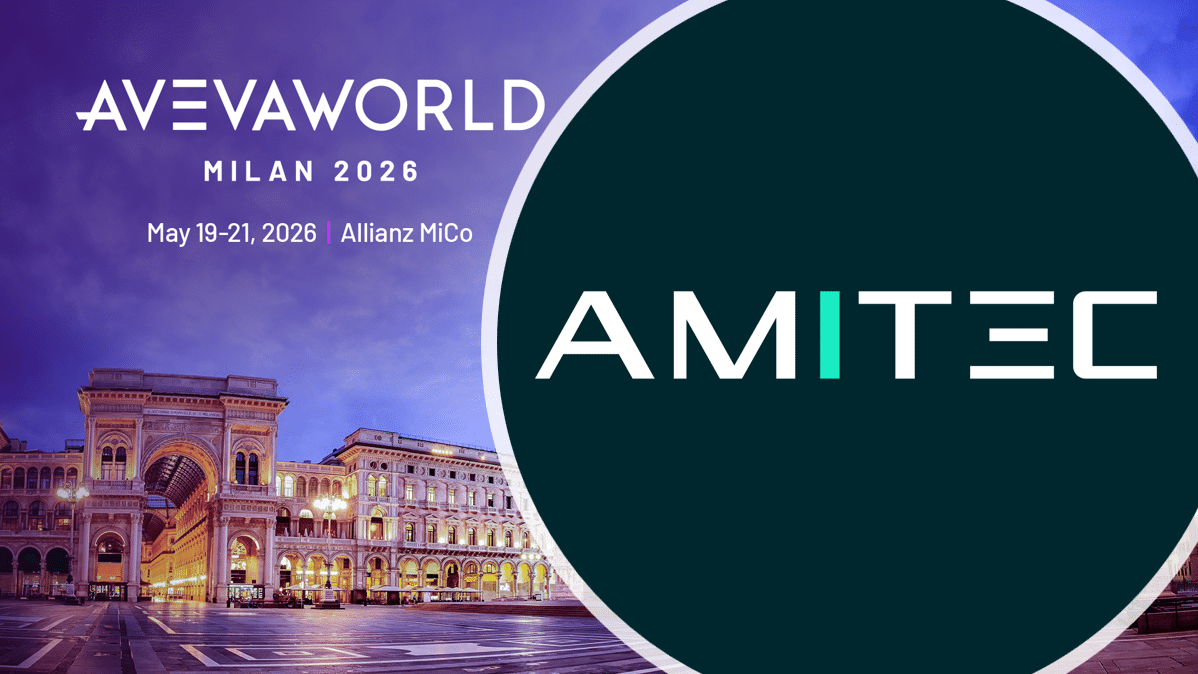
We look forward to presenting this joint project together with Raffinerie Heide GmbH at AVEVA World 2026 in the Oil & Gas track.
If you are attending and would like to learn more about integrating external data sources, modernizing PI Vision environments or implementing ISO 50001-based energy management within AVEVA PI. We would be happy to connect.


