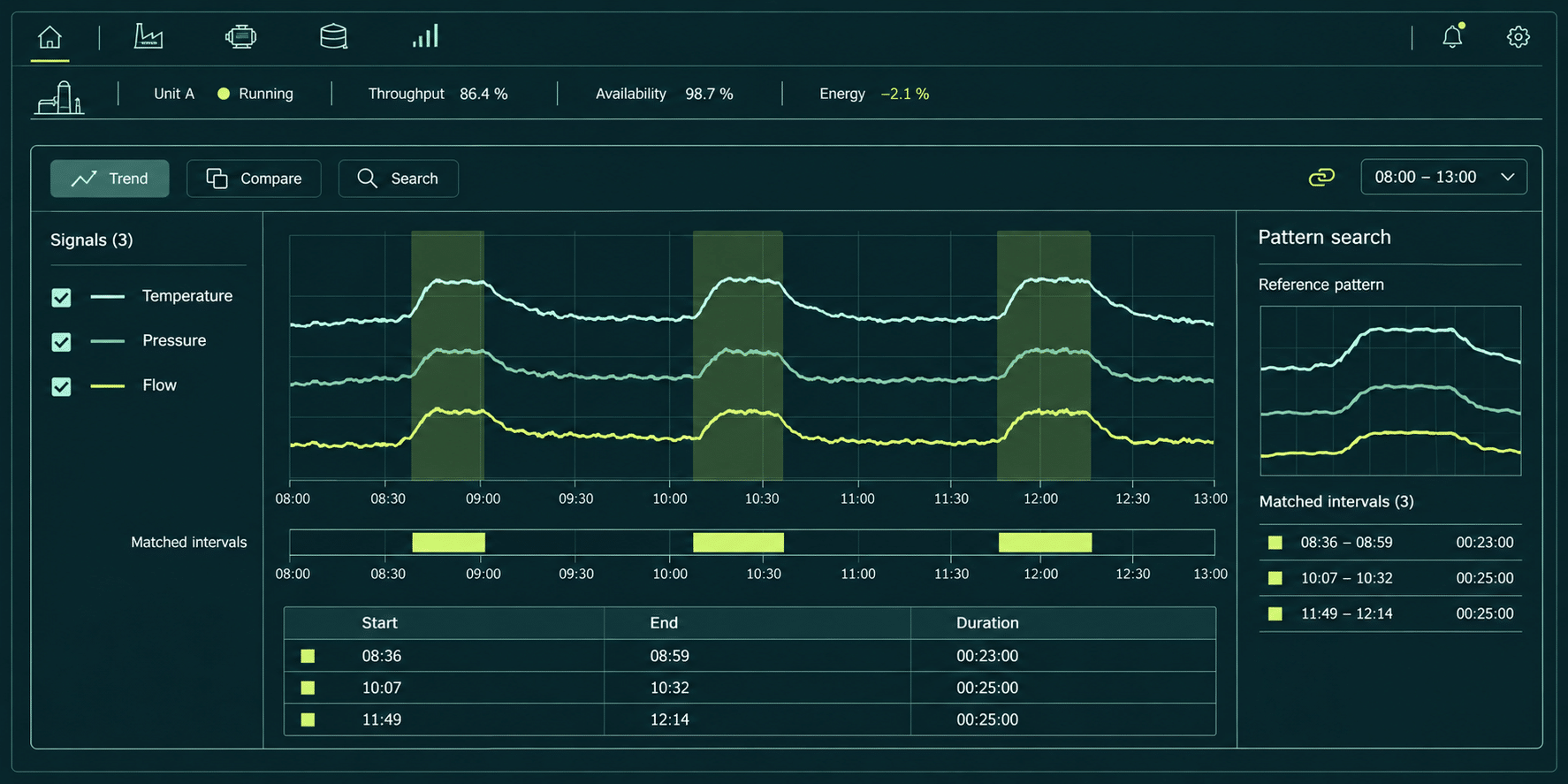
Capability illustration. See the actual product and workflow in a demo.
What it does
Bring analytical findings into daily monitoring
TrendMiner Visual Workbench brings configured TrendMiner web content into a PI Vision display. Users can interact with embedded content when enabled, and optionally pass the display time range to keep the analytical view aligned with the period under review.
An existing analytical finding becomes more accessible when it is placed in the view used for daily operational discussions. The integration helps teams relate TrendMiner content to the process measurements around it and keep the selected review period aligned where that option is configured.
It works with your existing TrendMiner installation, which needs its own TrendMiner license.
Why it helps
Analytical findings are harder to use when they sit apart from day-to-day monitoring. Embedding relevant TrendMiner content helps teams review insights in operational context, reduce navigation, and discuss process behavior using a shared view.
At a glance
Where it can help
Put it to work.
Illustrative use cases to help you explore the possibilities.
Process improvement
A configured TrendMiner view sits beside operating indicators used in a production review. Engineers and operators can discuss the finding together and identify which process periods or relationships should be investigated in more detail.
Energy performance
Teams review TrendMiner content alongside production and consumption KPIs. The combined view helps connect analytical findings with the measurements used in daily monitoring and reduces navigation during a shared performance discussion.
Manufacturing quality
Relevant analytical content is brought into a dashboard used for quality investigations. Teams can discuss the finding alongside line conditions and quality indicators, with the embedded view following the selected time range where configured.
Ask Amitec about compatibility, configuration and any integration requirements for your environment.
Keep exploring
Related capabilities.
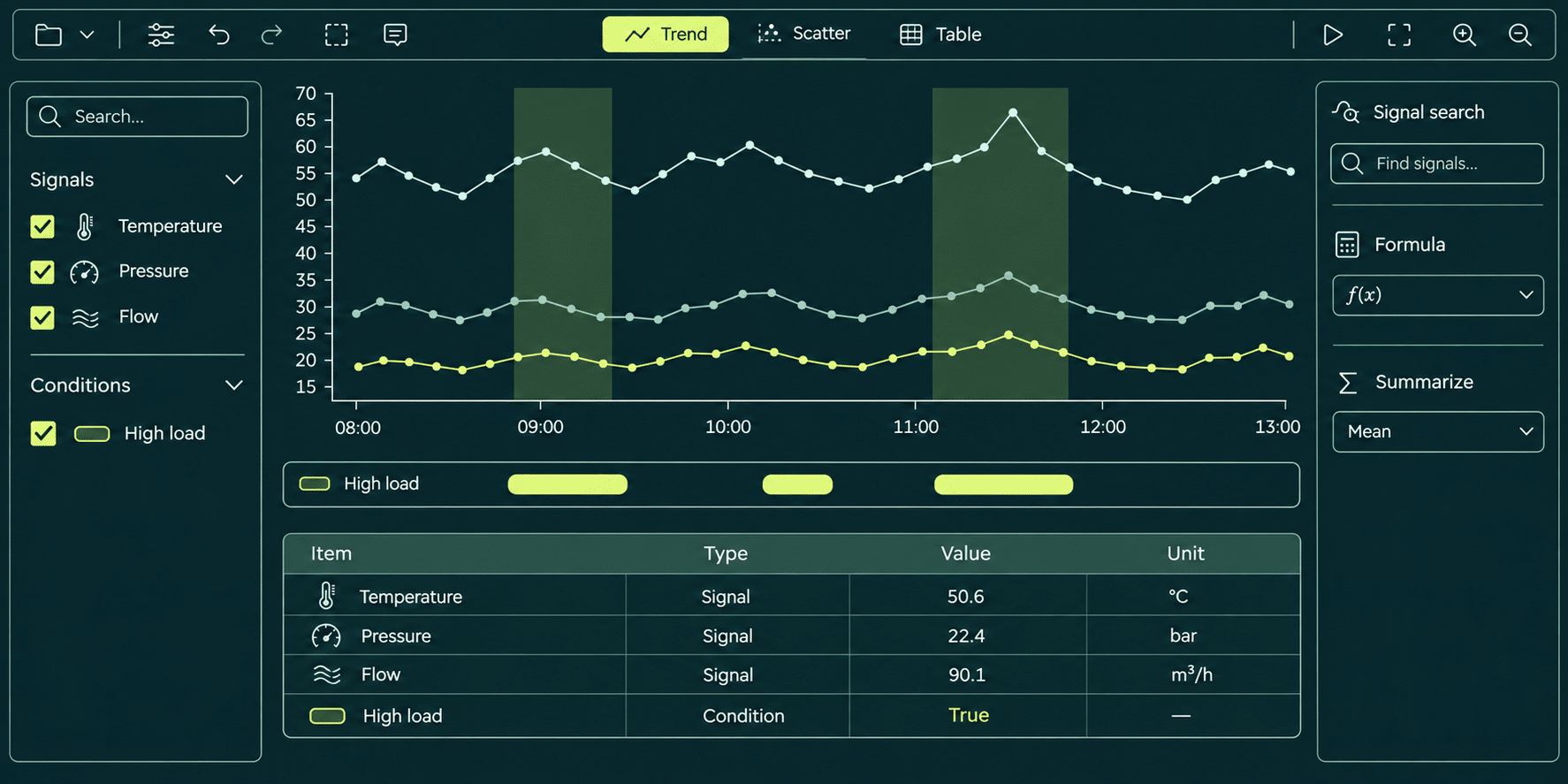
Seeq Visual Workbench embeds supported Seeq content in PI Vision, helping users review analytical findings alongside operational data.
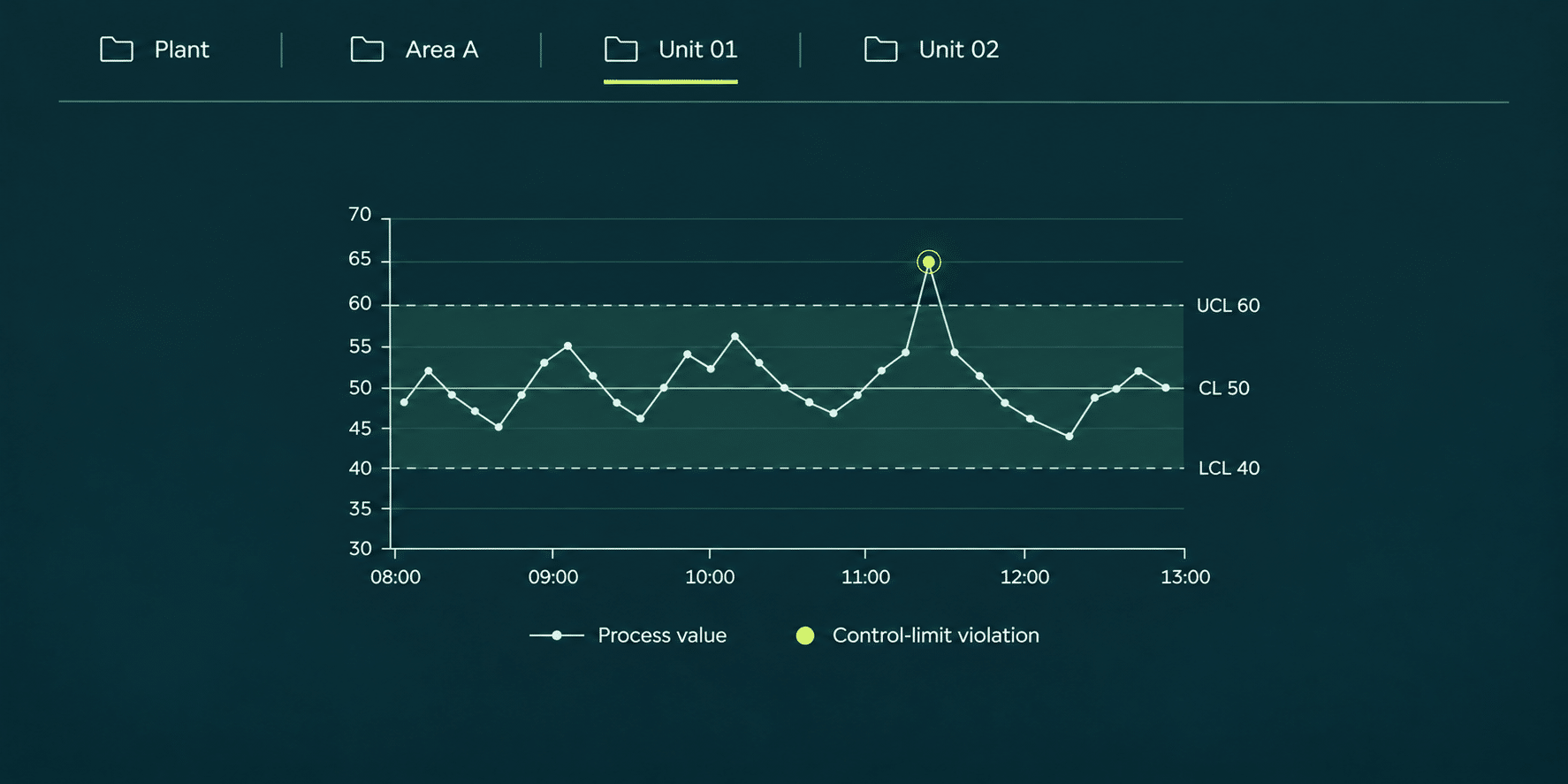
Navigation Menu adds a consistent menu to PI Vision displays, helping users move between related operational views.
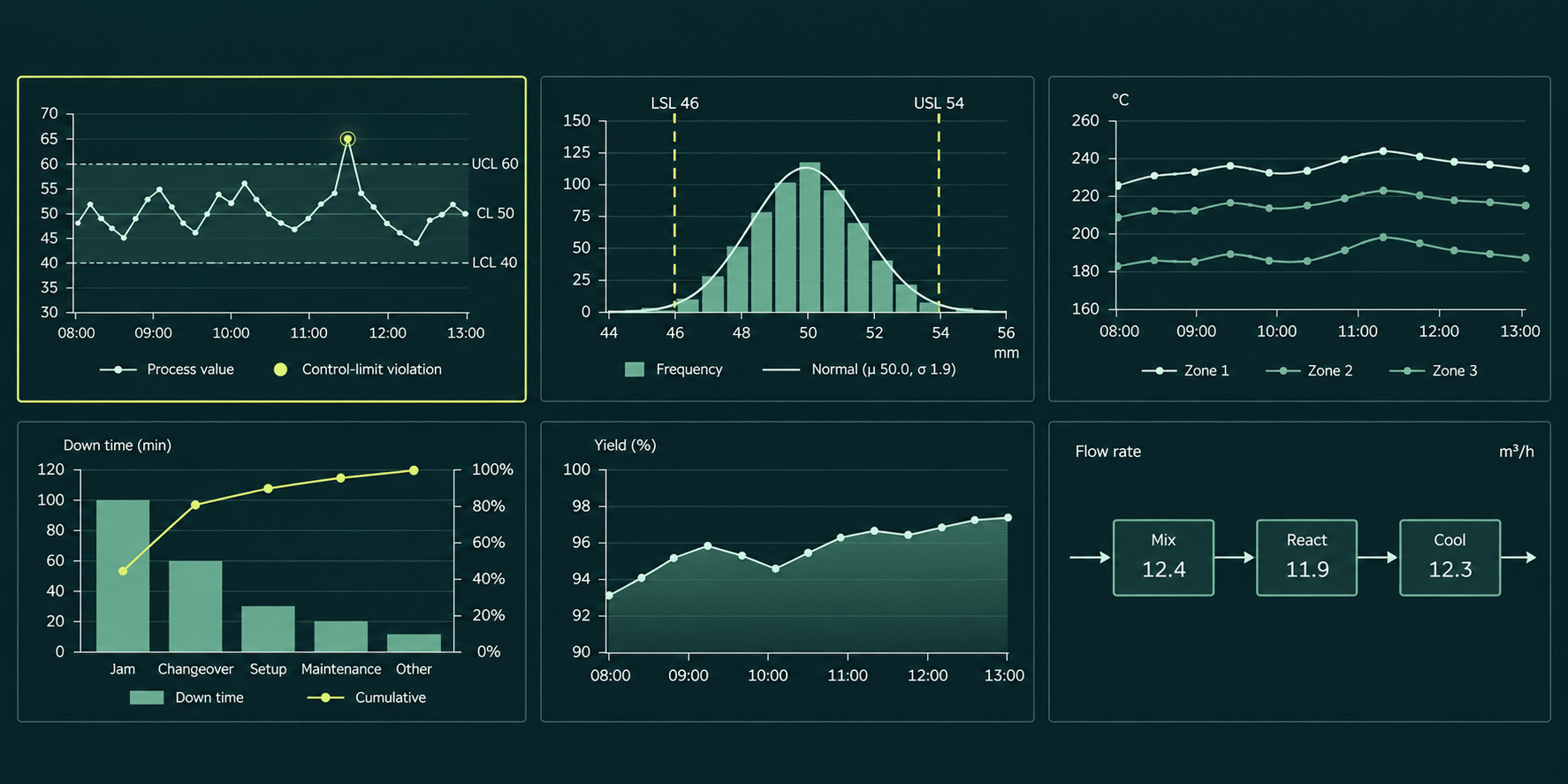
PI Vision Portal embeds existing PI Vision displays within a parent display, helping teams reuse and combine operational views.