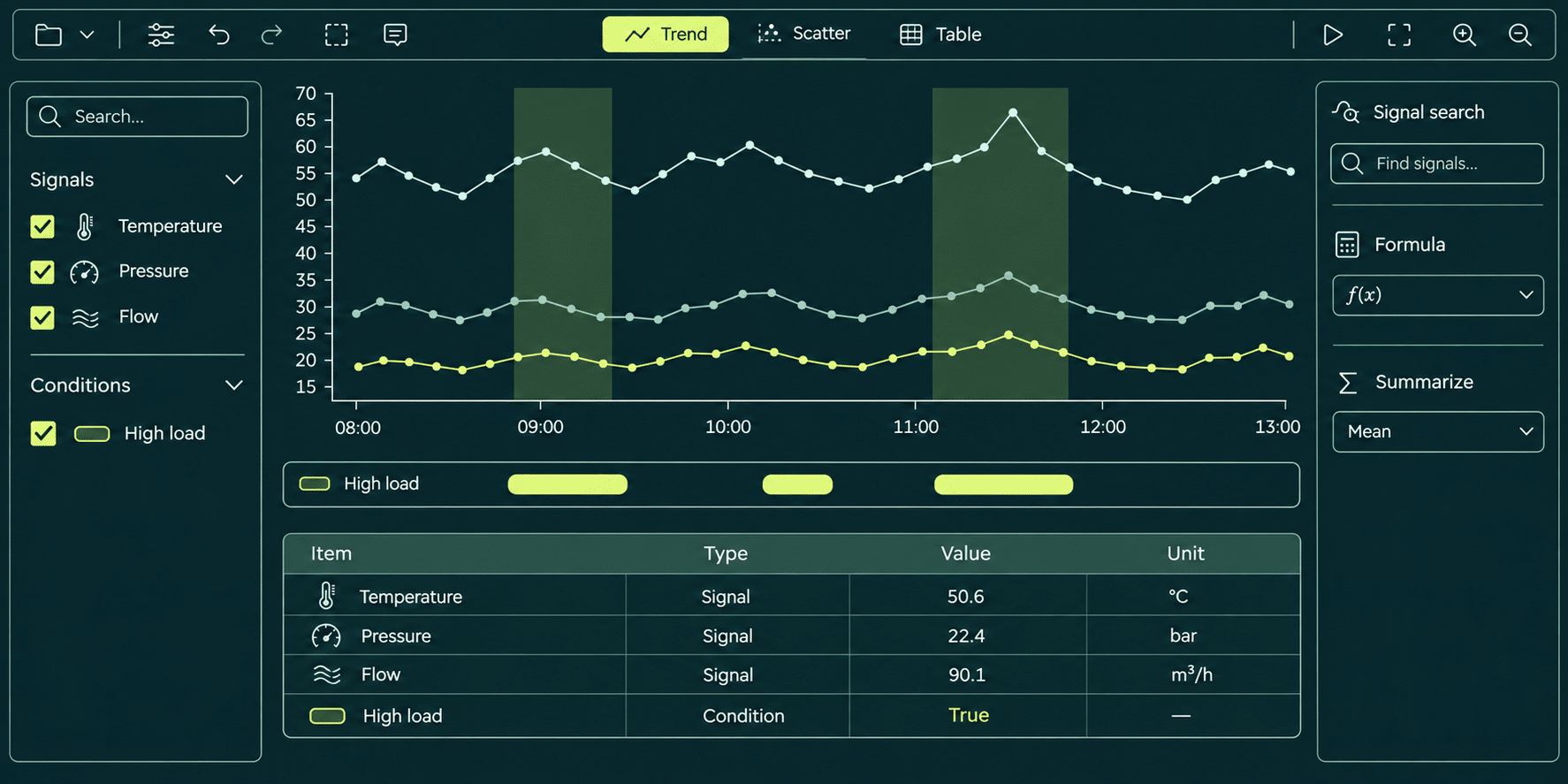
Capability illustration. See the actual product and workflow in a demo.
What it does
Keep analytical insight close to operations
Seeq Visual Workbench embeds supported Seeq analytical content directly into PI Vision, bringing relevant findings into the operational dashboard. Configured integration options can keep the embedded view connected to the review context, with available interaction and time or asset alignment depending on the content and setup.
Embedding an existing analytical view makes the finding easier to use in a shared operational conversation. Users can relate it to the measurements around it and keep the investigation focused on the selected process or asset, with interaction and context transfer determined by the configured integration.
It works with your existing Seeq installation, which needs its own Seeq license.
Why it helps
Analytical findings are easier to use when they are close to the operating measurements they help explain. A combined view reduces navigation between monitoring and analysis and gives operations and engineering teams a shared reference for discussing patterns, relationships, and questions that need further investigation.
At a glance
Where it can help
Put it to work.
Illustrative use cases to help you explore the possibilities.
Process improvement
Engineers bring a relevant Seeq analysis into a dashboard beside throughput and utility measurements. The combined view helps operations and analysts discuss the finding together and identify which process conditions should be reviewed next.
Renewable performance
A performance team reviews Seeq content alongside generation KPIs when investigating a production change. Analytical findings remain close to the operating view, supporting a shared discussion of possible relationships and the evidence needed to investigate them.
Manufacturing quality
Teams place a relevant analysis beside quality indicators and process measurements. The dashboard becomes a common reference when discussing relationships between process conditions and recorded quality changes, reducing repeated navigation between the monitoring and analytical views.
Ask Amitec about compatibility, configuration and any integration requirements for your environment.
Keep exploring
Related capabilities.
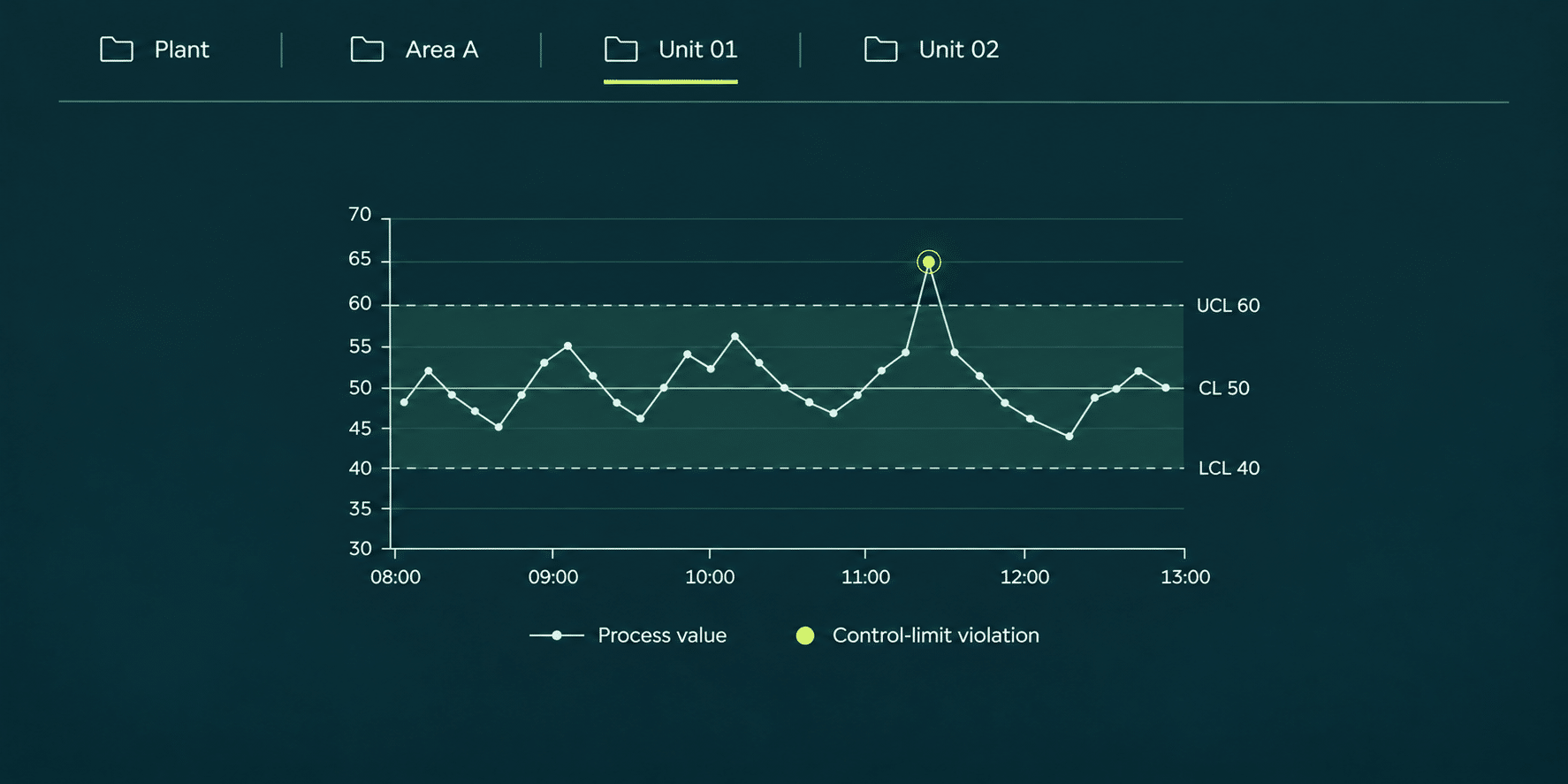
Navigation Menu adds a consistent menu to PI Vision displays, helping users move between related operational views.
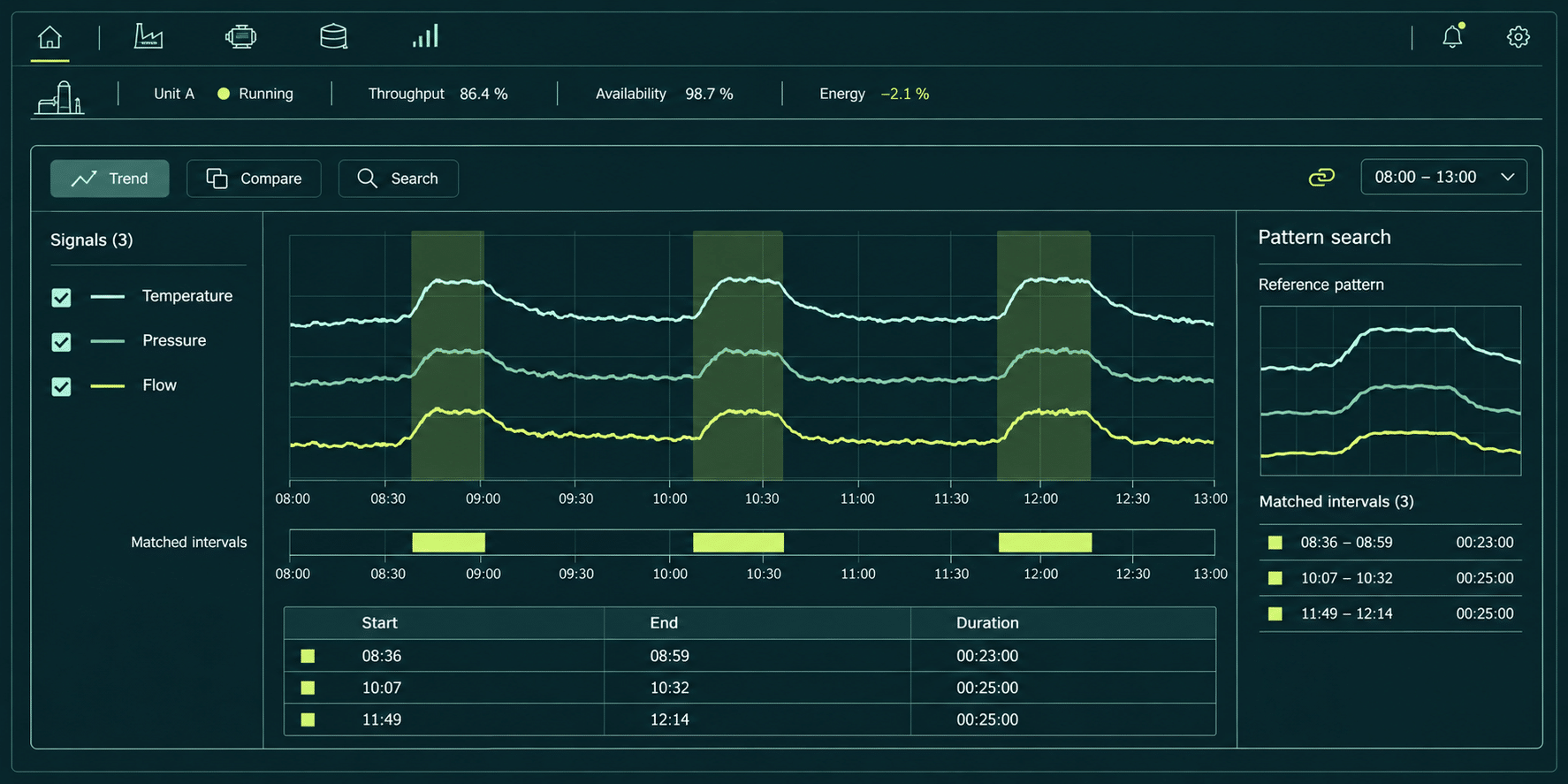
TrendMiner Visual Workbench embeds configured TrendMiner web content in PI Vision, keeping relevant analysis beside operational measurements.
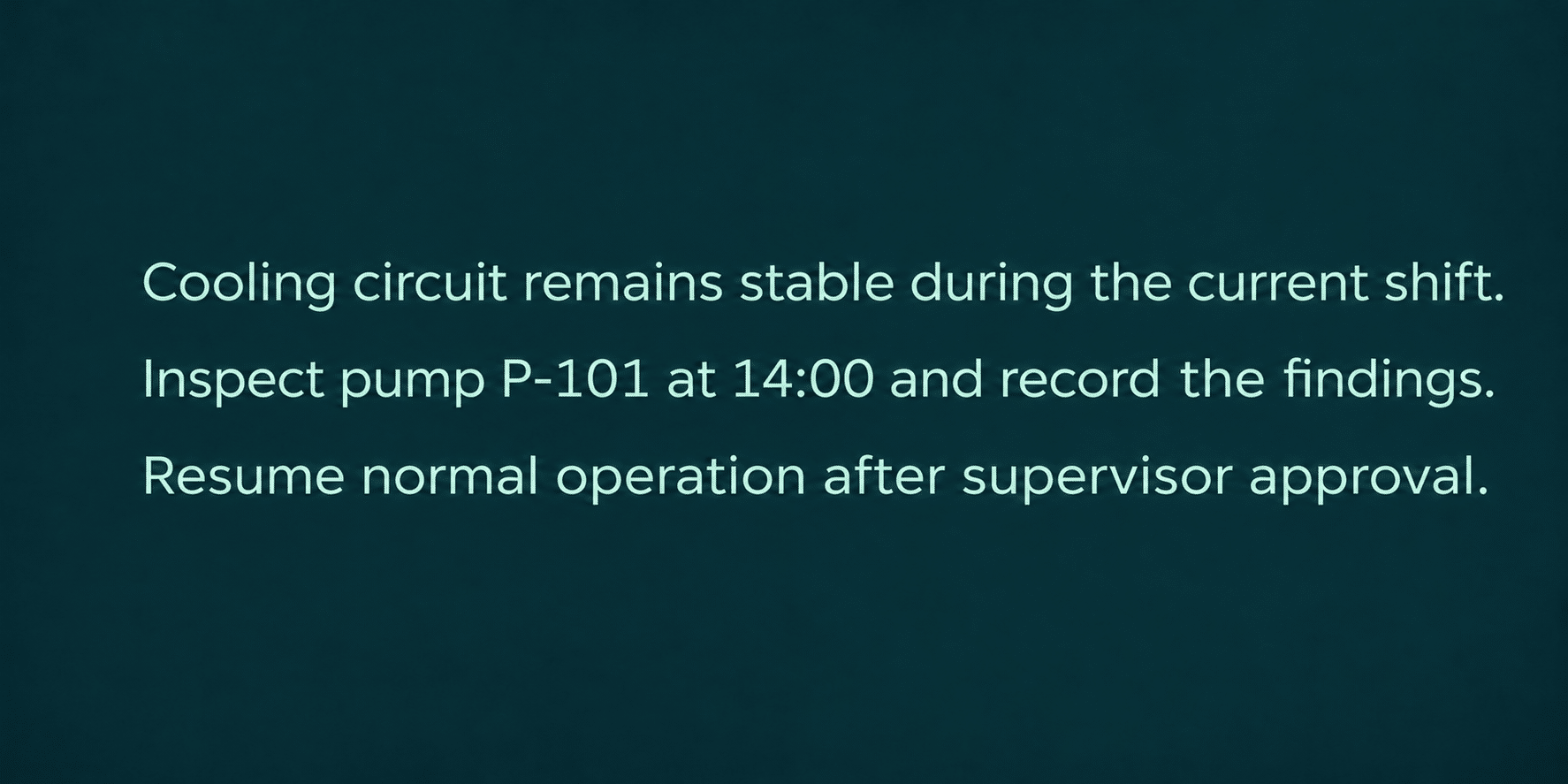
MultiLineText displays longer text content in PI Vision, keeping operational notes and status descriptions alongside measurements.