What it does
Switch time perspectives with less effort
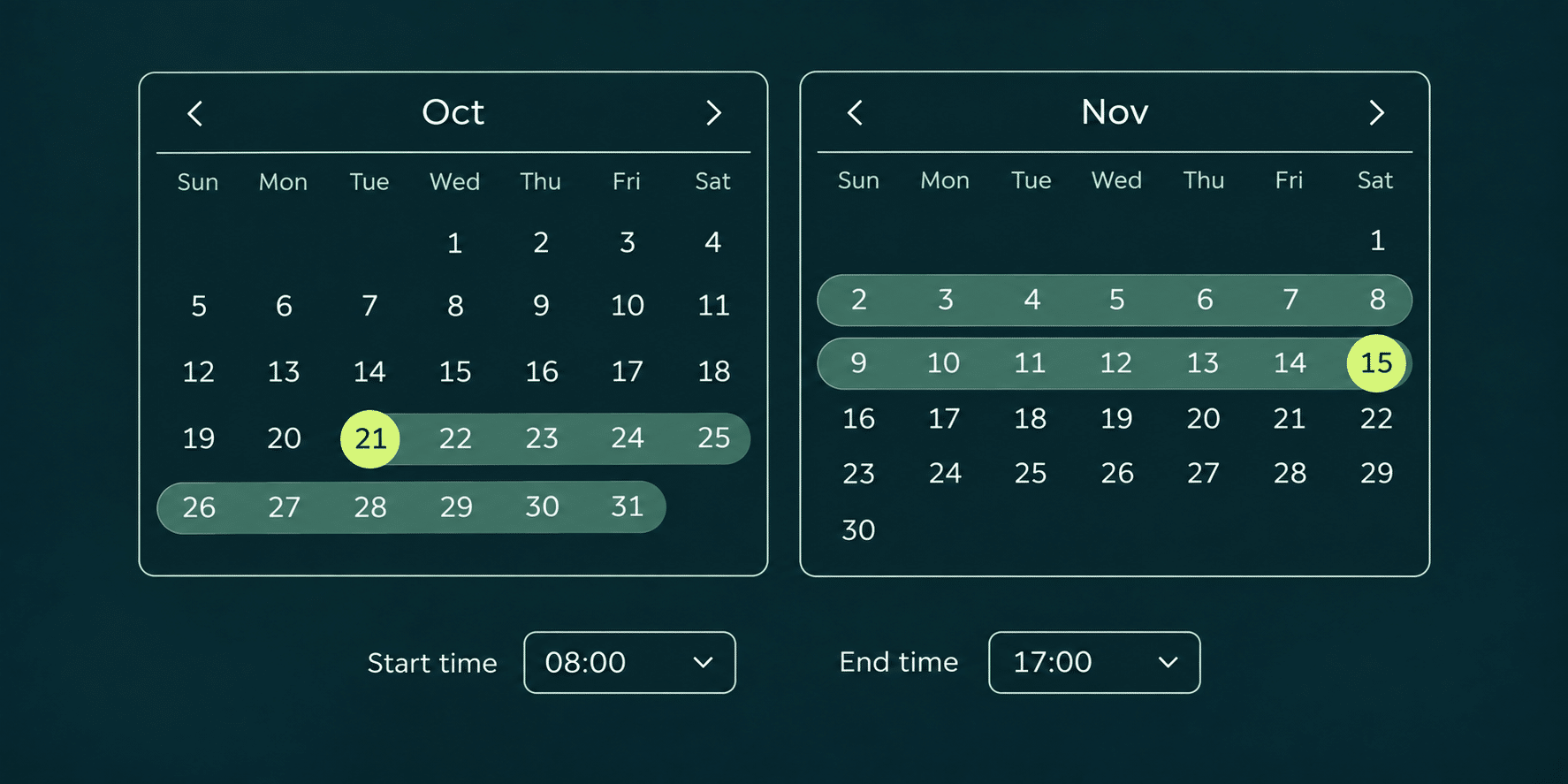
DatePicker provides a consistent way to change the time range in PI Vision using predefined selections. Common review periods can be configured as accessible controls, helping users return to familiar windows without repeatedly entering the same time expressions.
Consistent time selections are especially useful in recurring meetings and shift routines. They reduce repeated setup and make it easier for users to return to the periods that matter, while keeping the dashboard familiar as the time perspective changes.
Why it helps
Repeated manual time selection adds small delays throughout a review and can leave participants looking at different periods. Configured shortcuts make routine navigation easier and help teams maintain a common time context while discussing measurements and comparing performance.
At a glance
Where it can help
Put it to work.
Illustrative use cases to help you explore the possibilities.
Shift handovers
Operators switch between configured shift and day review windows while discussing production and interruptions. The same time selections help participants stay aligned on the period under review and reduce repeated manual entry during the handover.
Energy reporting
Analysts move between monthly and quarterly windows during a performance meeting. The shortcuts keep the discussion moving while providing a consistent basis for reviewing the measurements and charts already configured in the display.
Manufacturing reviews
Supervisors use configured time selections to inspect routine production periods. A familiar control helps the team compare current and earlier windows without repeatedly entering time expressions as the discussion moves between views.
Ask Amitec about compatibility, configuration and any integration requirements for your environment.
Keep exploring
Related capabilities.
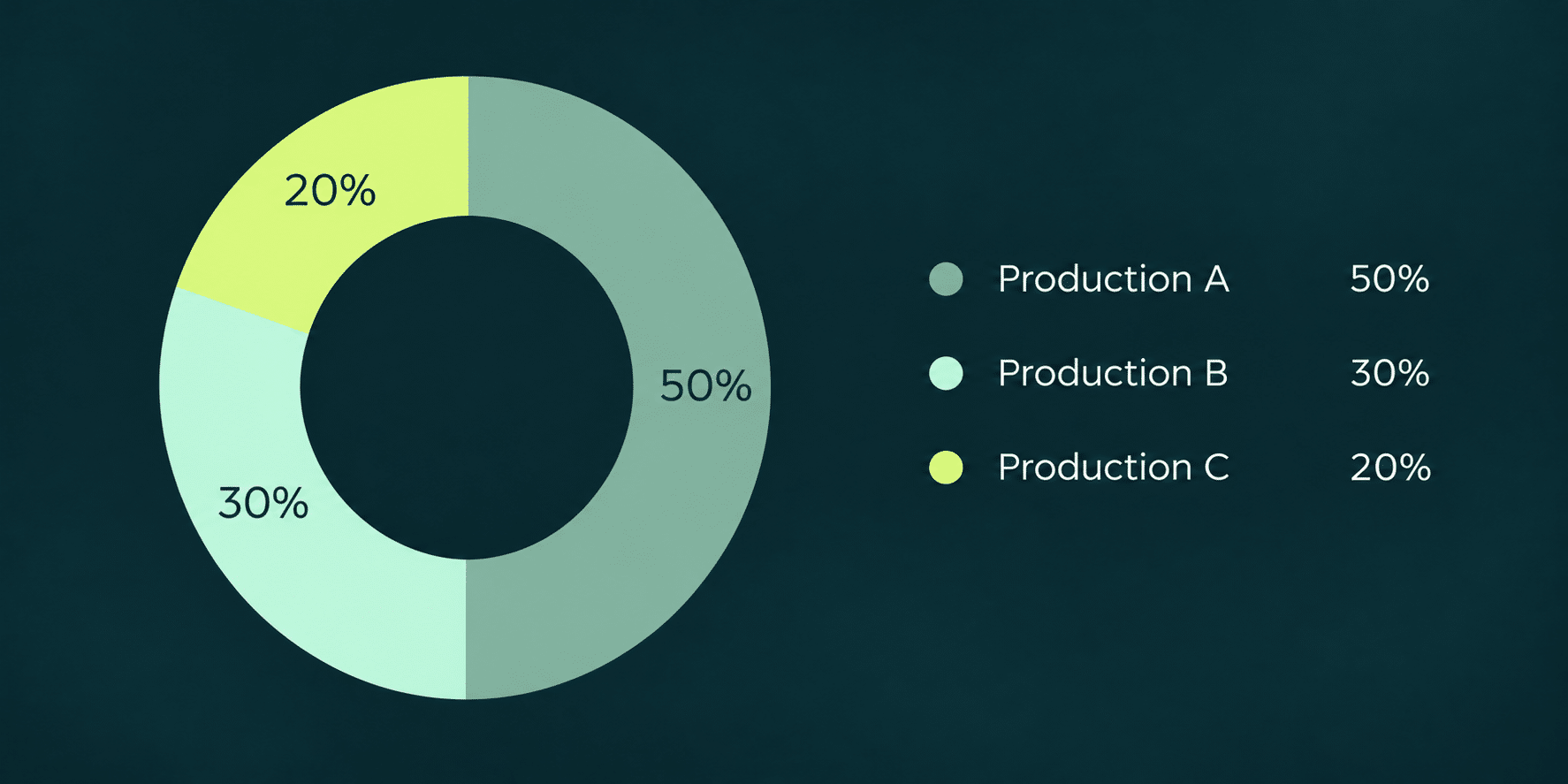
Doughnut Chart shows how individual values contribute to a total in a compact circular view.
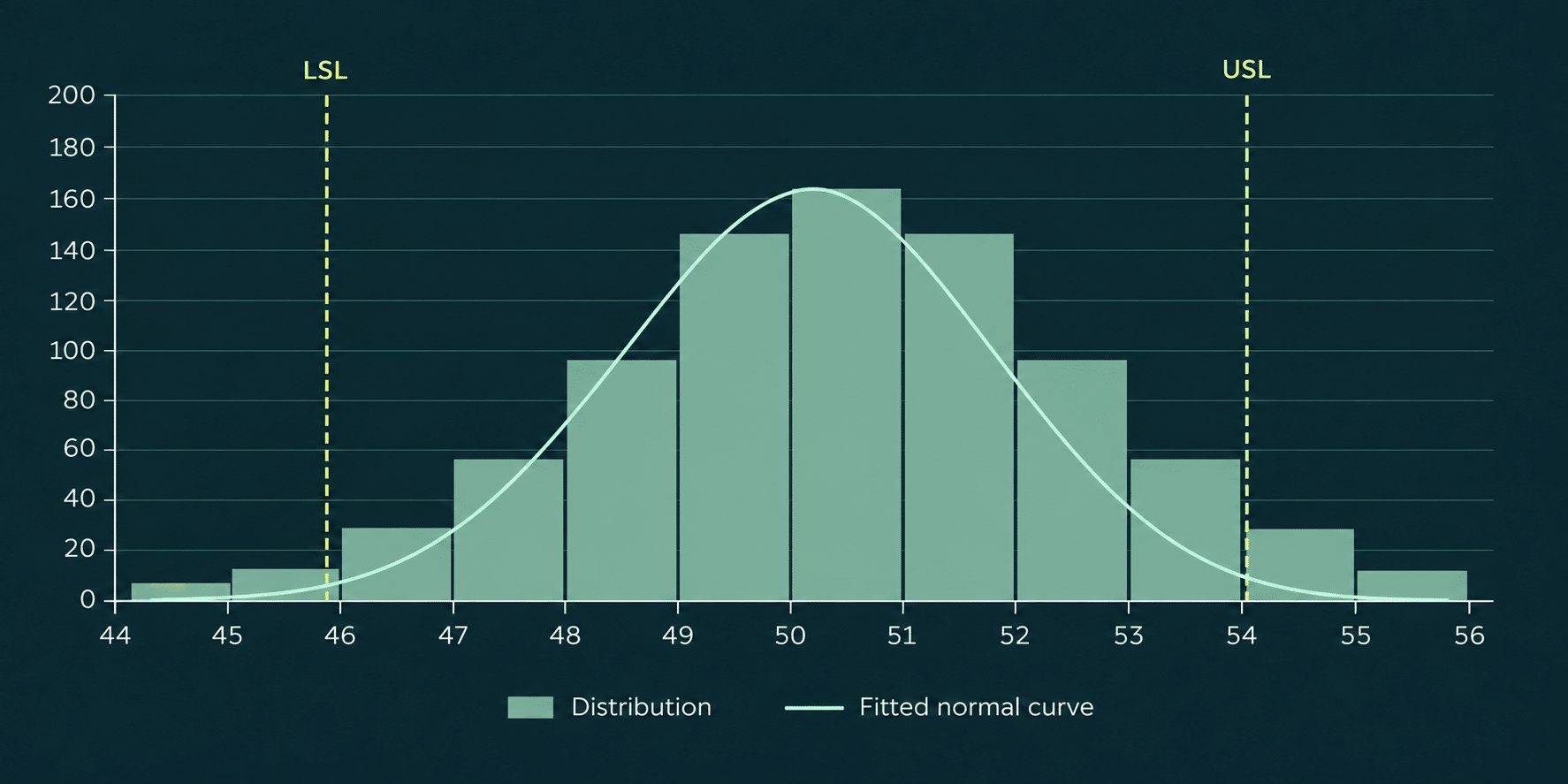
SPC Histogram groups historical measurements into value ranges, helping teams review distribution, spread, and unusual results.